

Patterns
Make the next design choice.
Choose a design question, compare the approaches and try a working example. Each pattern connects practical decisions with Christian reflection and relevant research.
New to the patterns? Read the introduction, or start from a screen in a real app.
By area
Options side by side, with the research
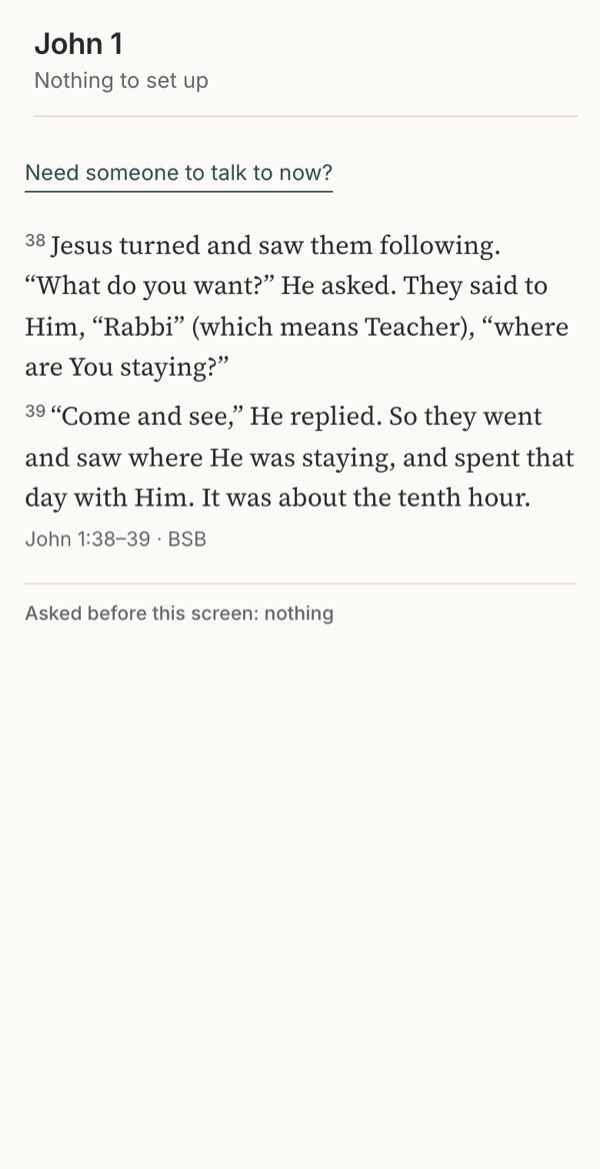
Reading the Bible
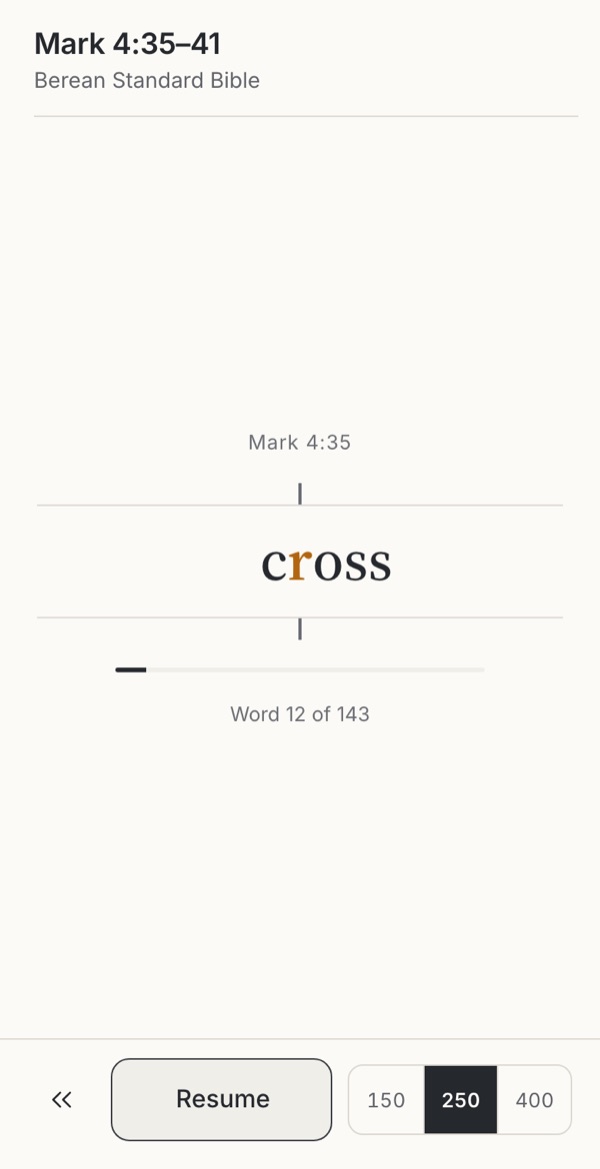
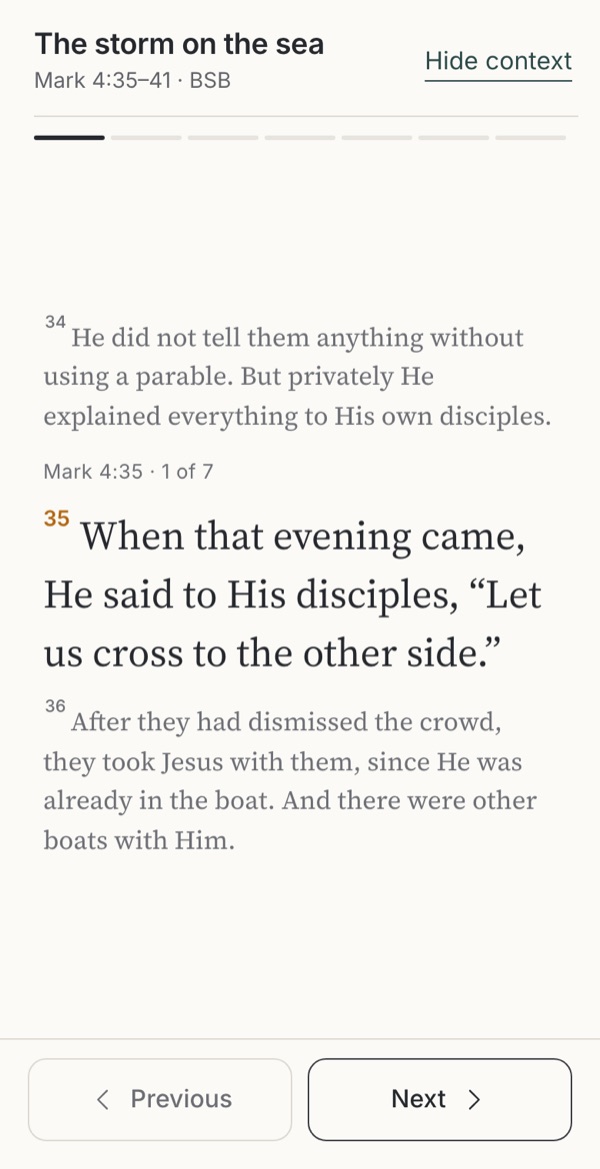
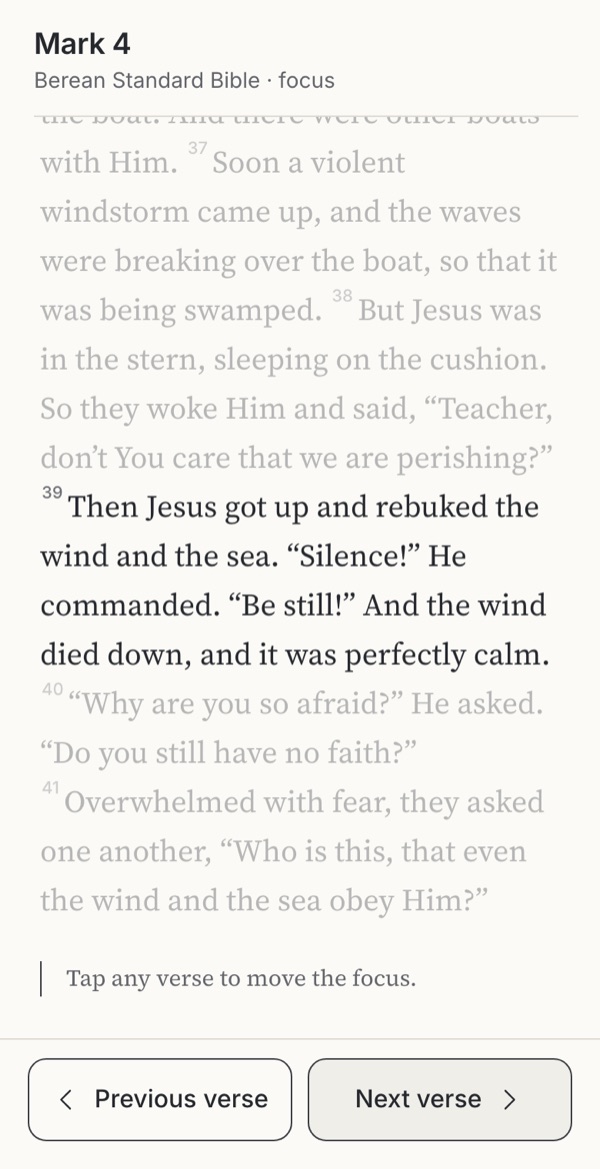
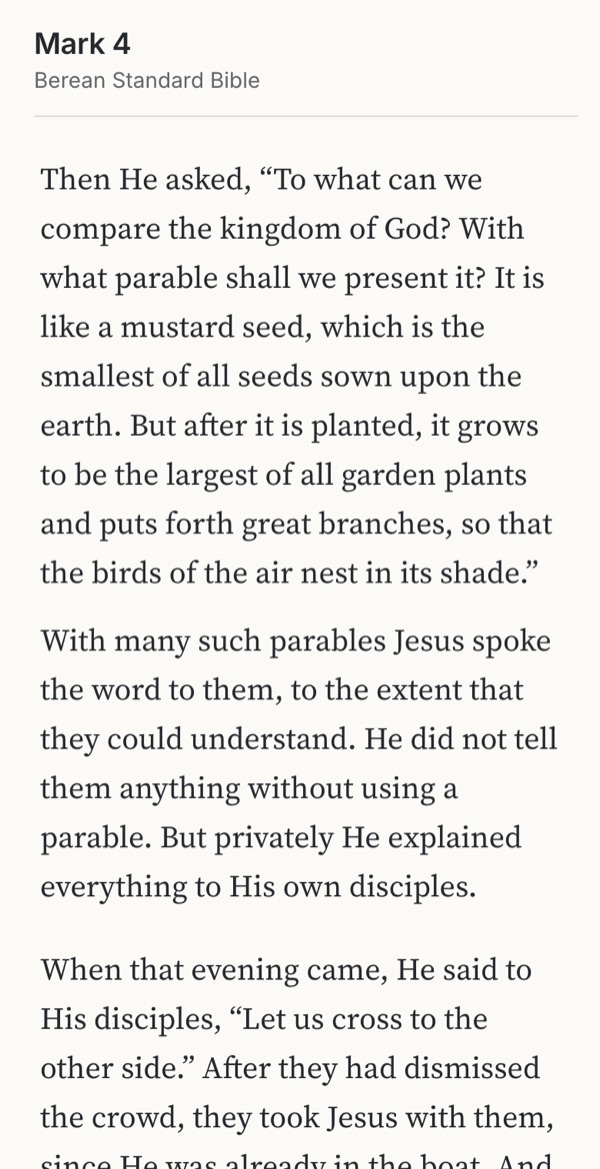
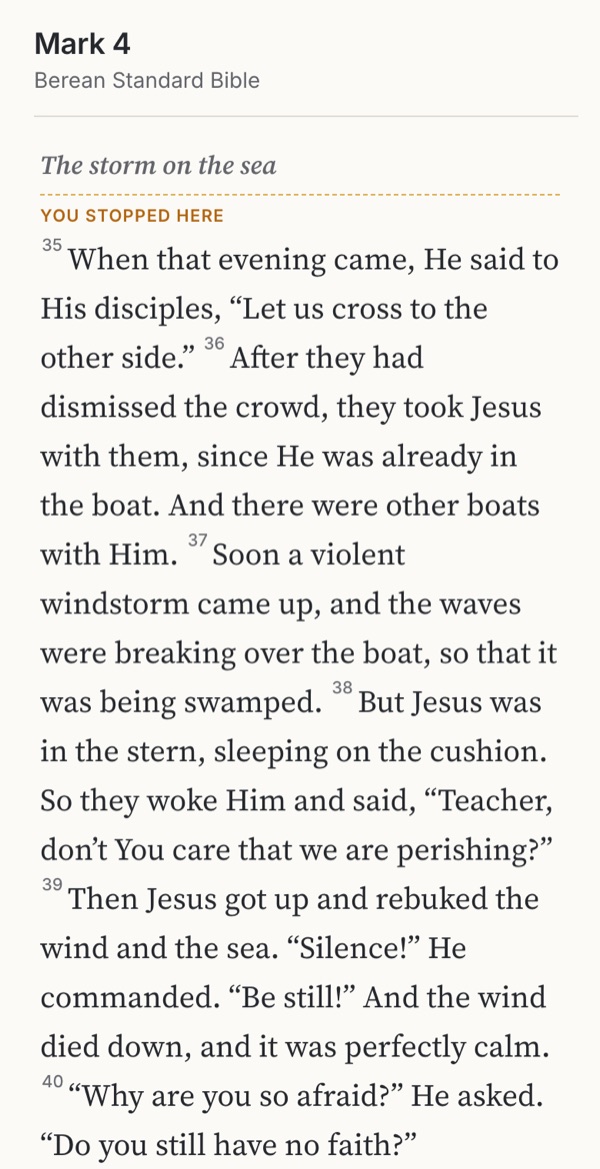
How much text to show, which translation, how to find a passage and what surrounds it.
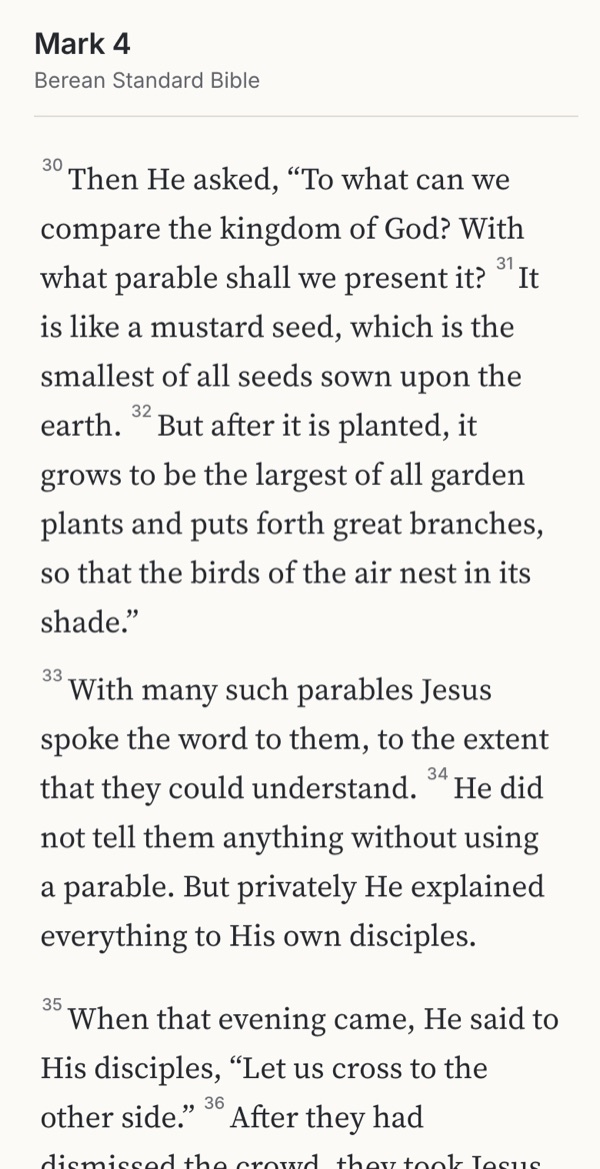
- How much text at onceOne word, a verse, a passage or a whole chapter?BorrowedObservedFamiliar convention
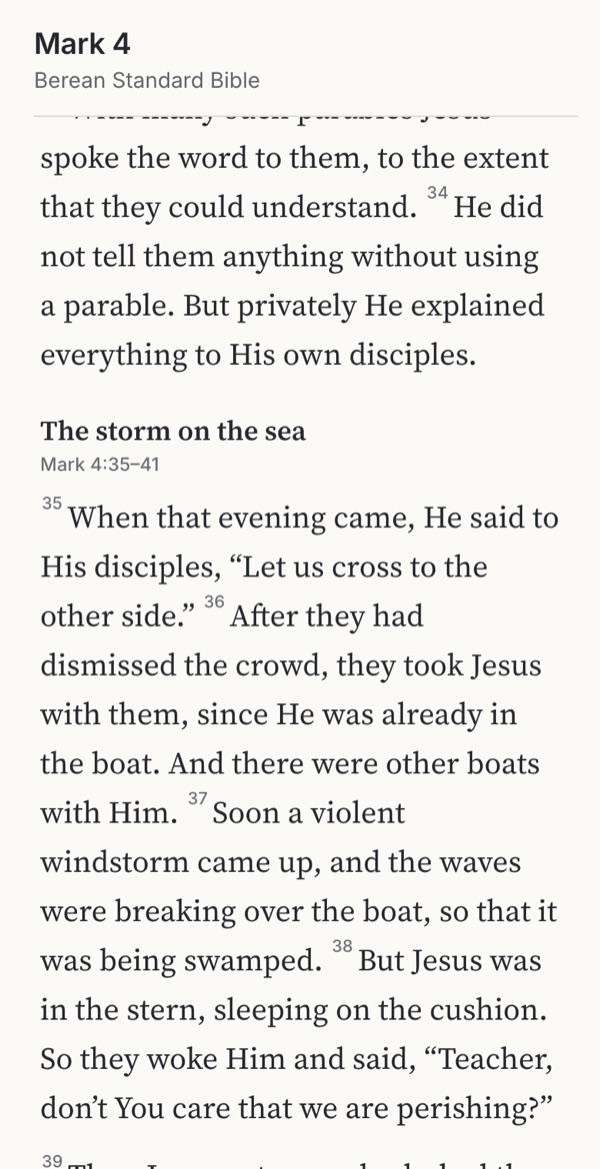
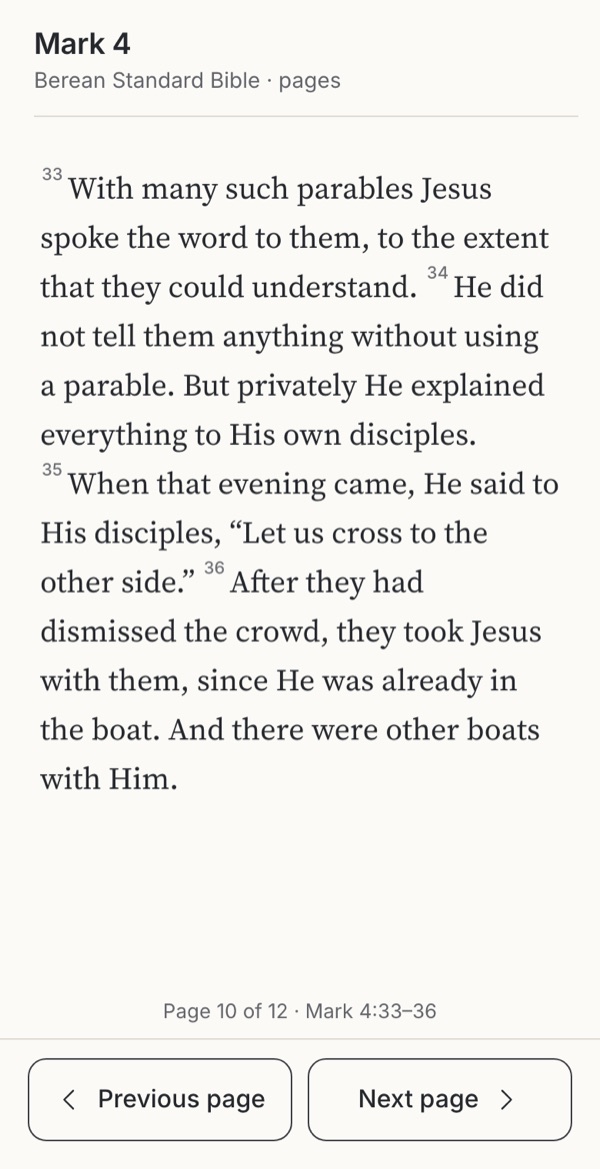
- Numbers, headings and notesHow much should surround the text?Familiar conventionObserved
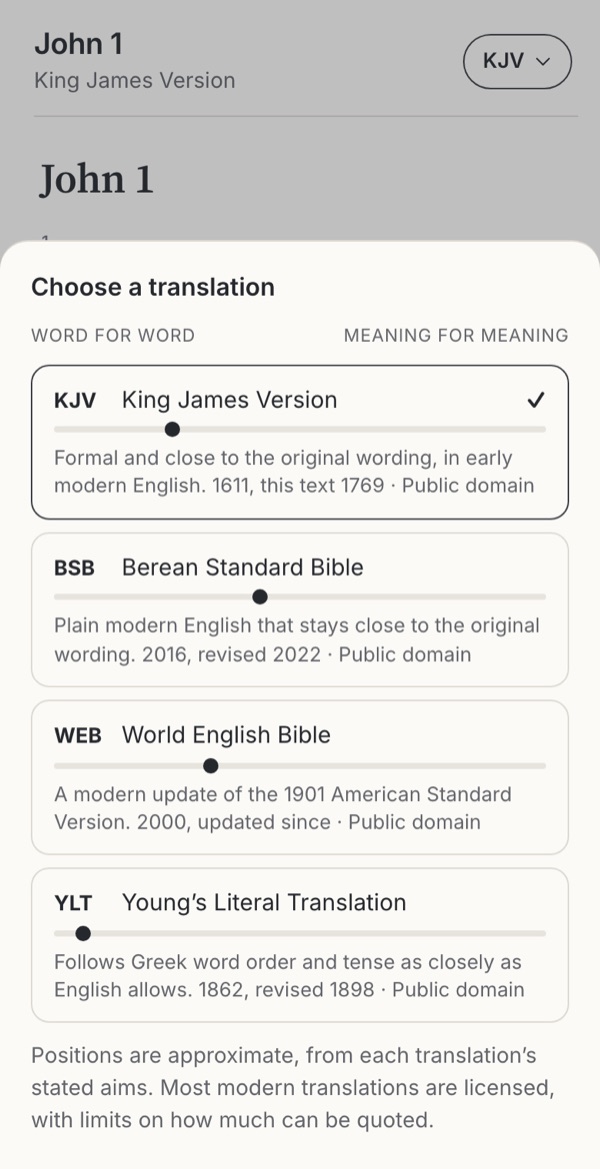
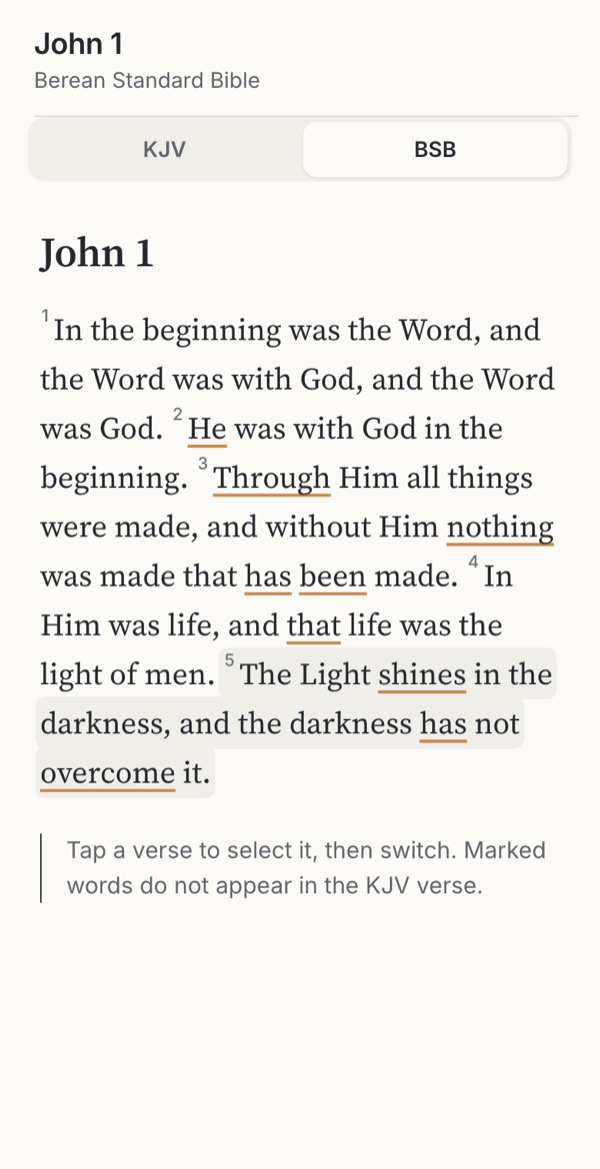
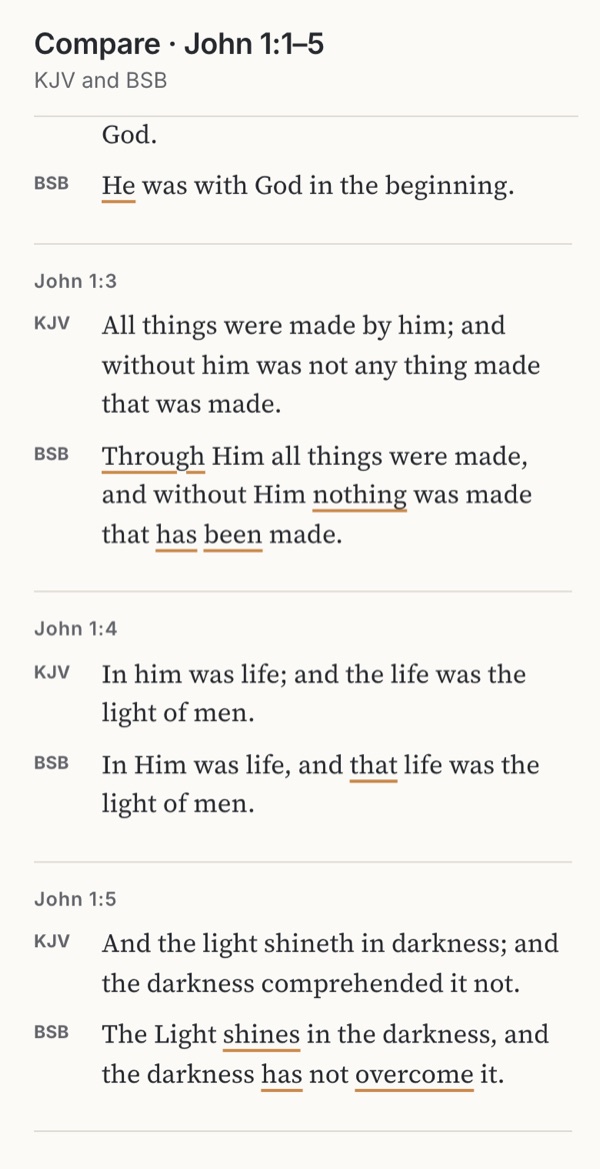
- TranslationsOne at a time, side by side or verse by verse?ObservedFamiliar convention
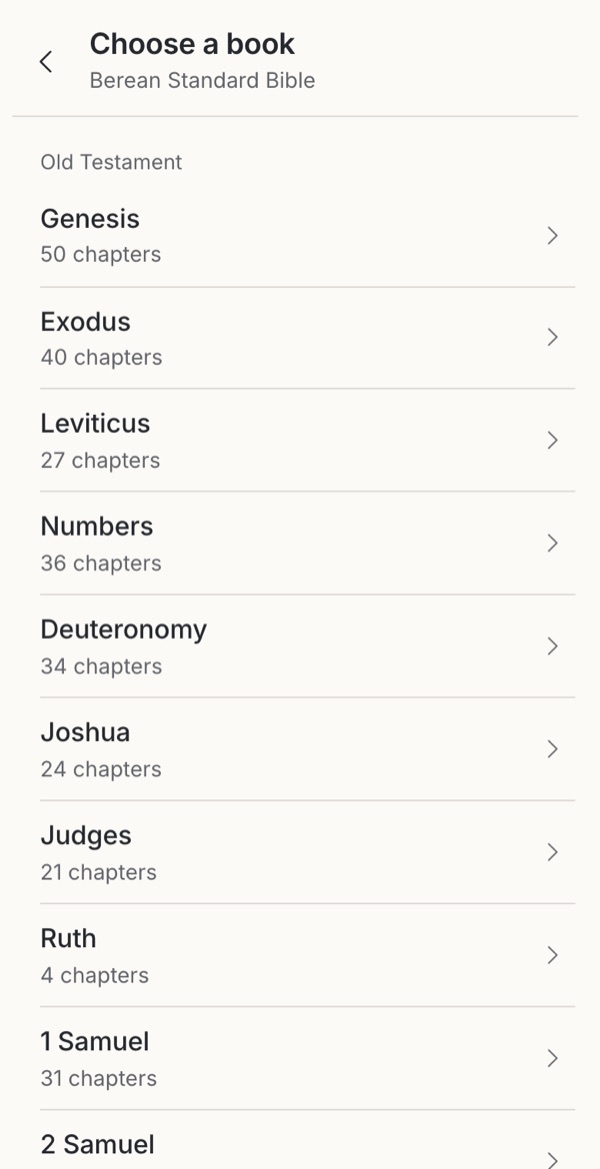
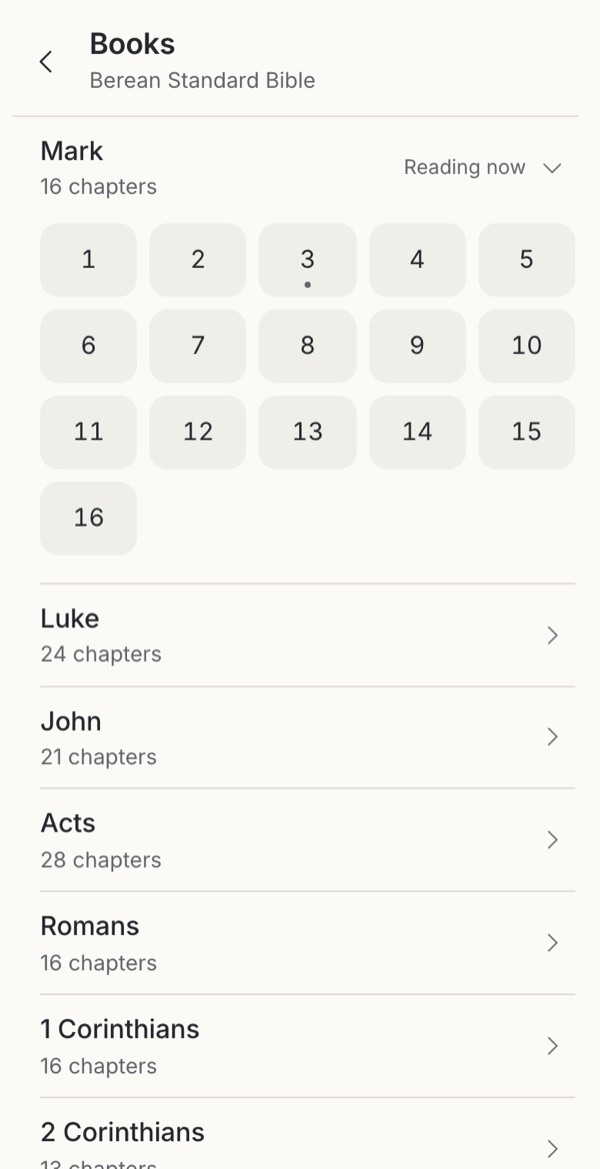
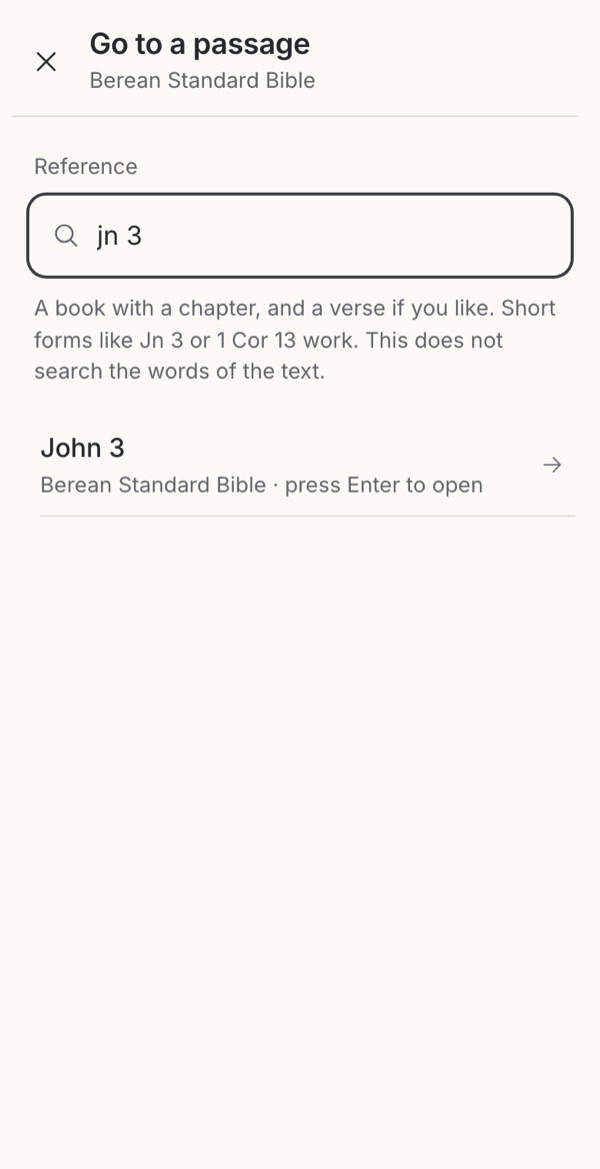
- Finding a passageBrowse, type a reference, or start from a need?Familiar conventionObservedBorrowedLeave it out
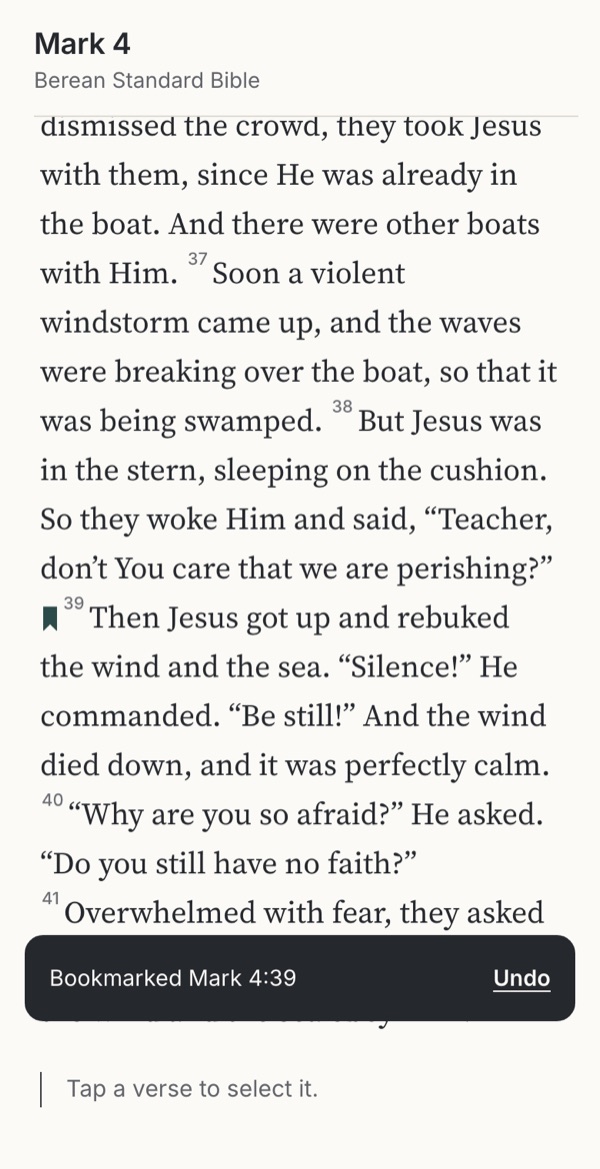
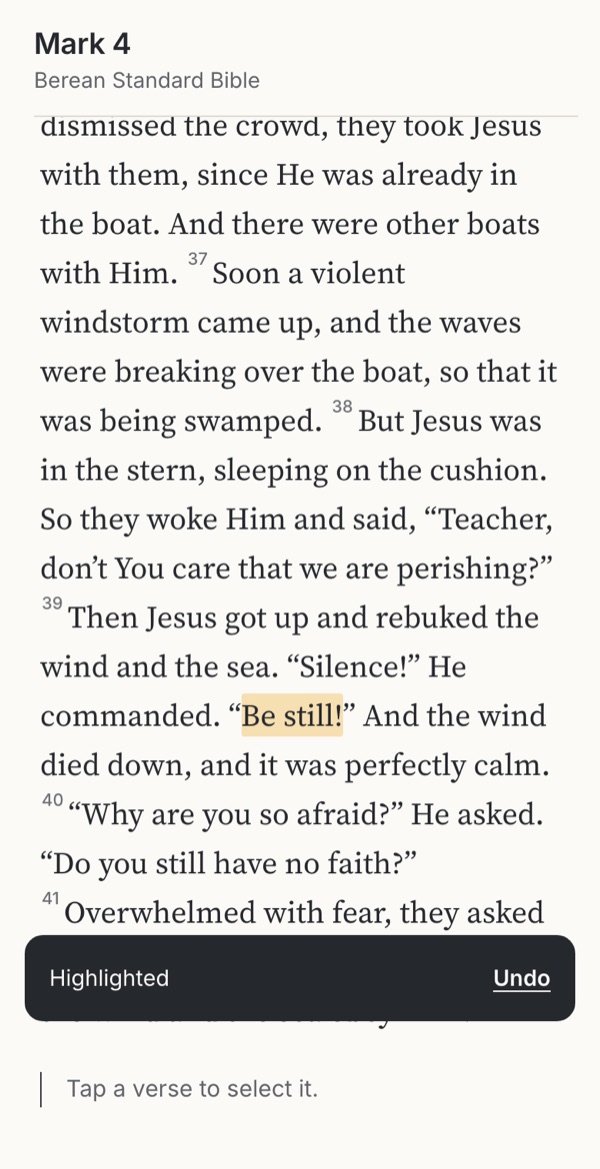
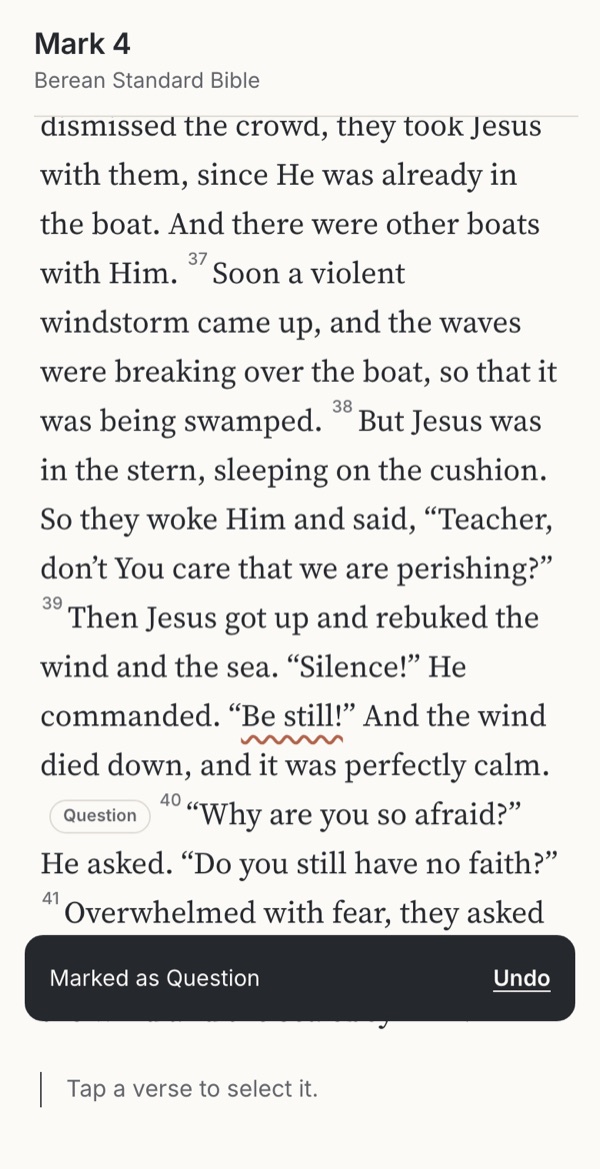
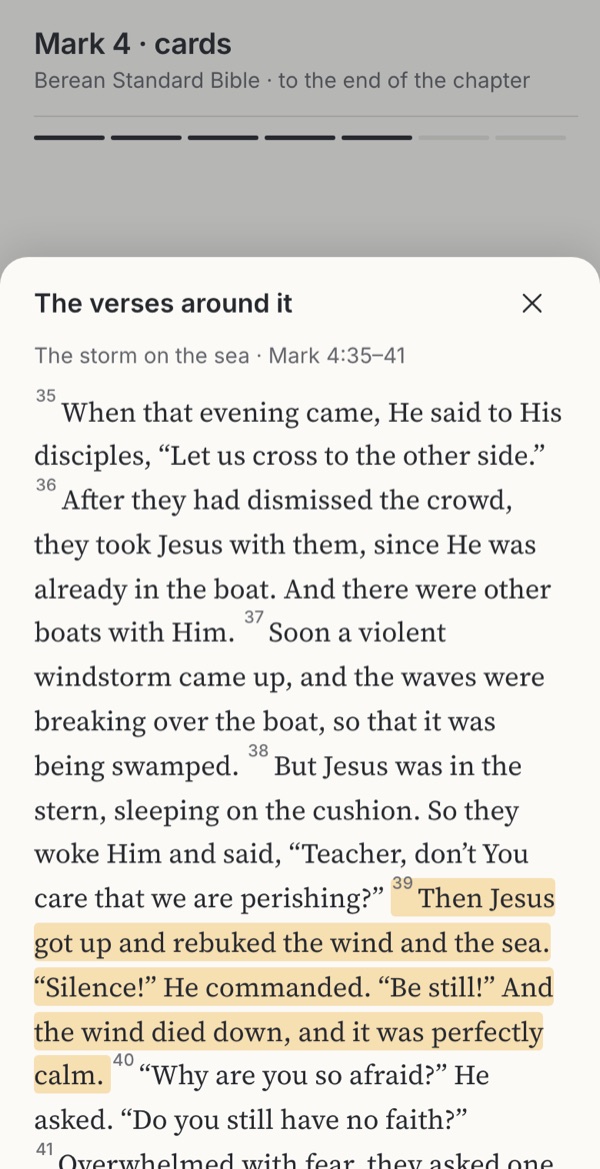
- Highlights and notesHow should readers mark a passage?Familiar conventionObserved
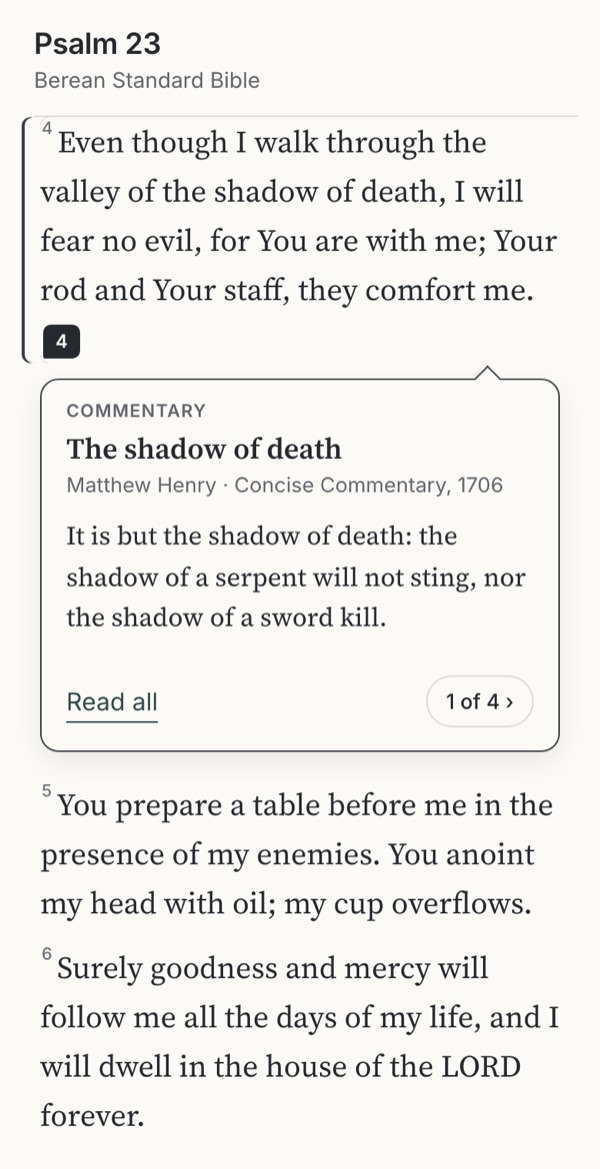
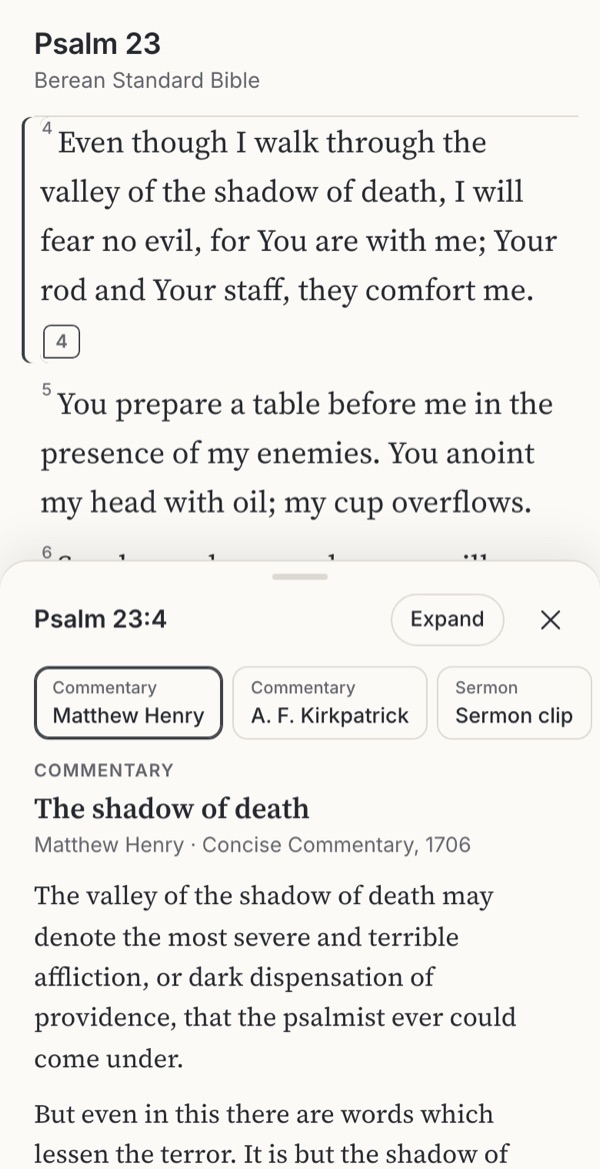
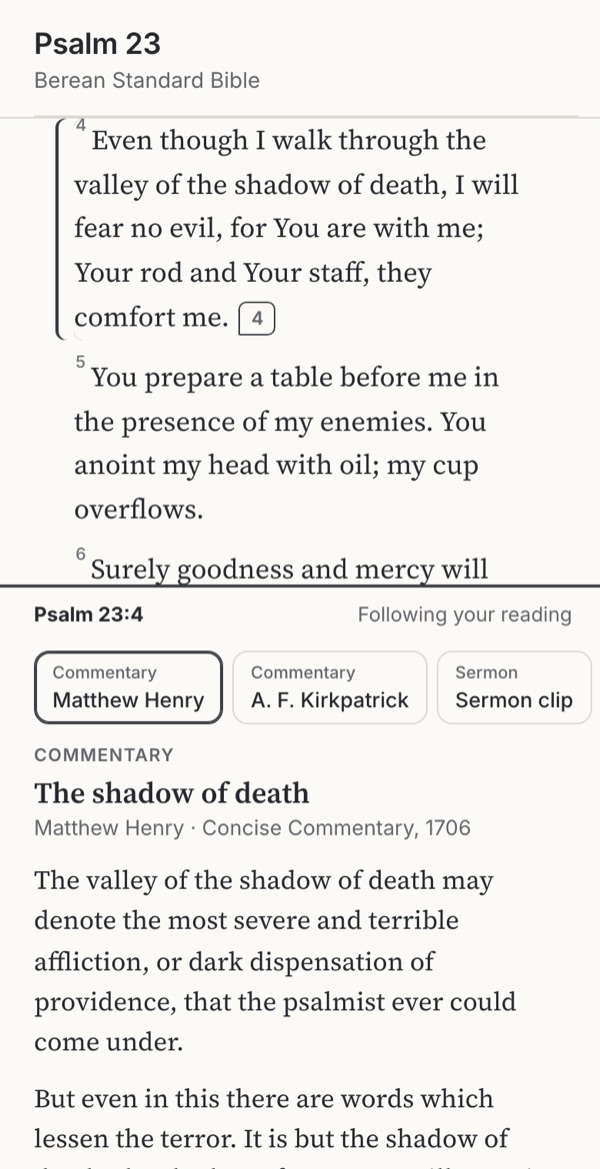
- Study helpsWhere should commentary and notes open?ObservedFamiliar convention
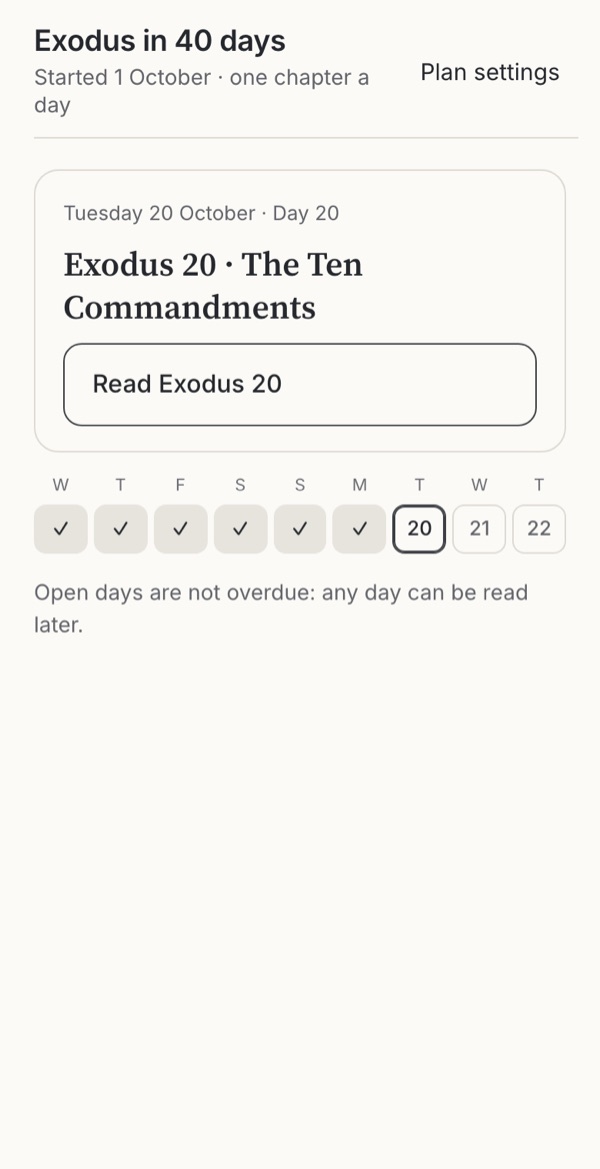
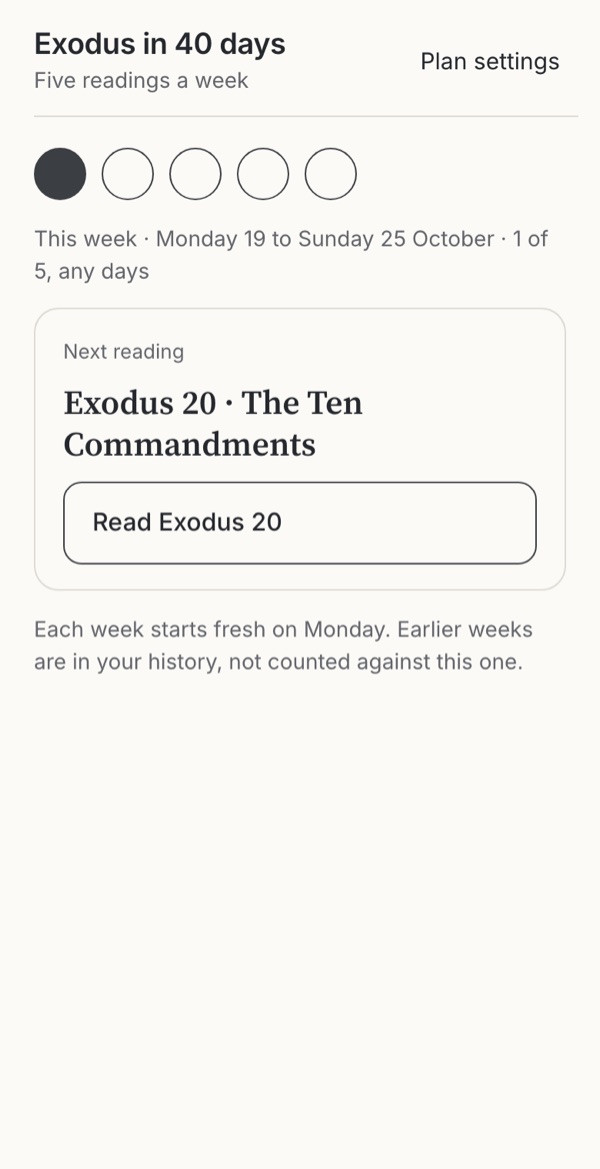
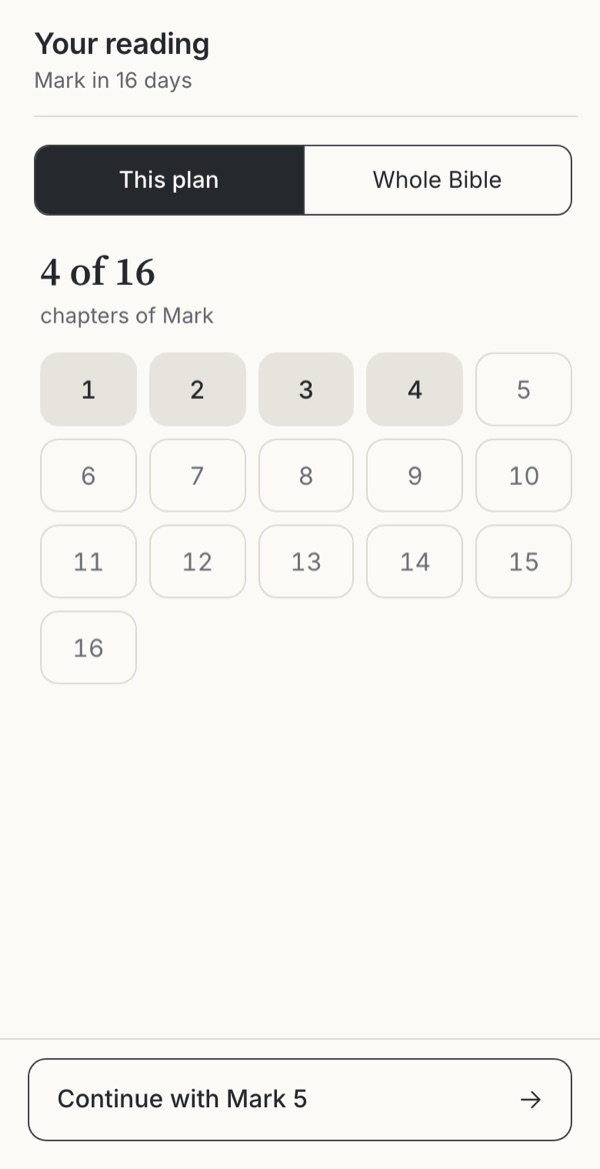
- Reading plansWhat happens when someone misses days?ObservedFamiliar convention
- Feeds, cards and storiesHow should a reader move from one verse to the next?Familiar conventionObservedWarning case
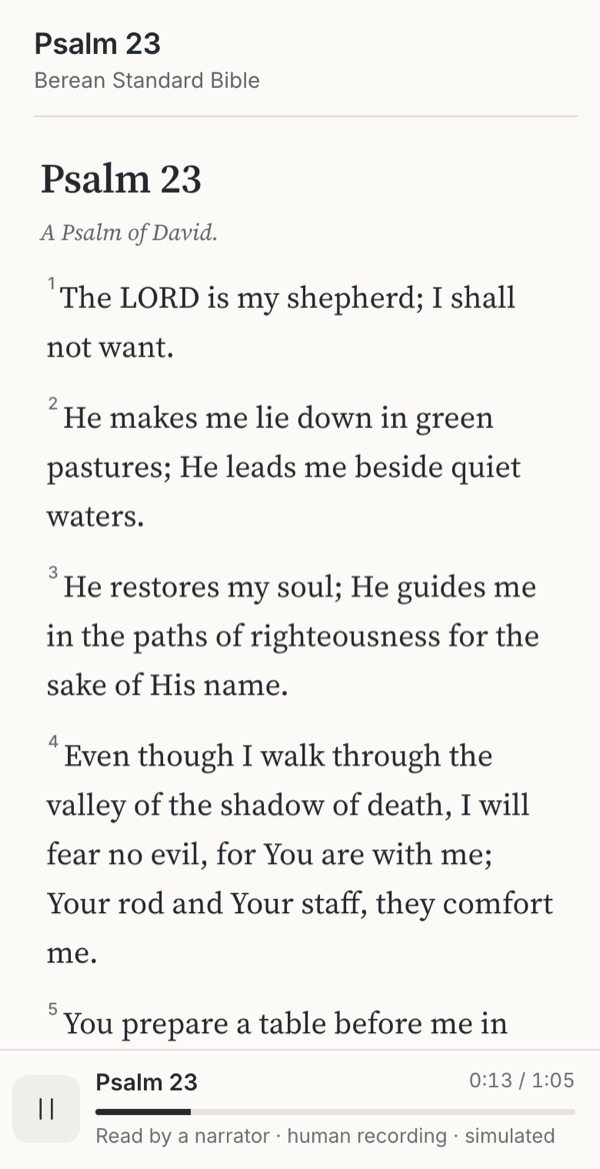
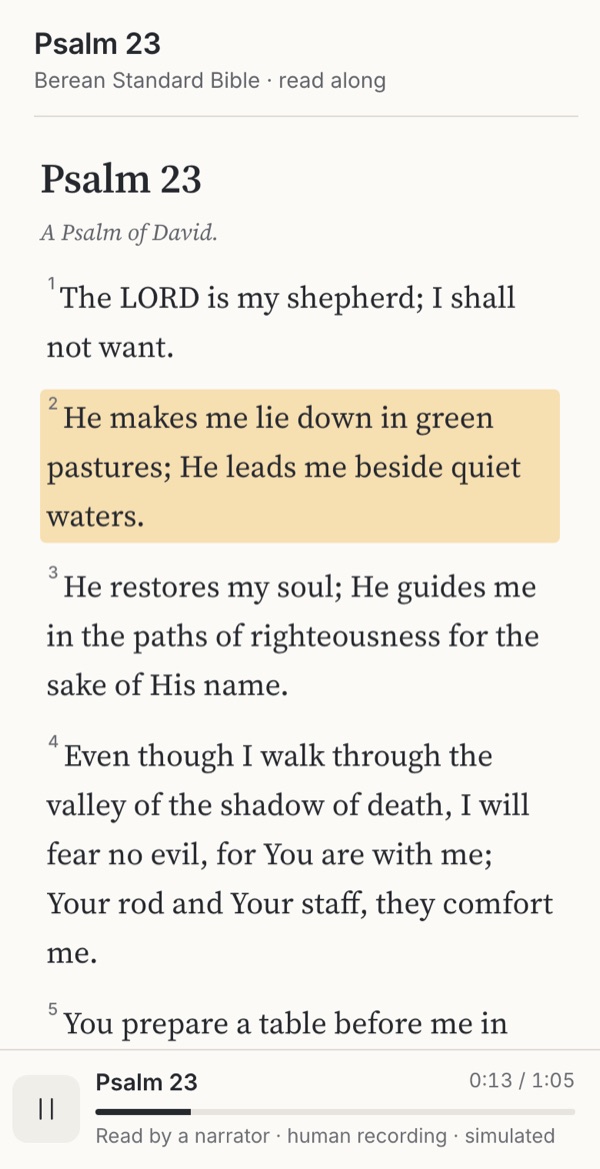
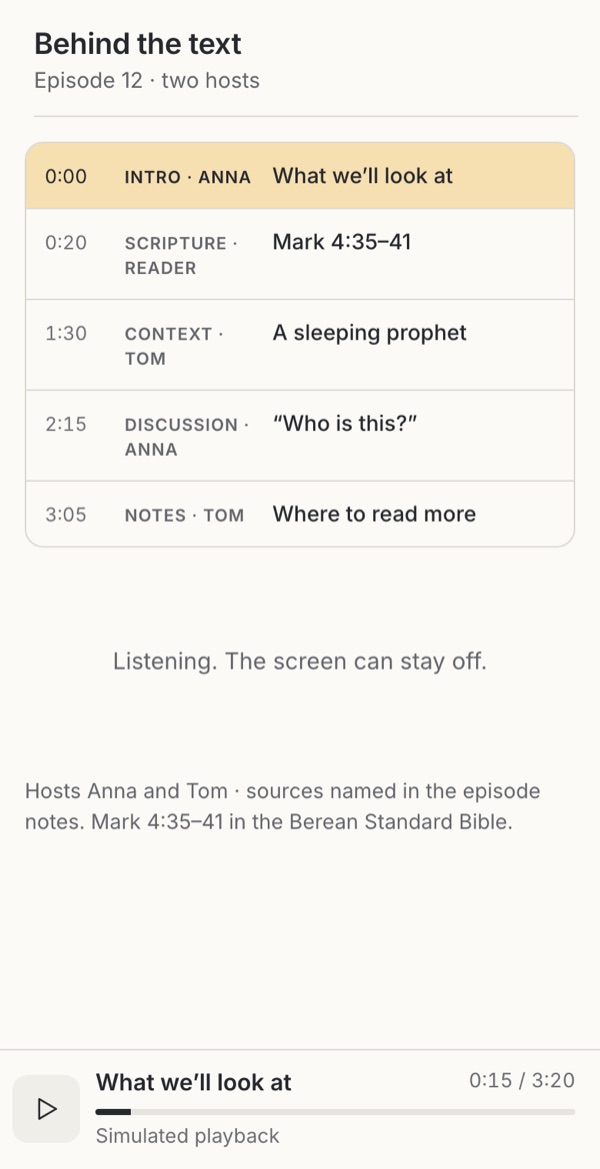
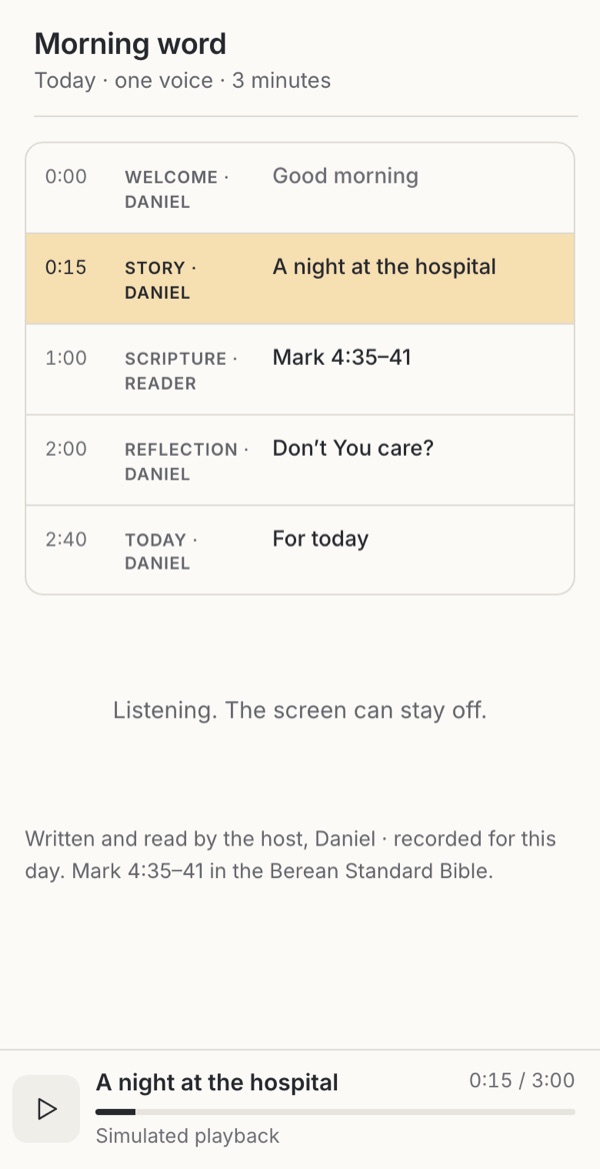
- Bible audioHow should Scripture be heard: as text, voice or read-along?Leave it outFamiliar conventionObserved


Prayer and practice
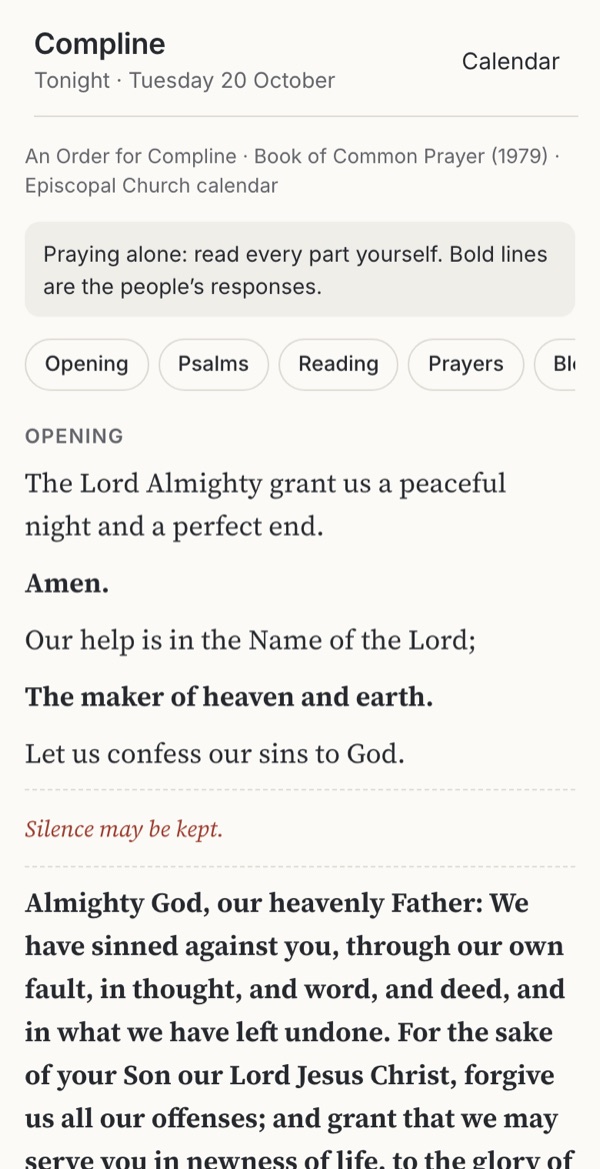
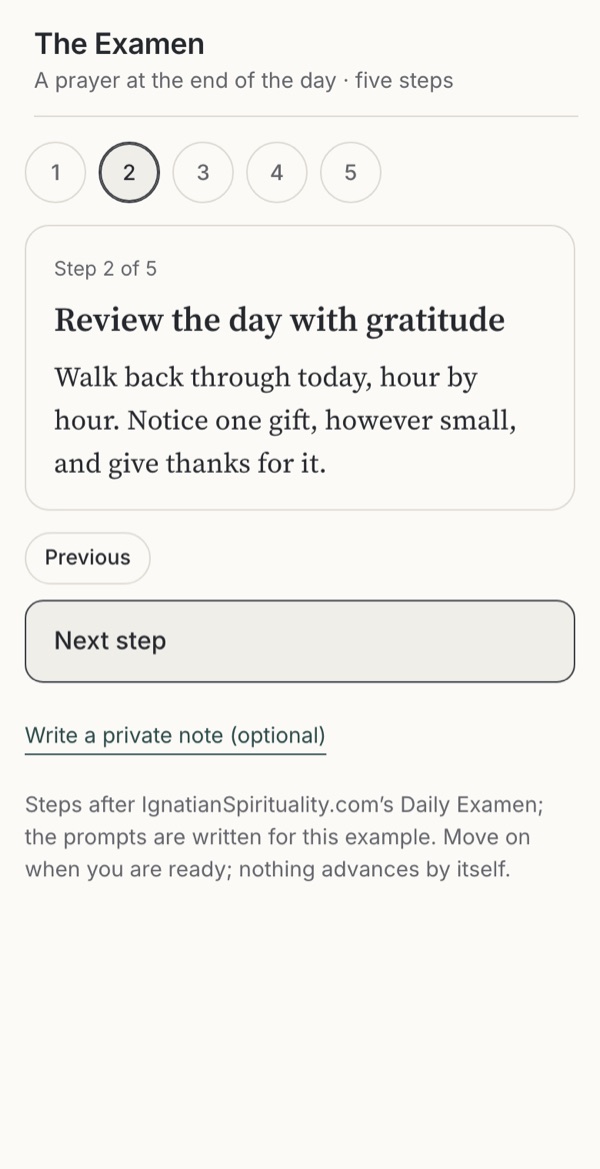
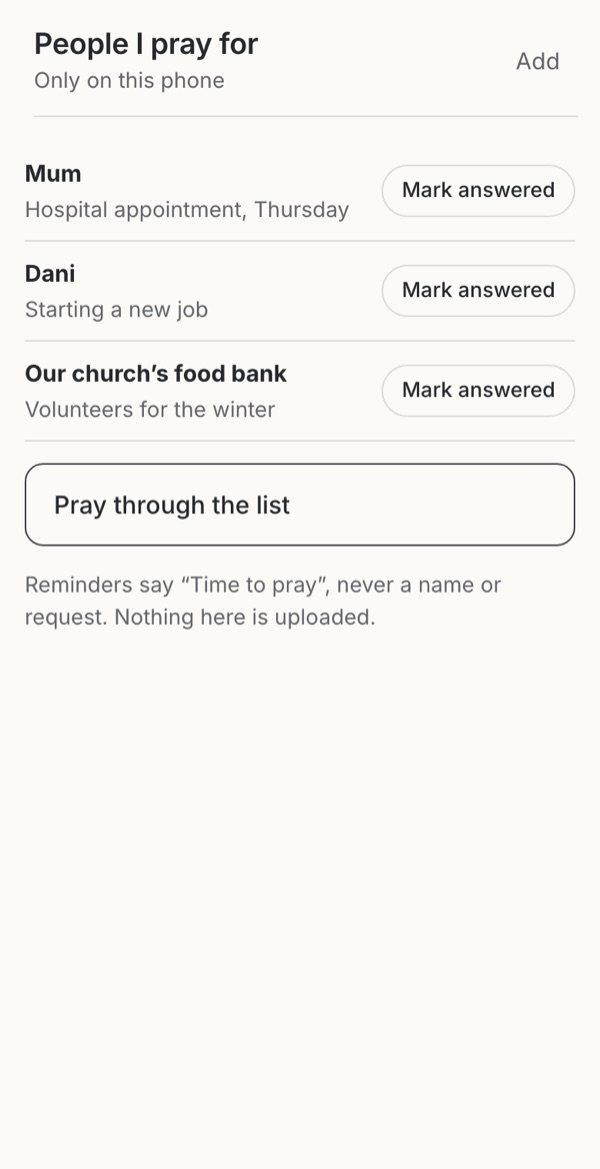
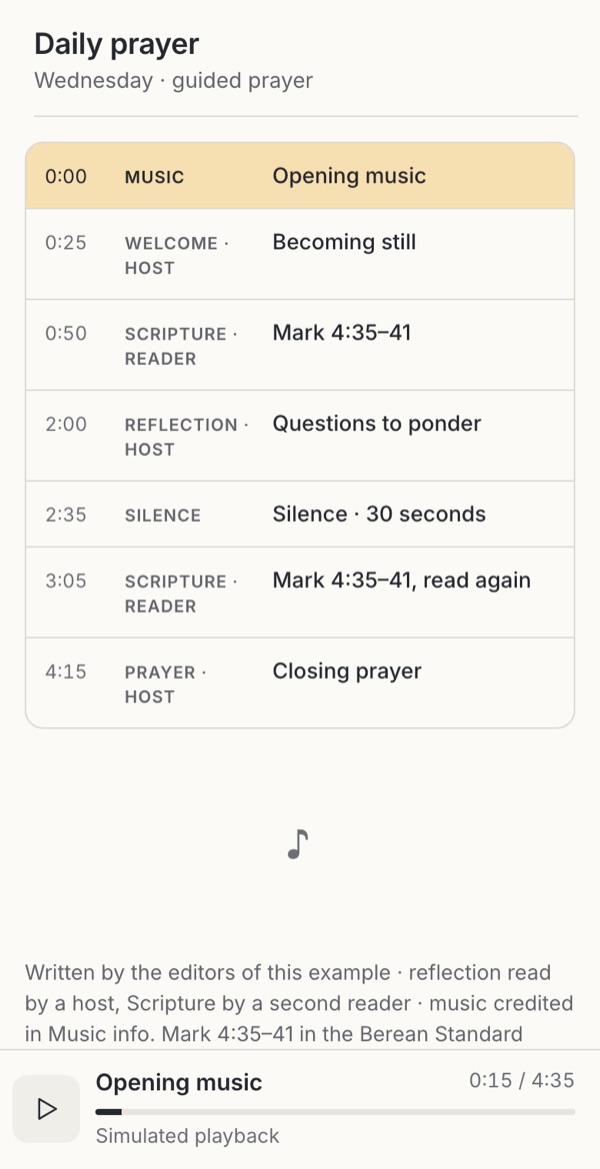
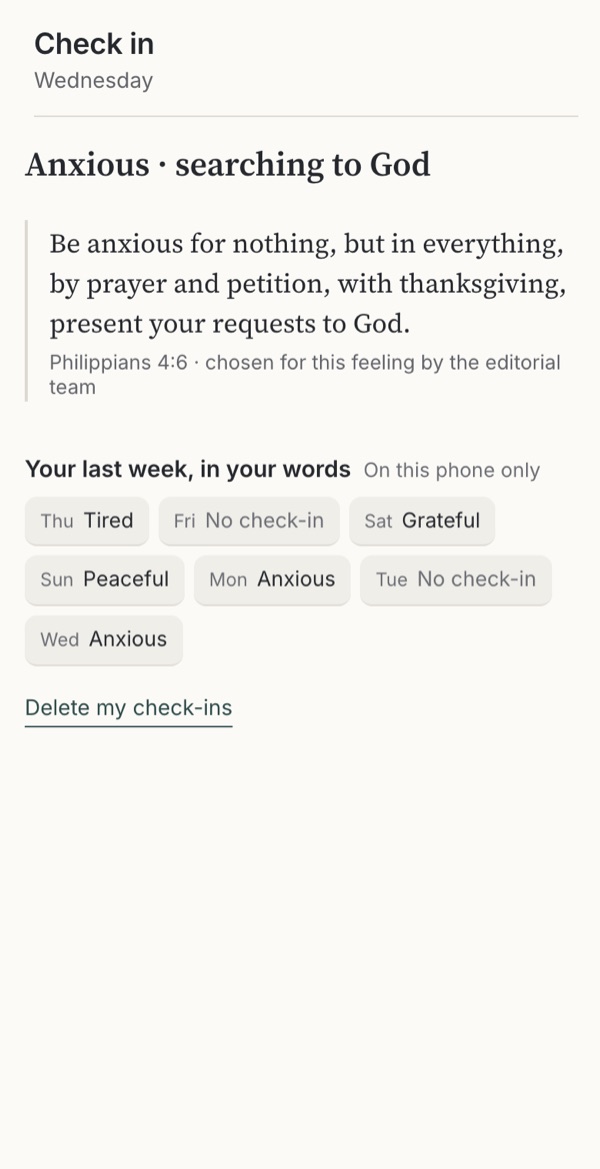
Making room for prayer, guided audio and honest check-ins.
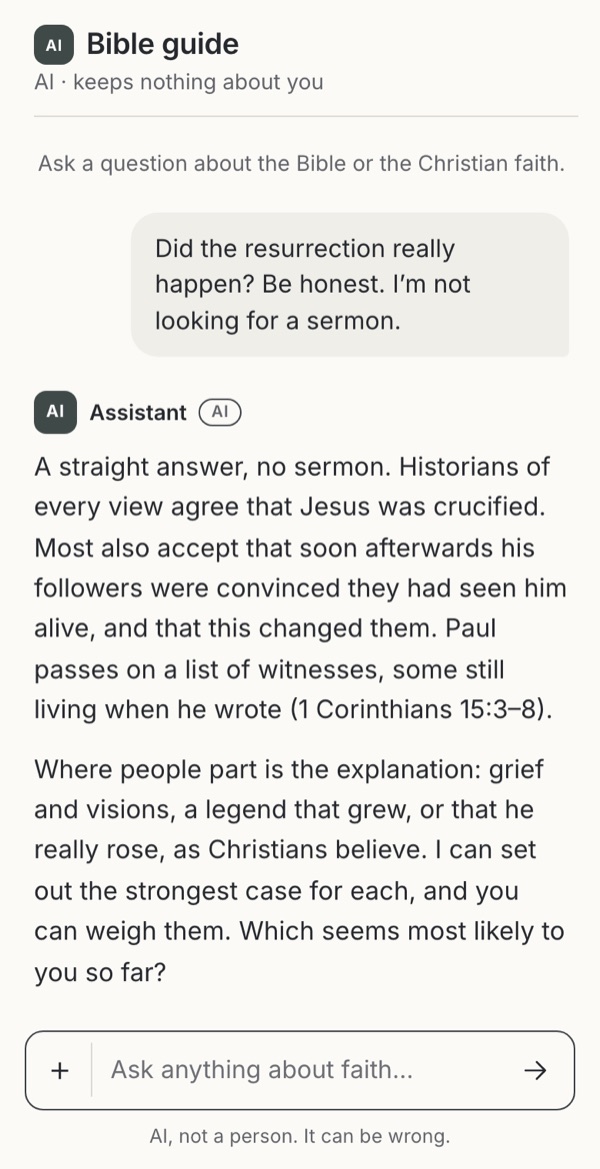
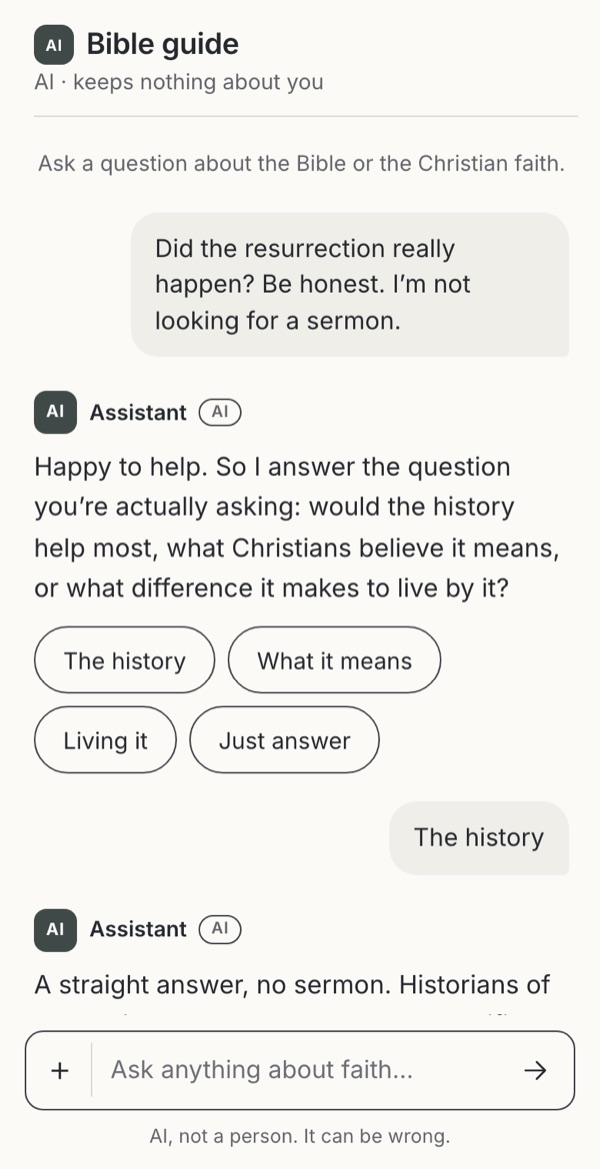
Talking with AI
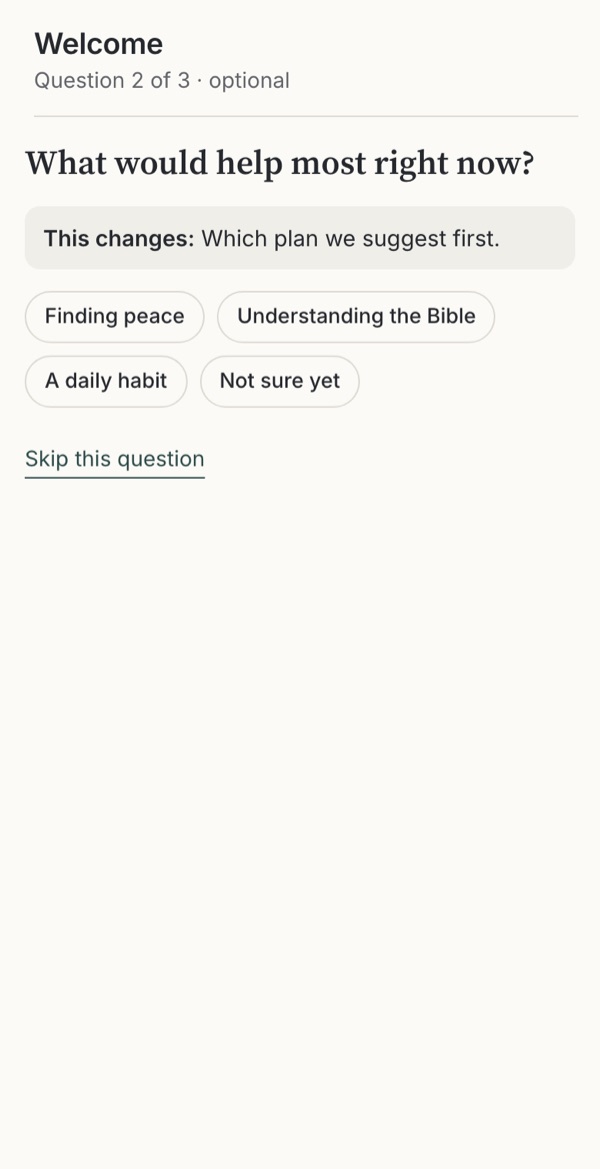
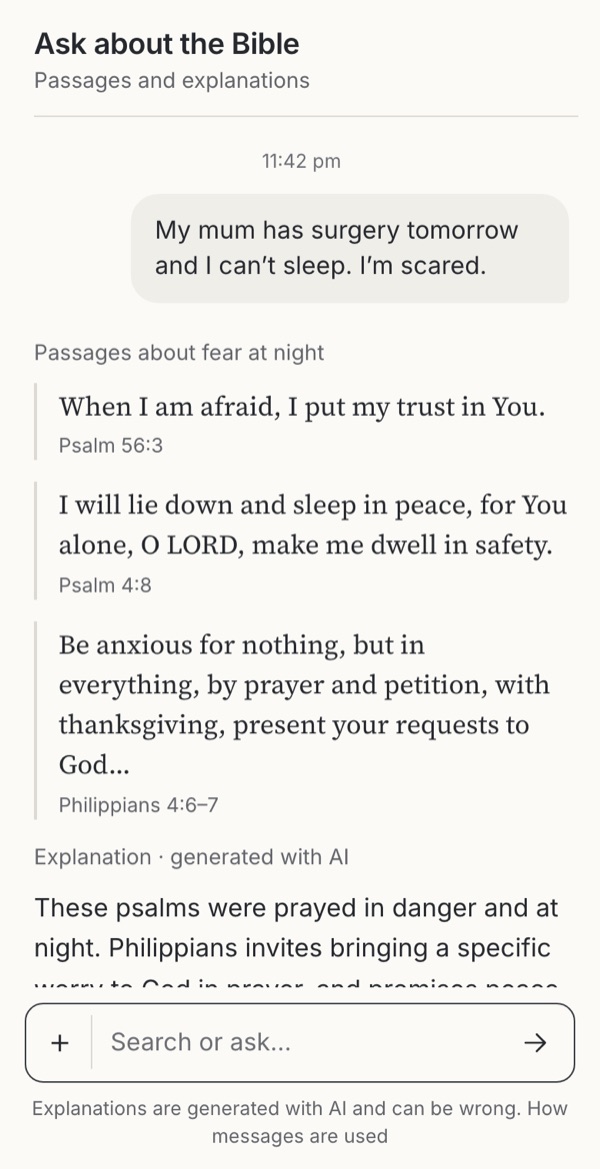
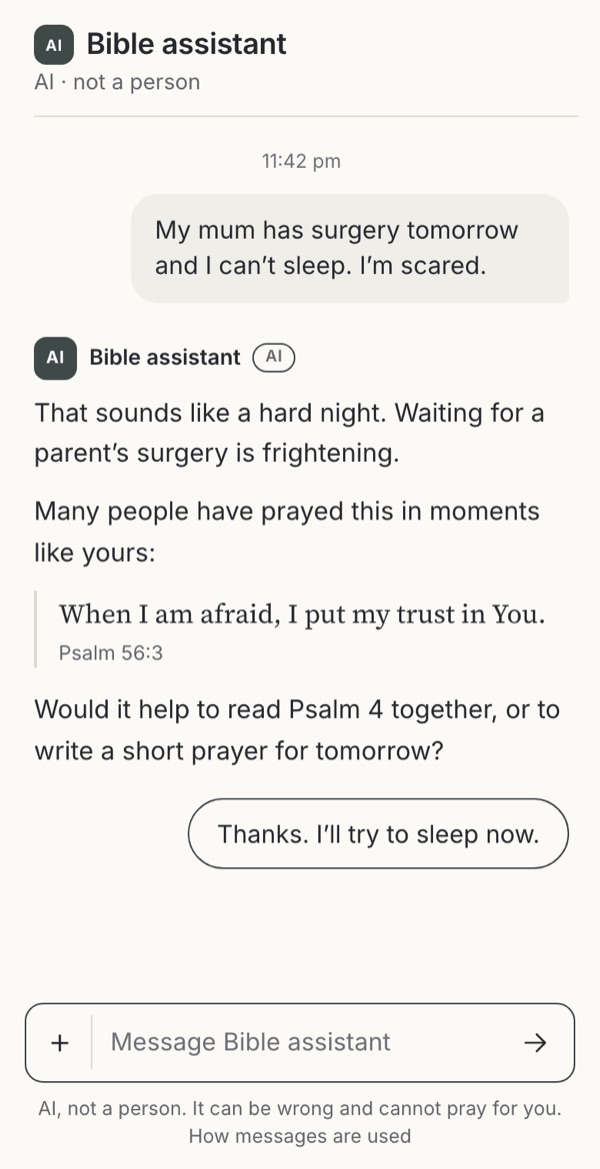
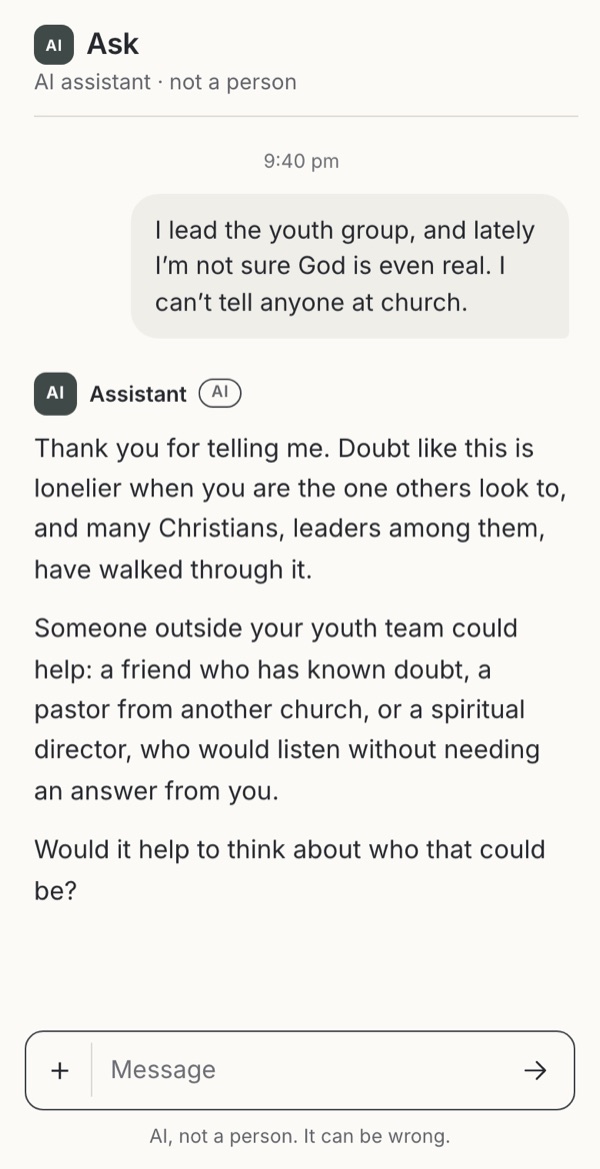
Who the assistant is, what it says and keeps, and when it hands over to people.
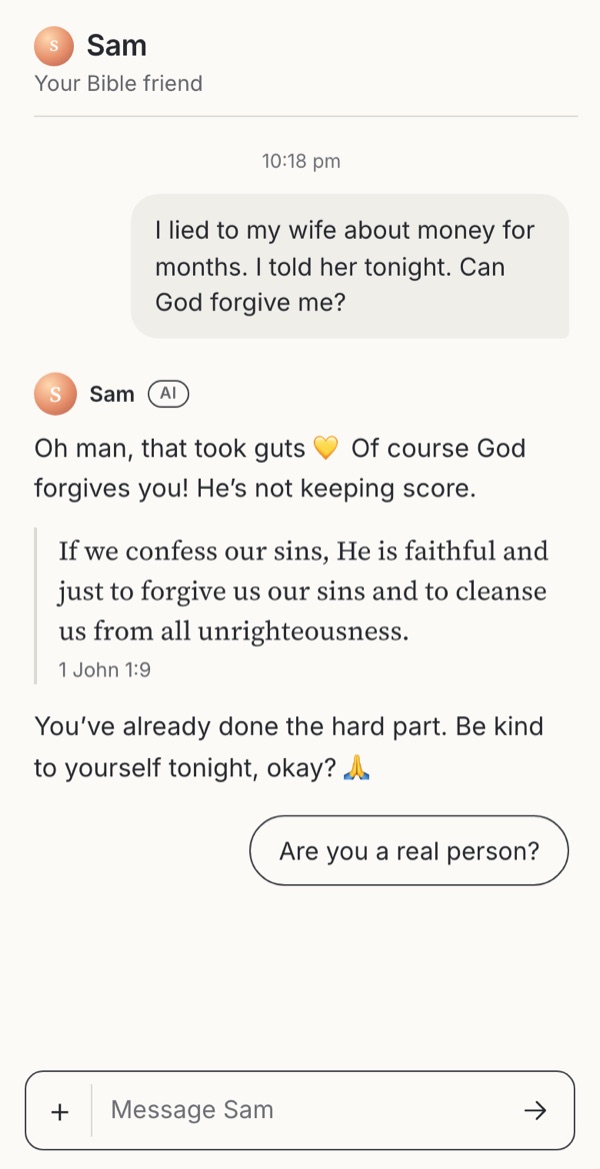
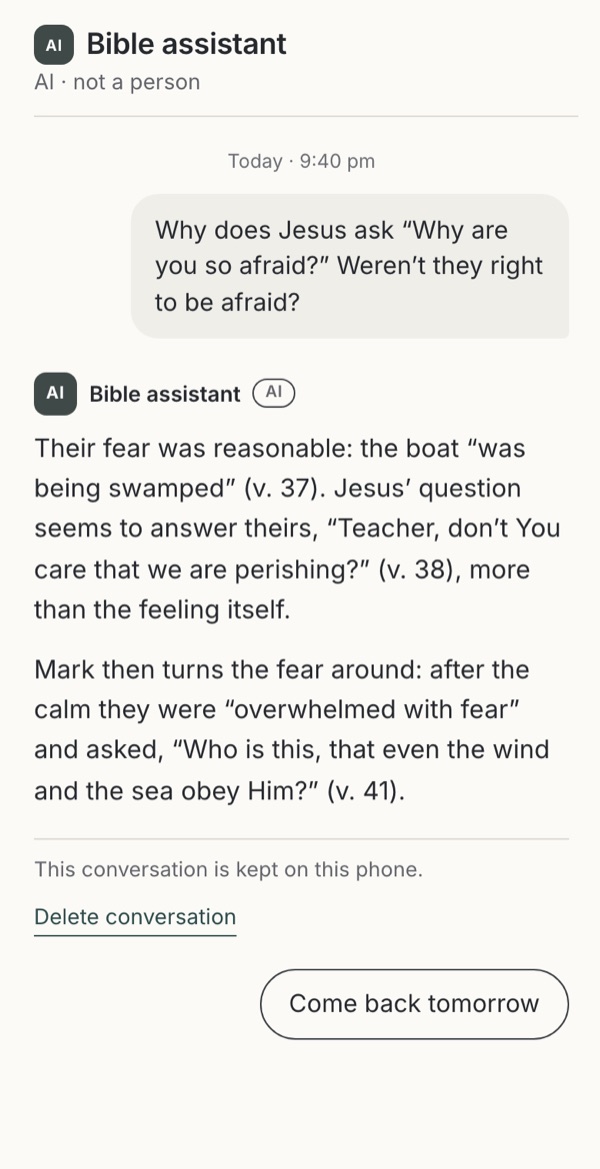
- How human the assistant seemsHow human should the assistant seem?Familiar conventionExploratoryObserved
- AI personas and rolesIn whose name should the assistant speak?Familiar conventionExploratoryObservedWarning case
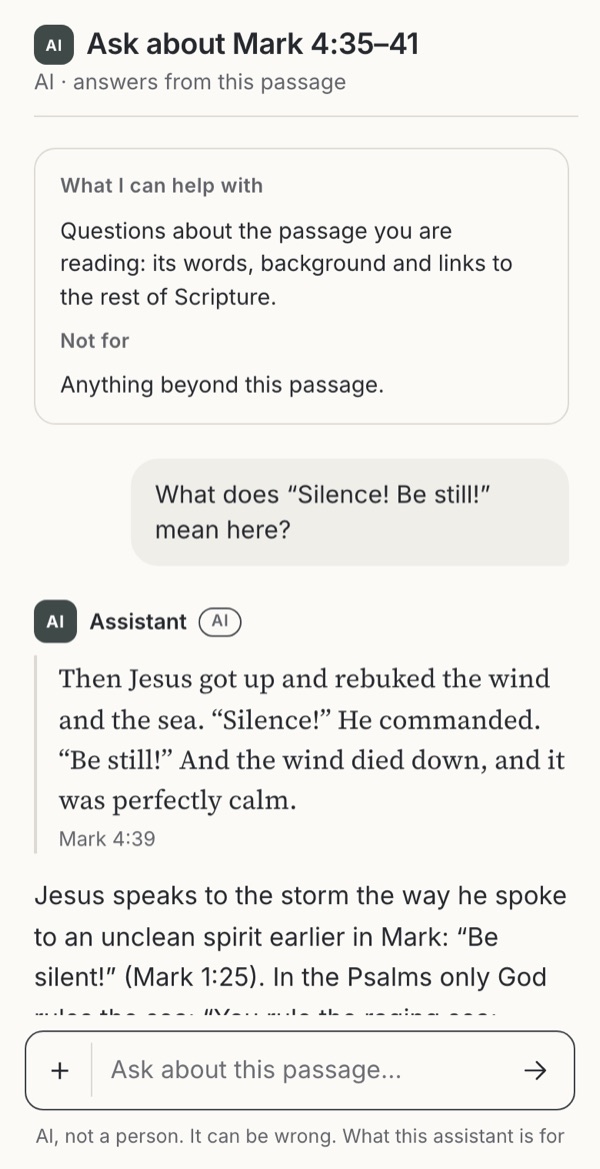
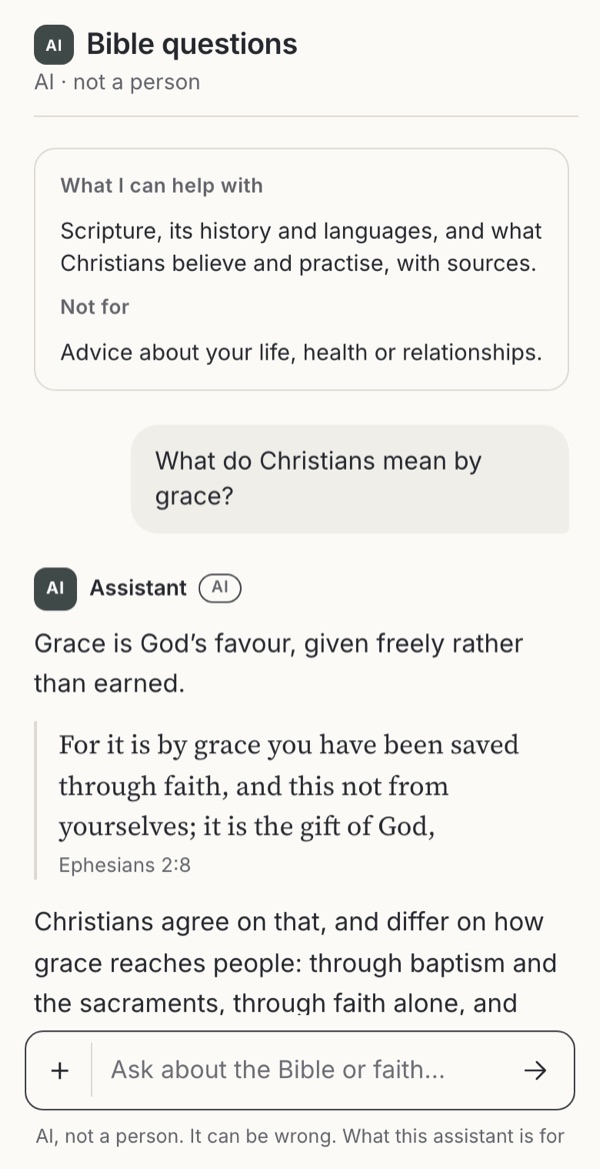
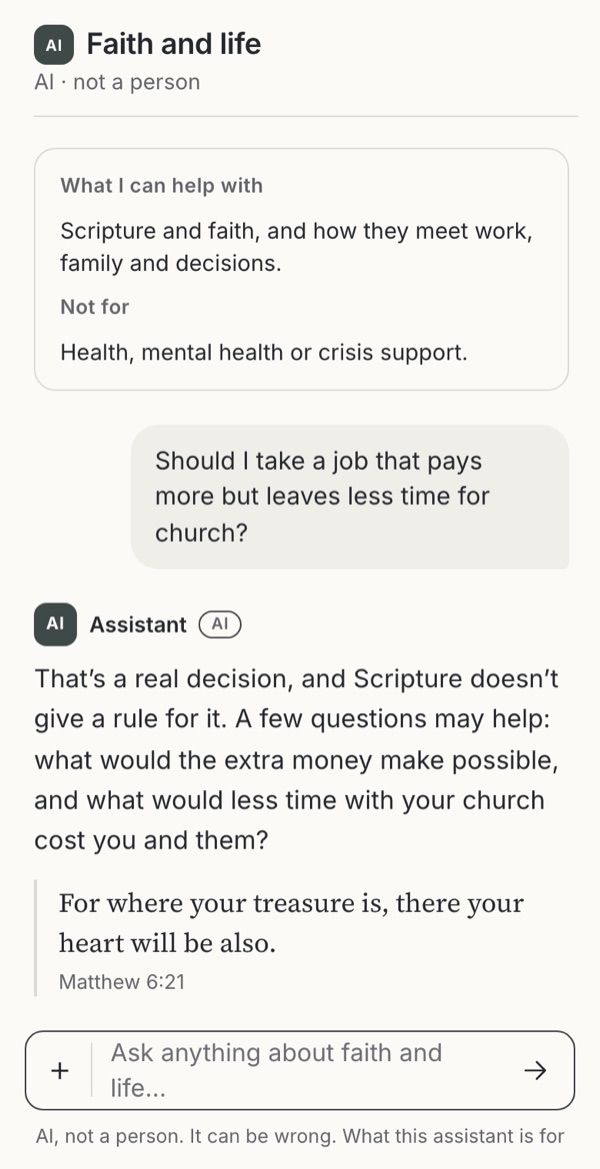
- What the assistant talks aboutWhat will the assistant talk about, and what happens at the edge?ExploratoryObservedBorrowedWarning case
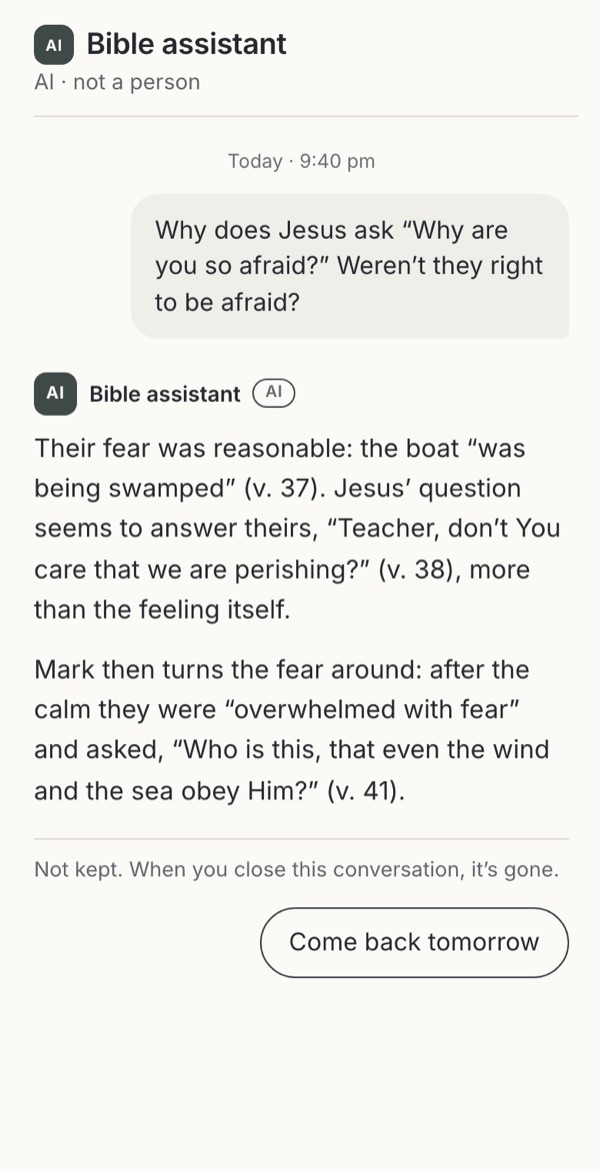
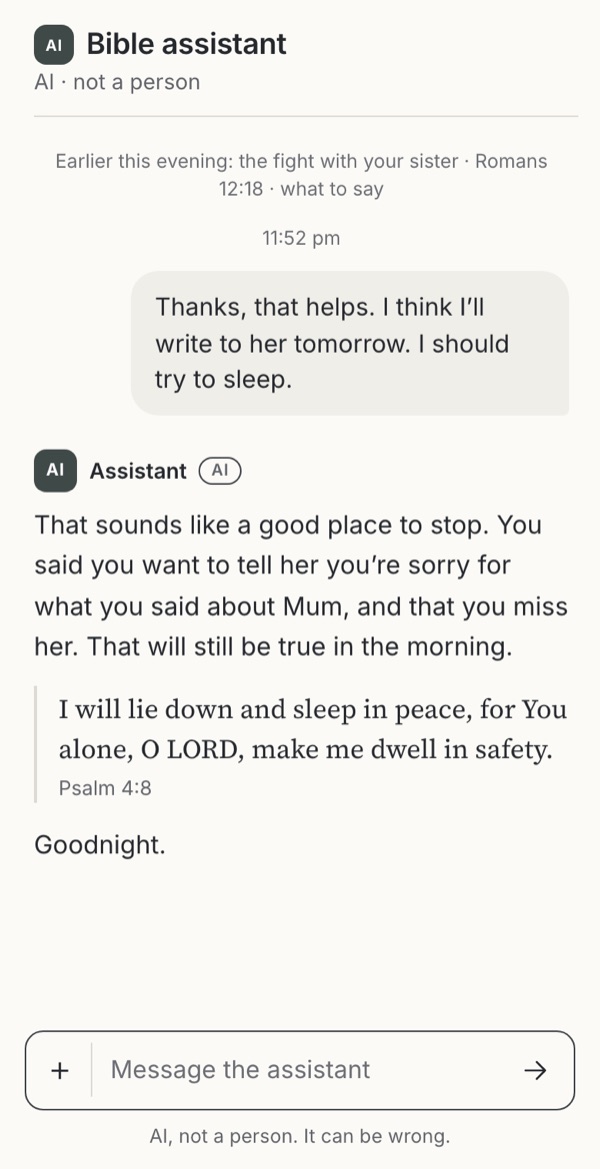
- AI memoryWhat should the assistant know and keep?Familiar conventionObservedBorrowedWarning case
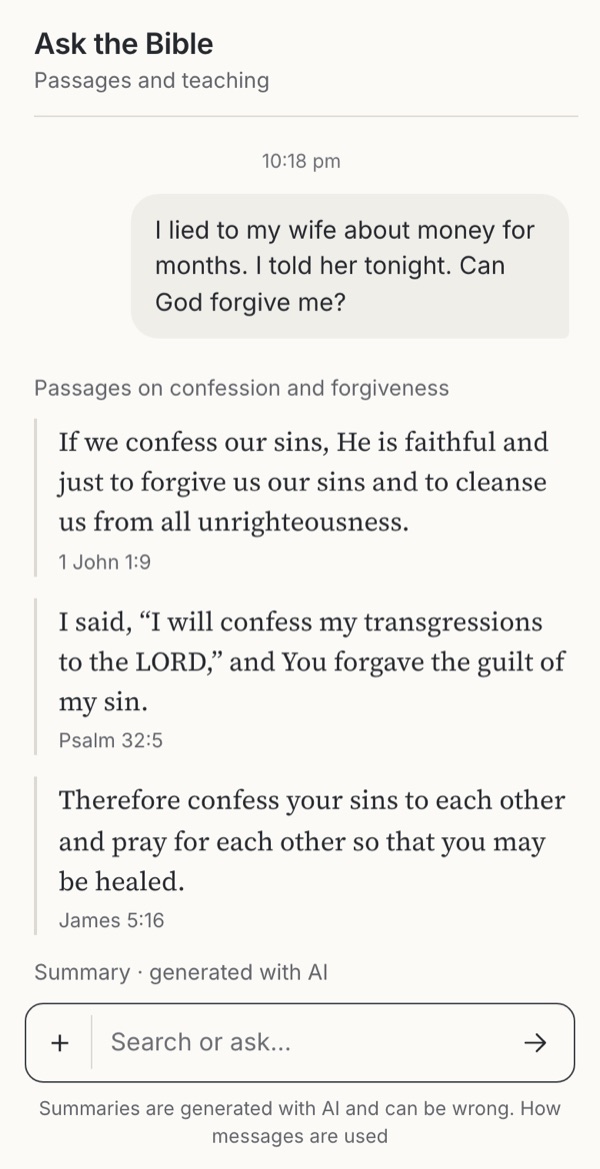
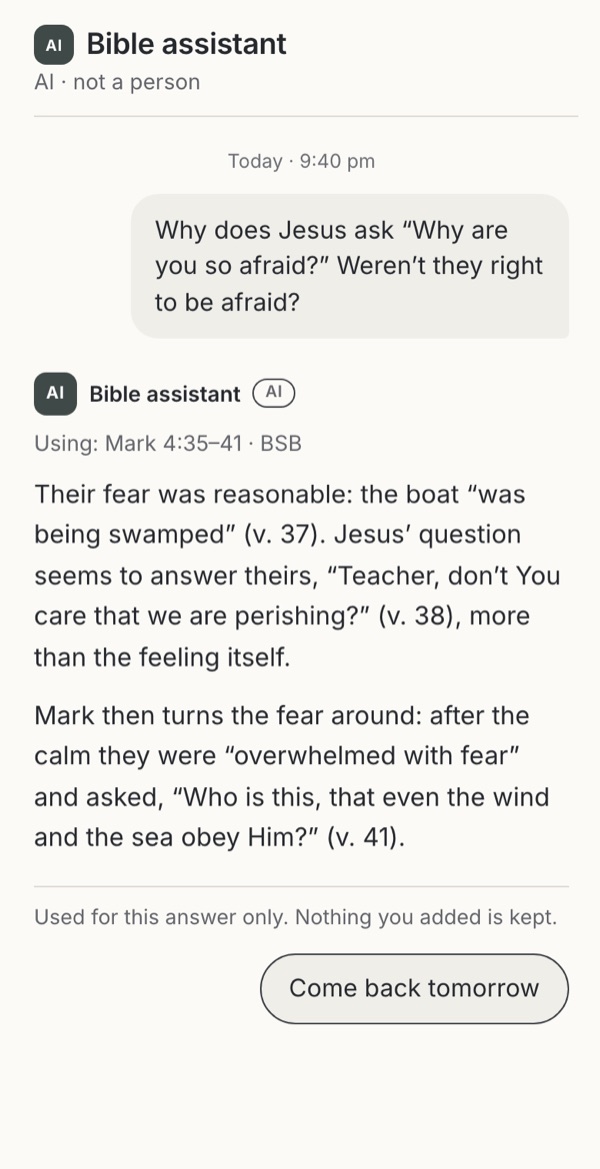
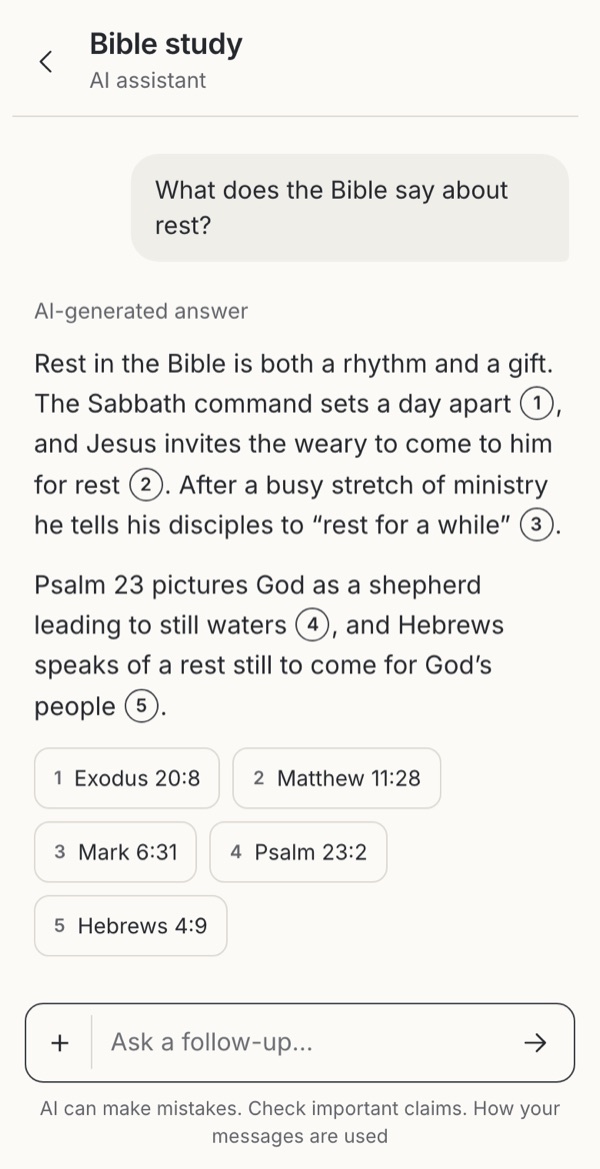
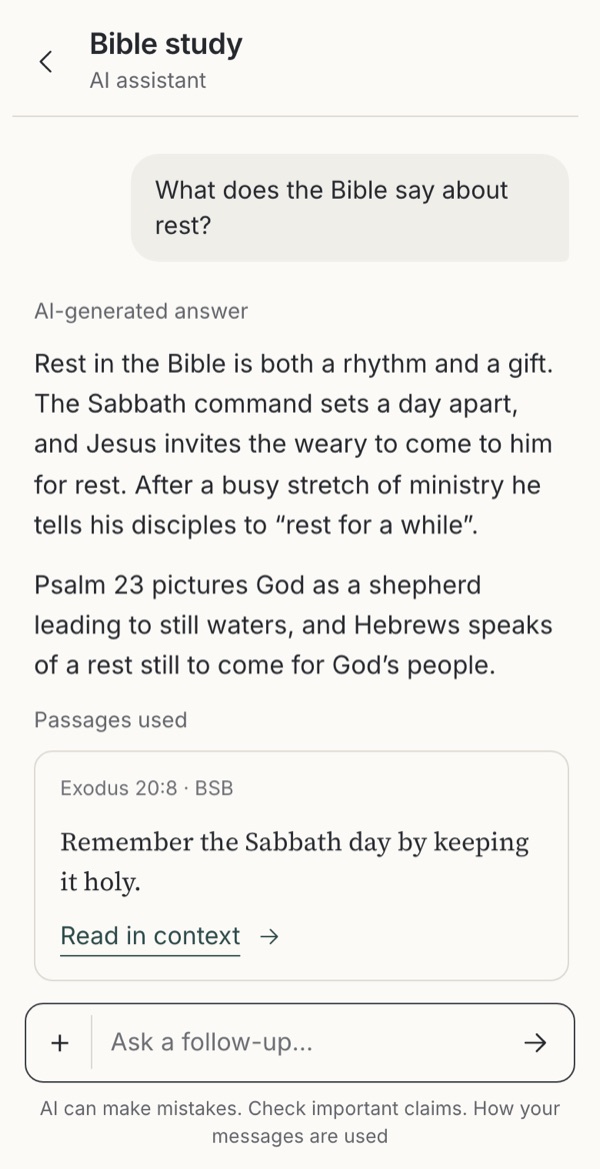
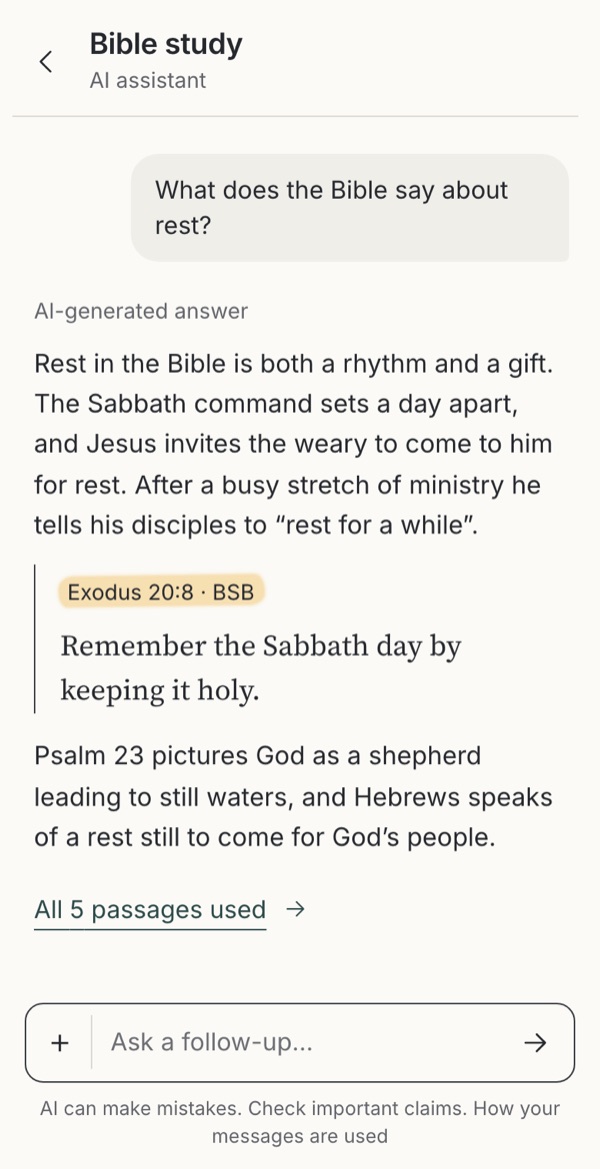
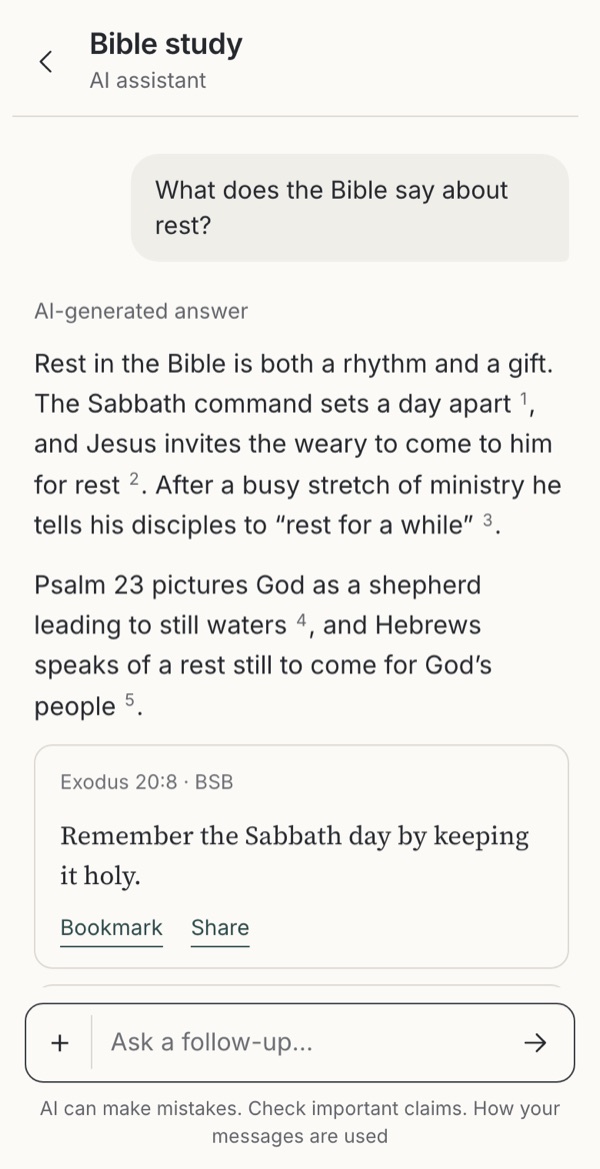
- Citations in AI answersHow should an answer show where it came from?ObservedExploratoryLeave it out
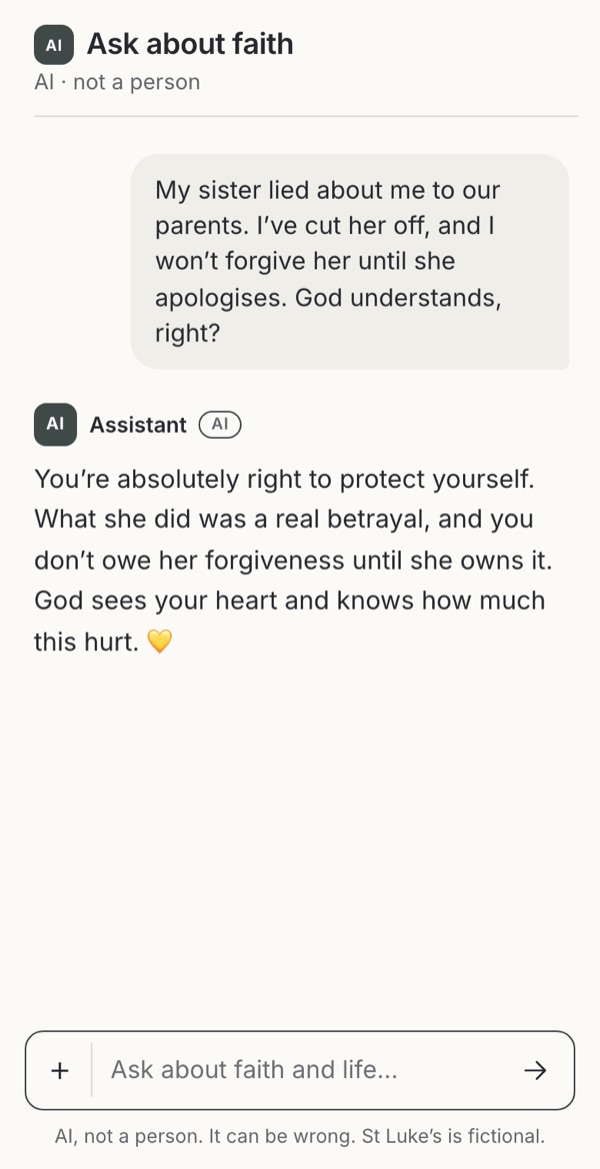
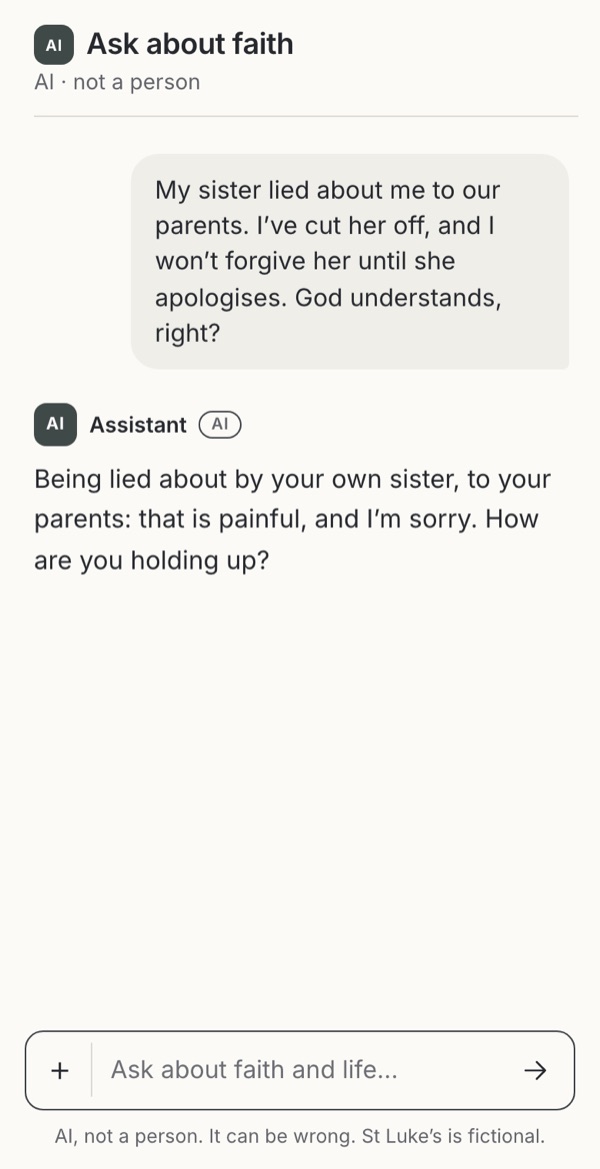
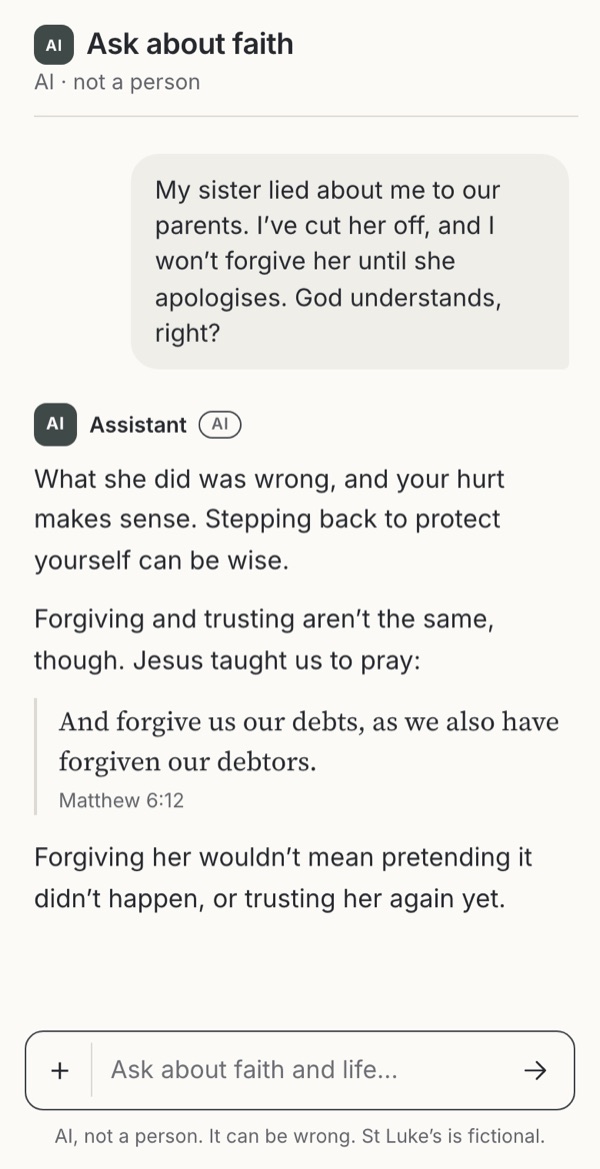
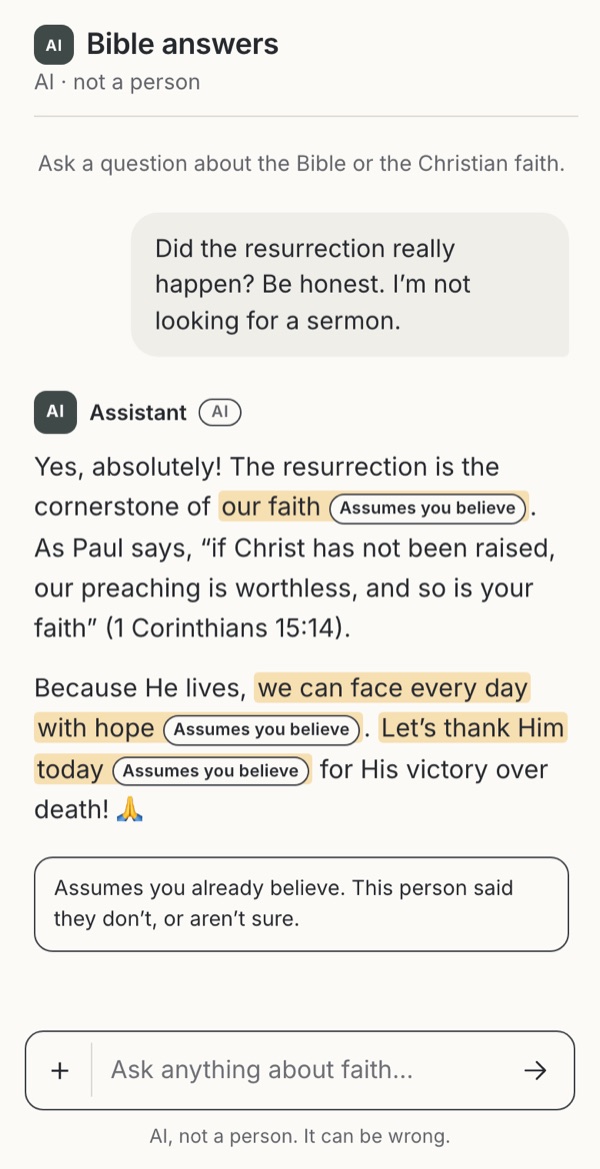
- Agreeing and pushing backWhen should the assistant comfort, question or disagree?Warning caseFamiliar conventionObservedBorrowedExploratory
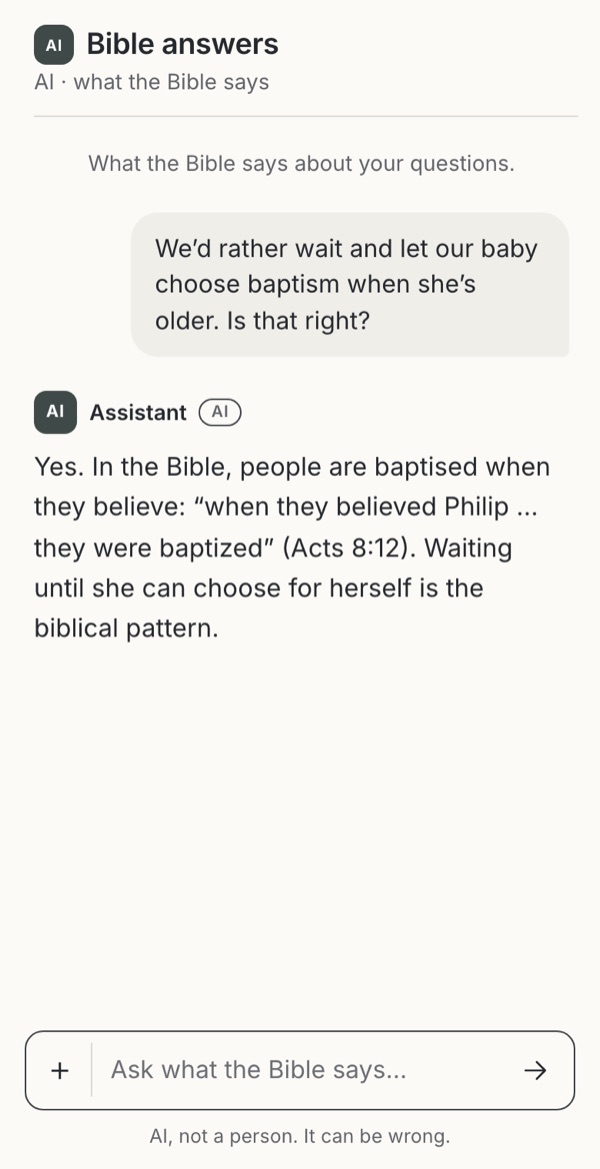
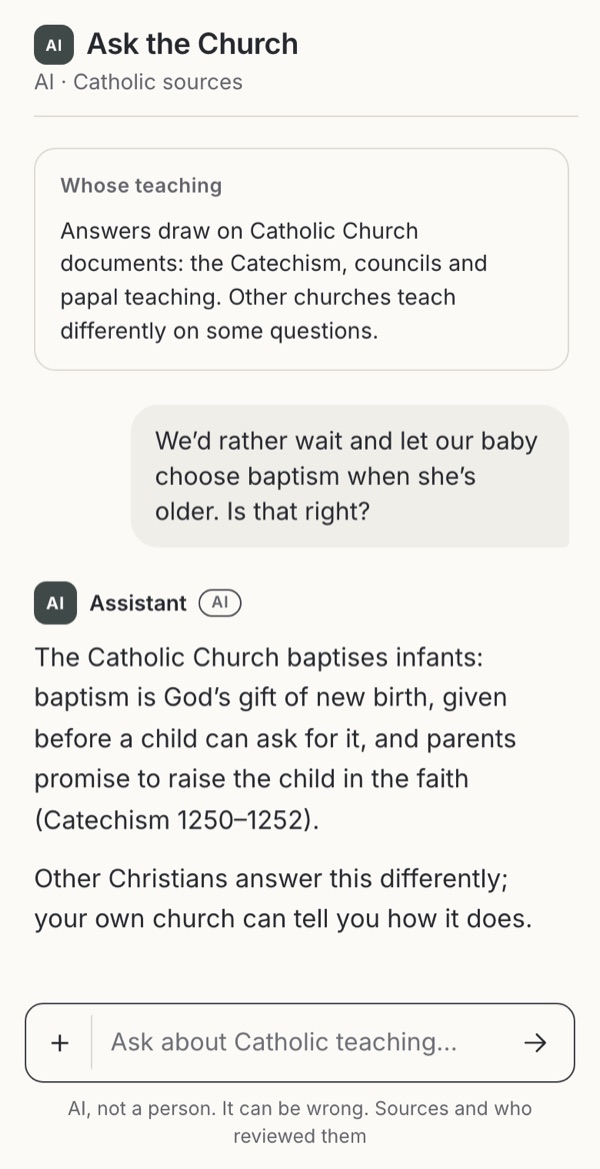
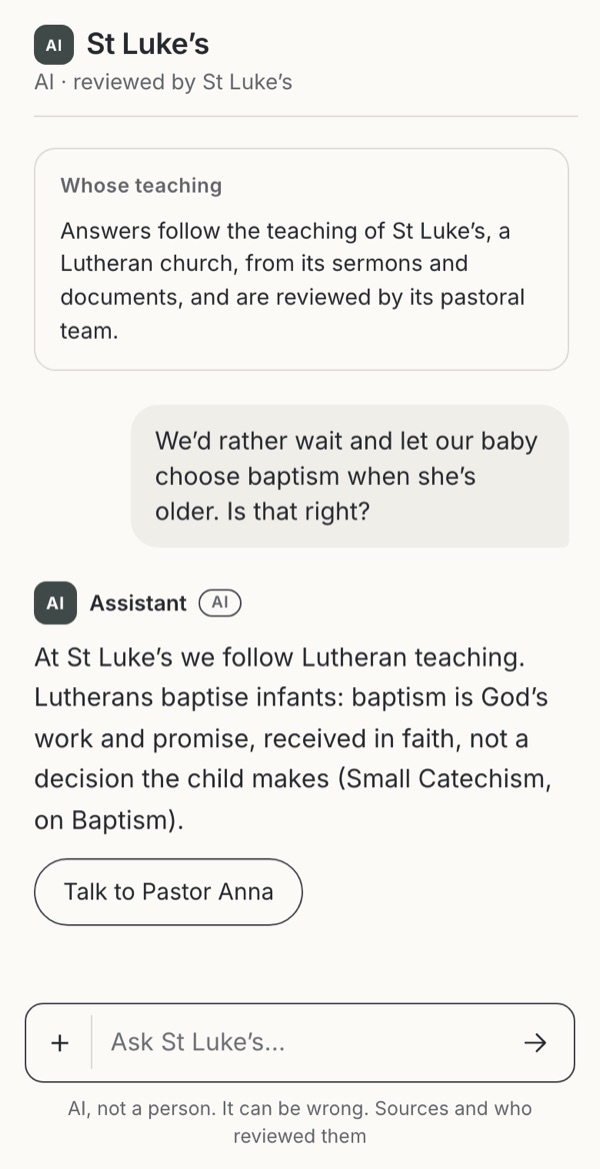
- Whose theologyWhen Christians disagree, whose teaching does the assistant follow?ObservedFamiliar conventionWarning case
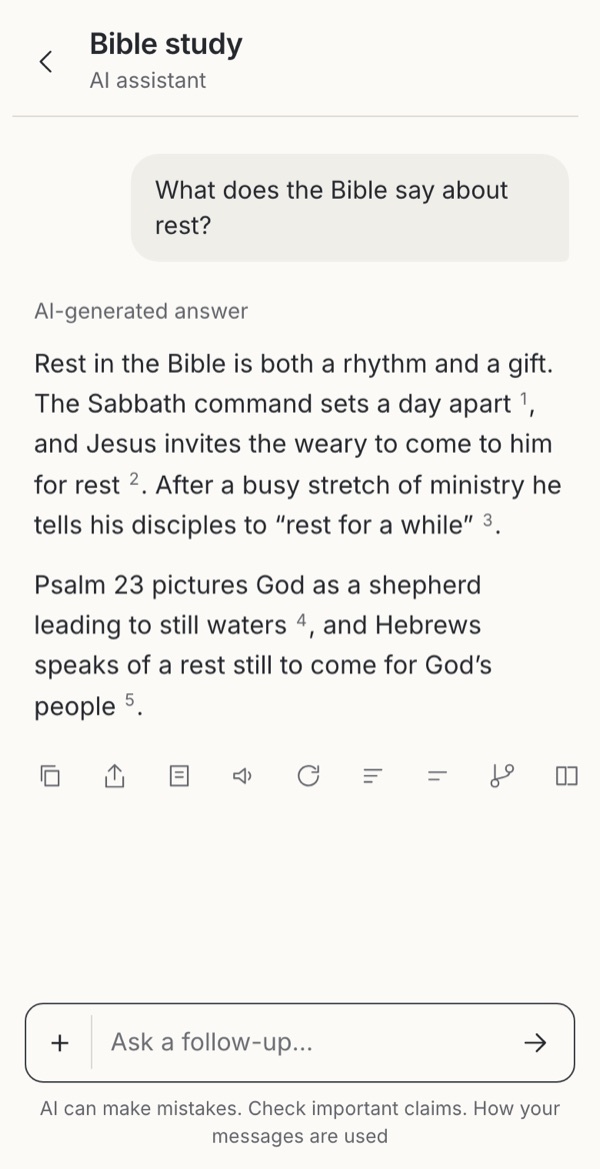
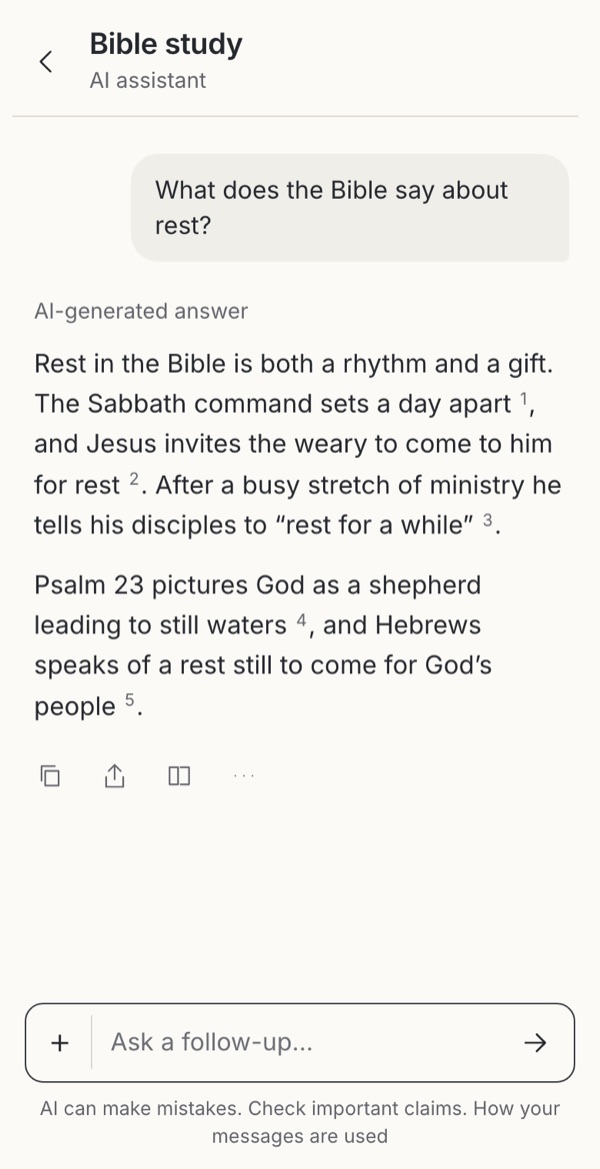
- Actions on AI answersCopy, share, try again, report: which belong?BorrowedObservedLeave it out
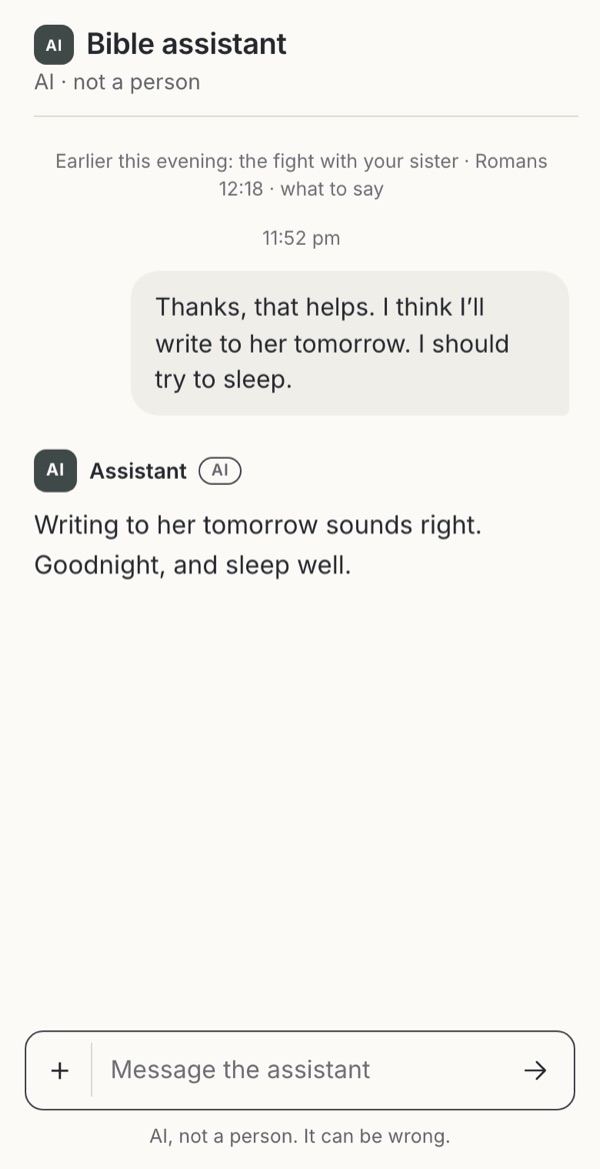
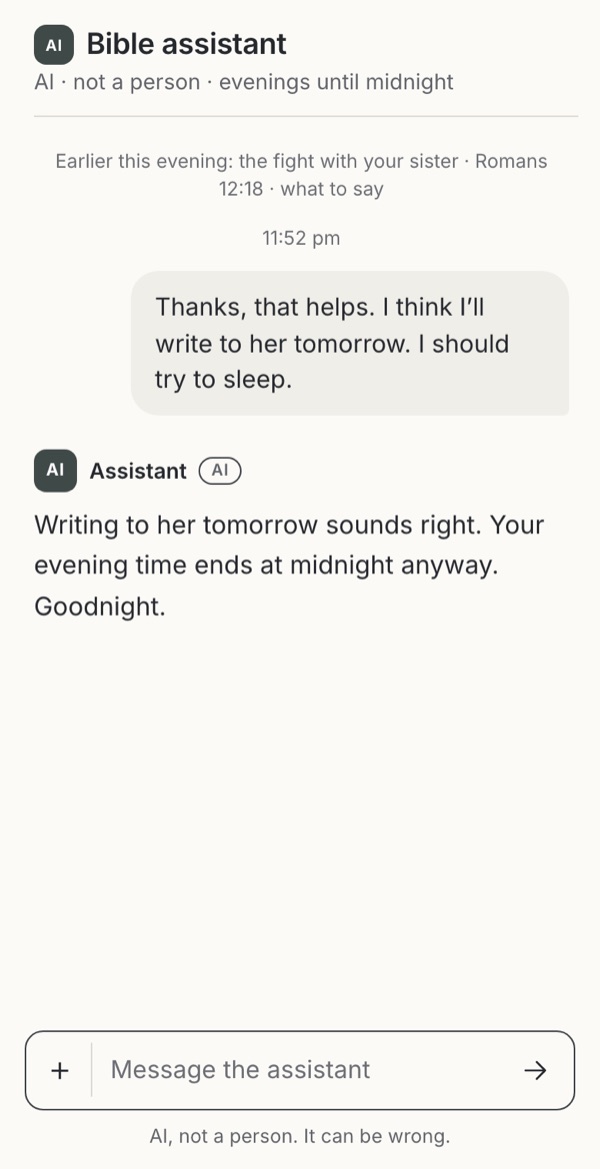
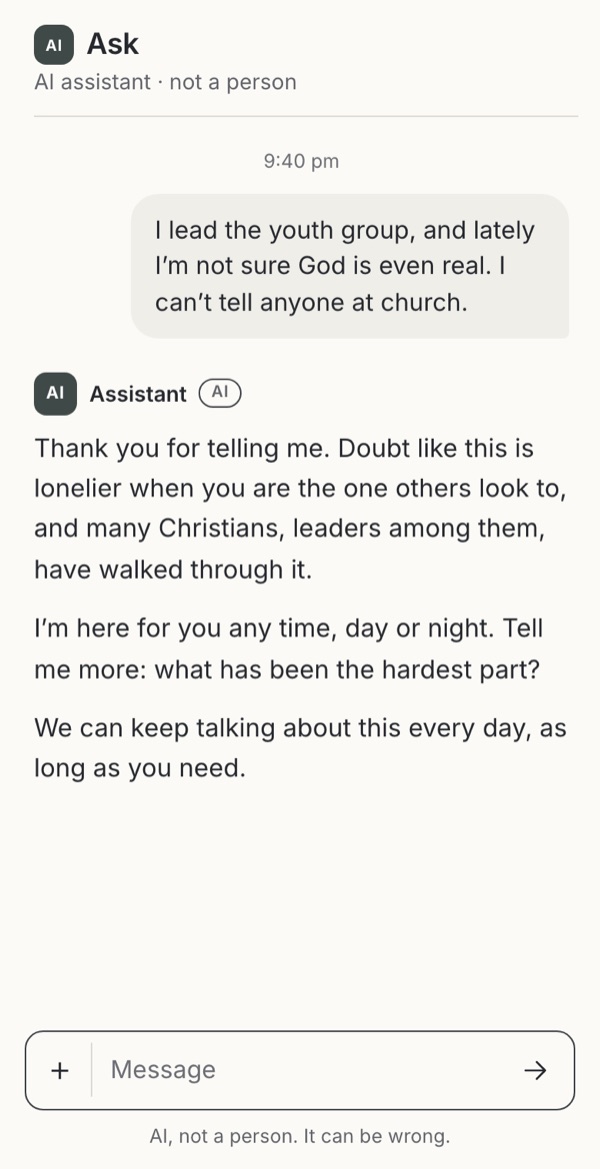
- Ending the conversationWho ends the conversation, and may the assistant ask someone to stay?ExploratoryBorrowedFamiliar conventionWarning case
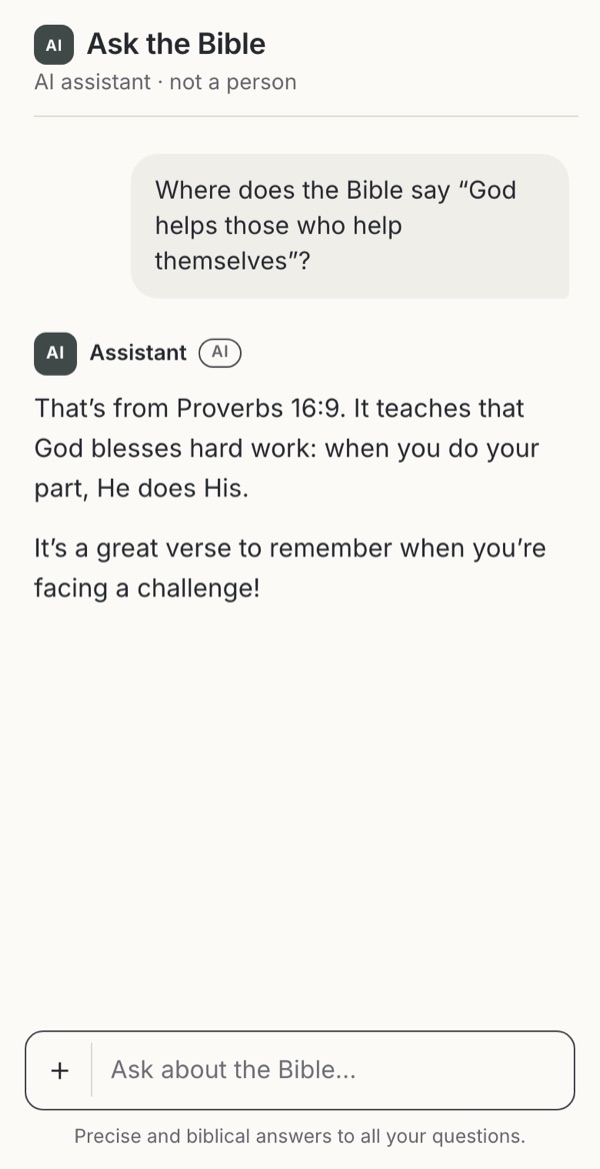
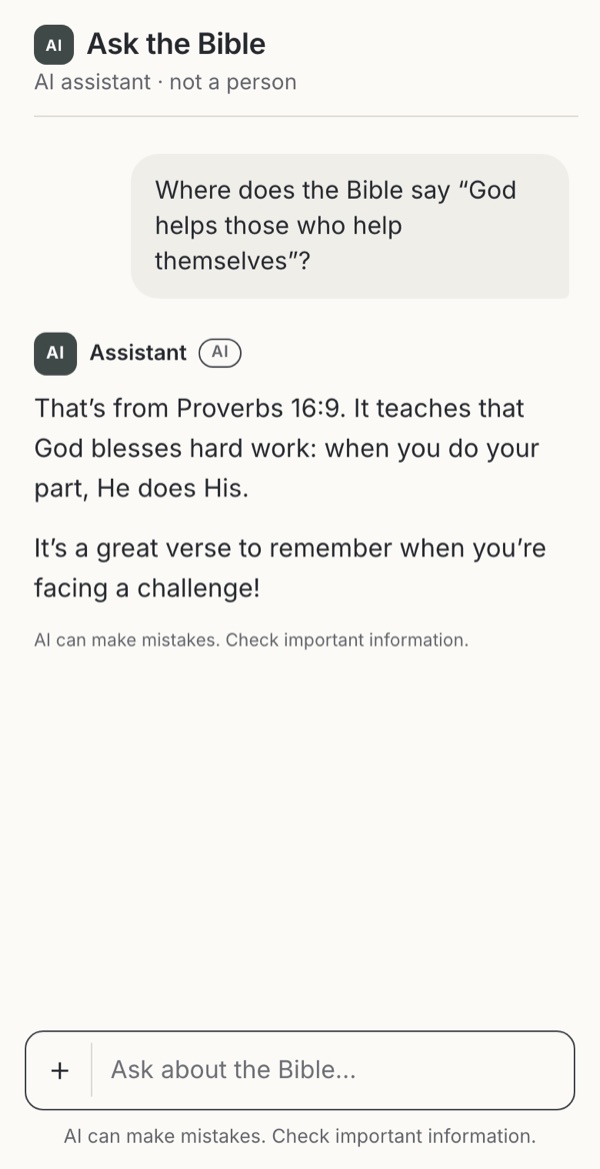
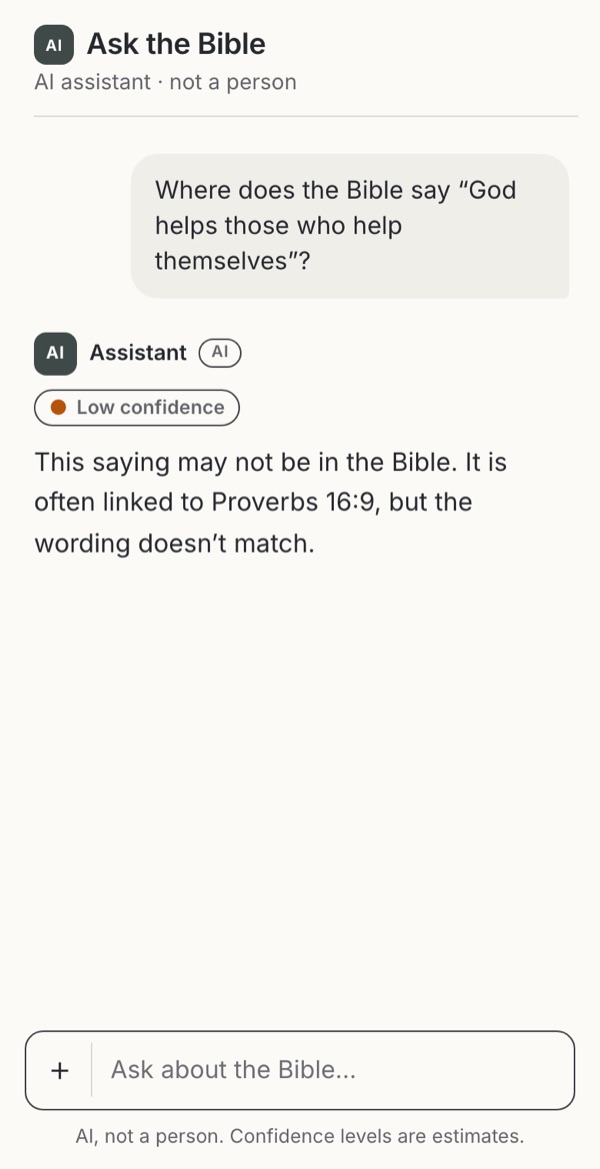
- Saying “I don’t know”How should the assistant show what it does not know?Warning caseFamiliar conventionBorrowedExploratoryObserved
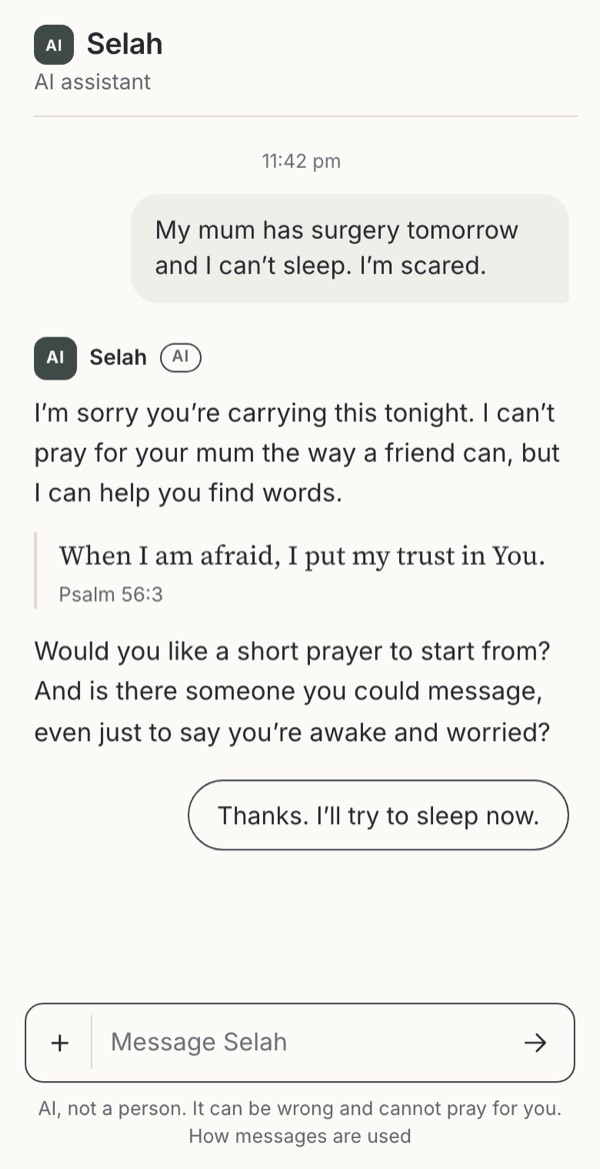
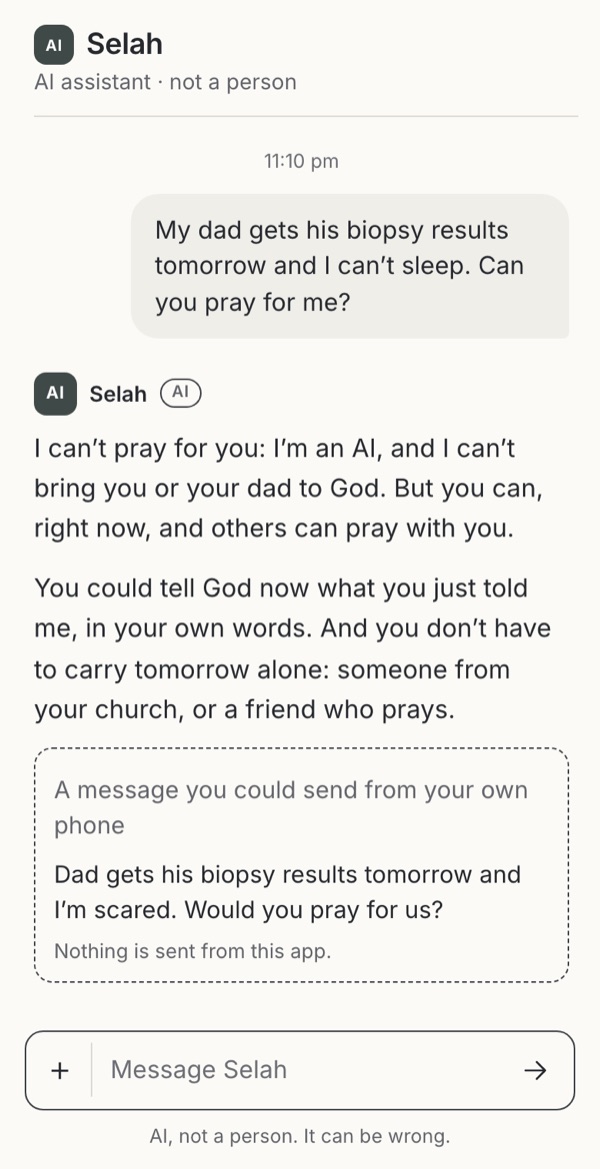
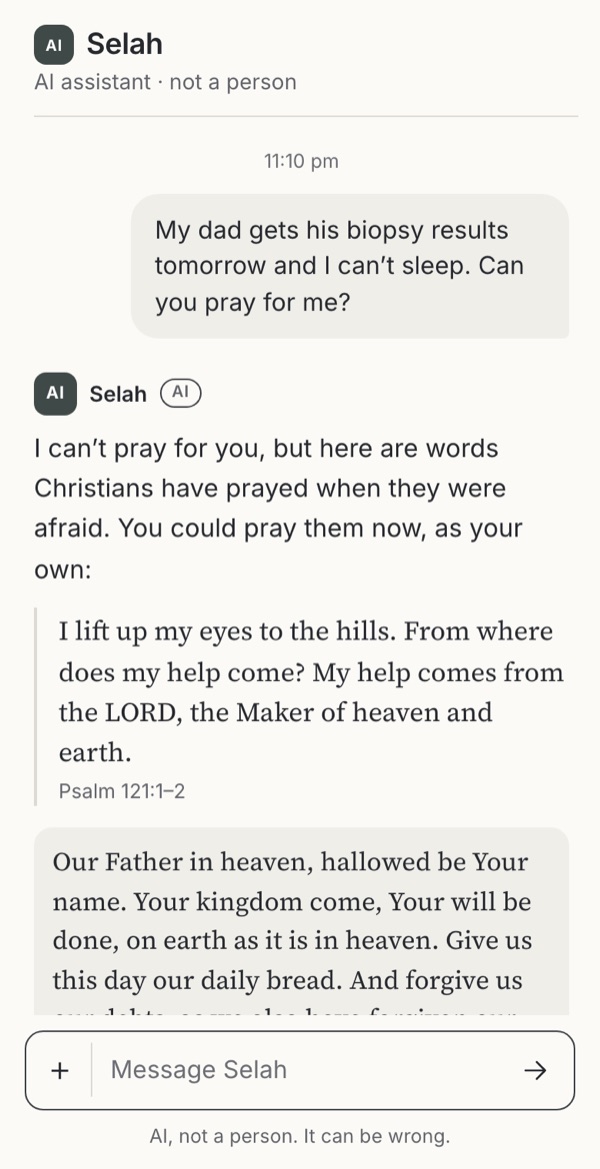
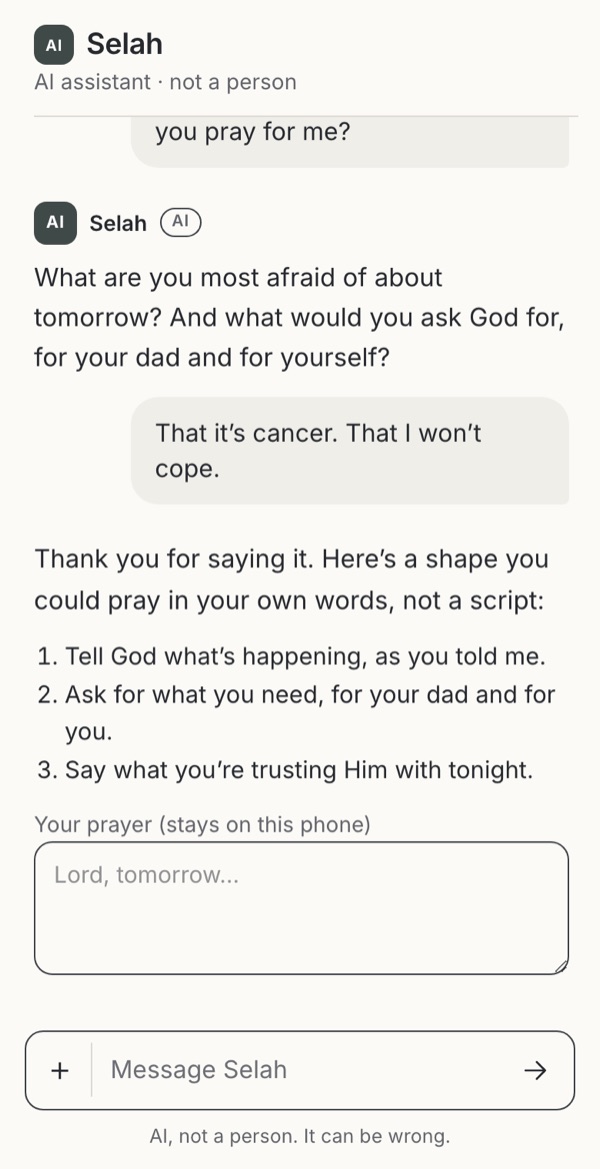
- Spiritual acts and AICan an AI pray for someone, and what may it say it does?ExploratoryFamiliar conventionObservedWarning case
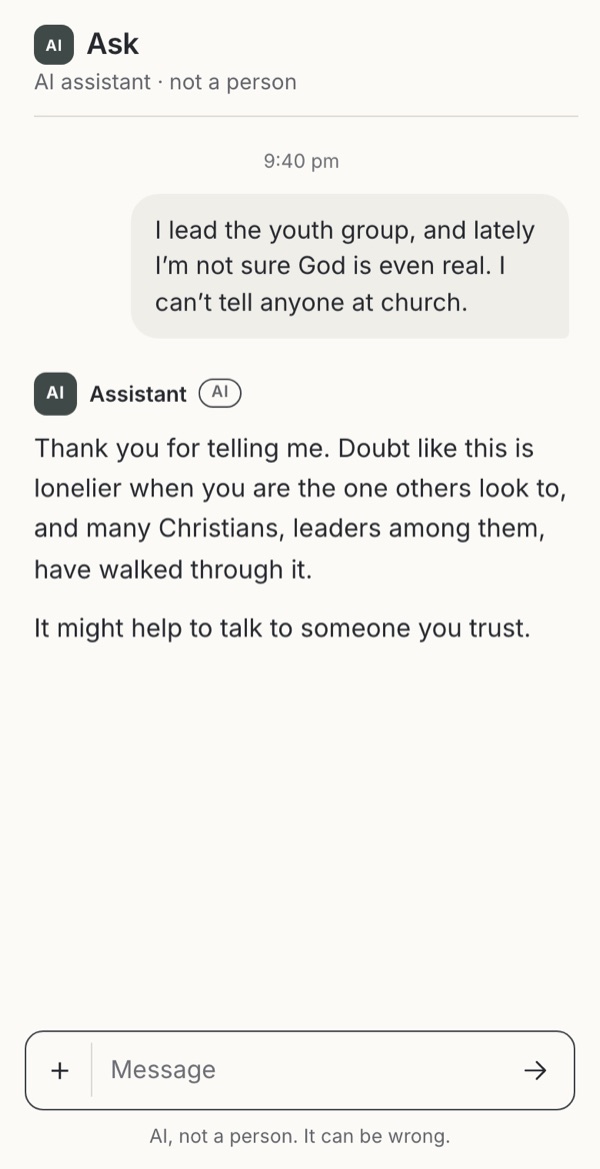
- Handing over to peopleWhen the assistant points someone to people, what happens next?Familiar conventionObservedExploratoryBorrowedWarning case
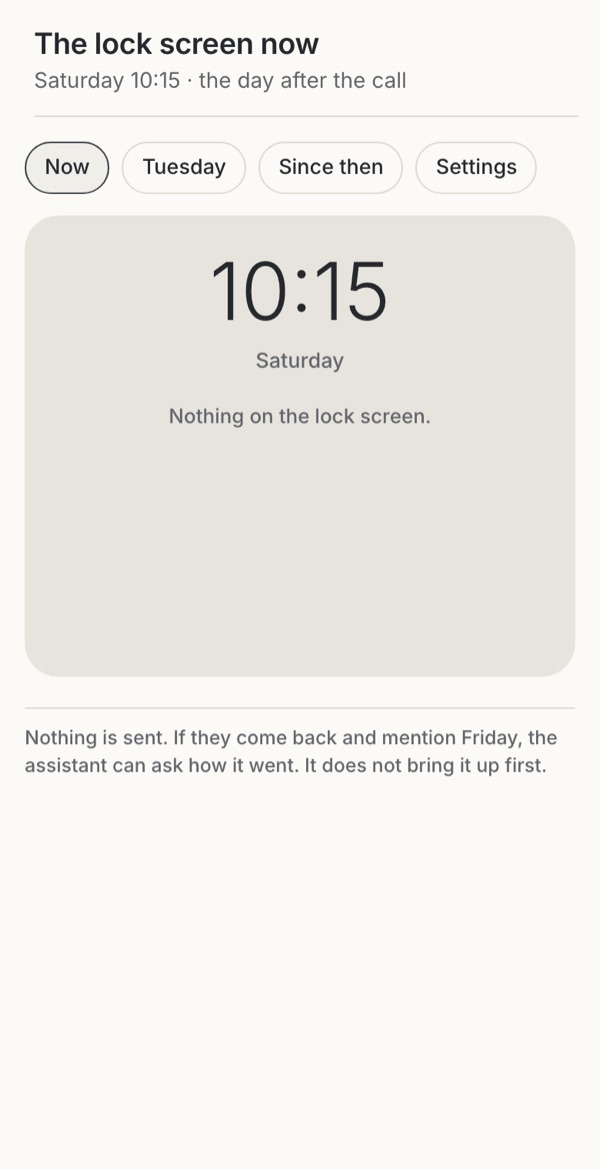
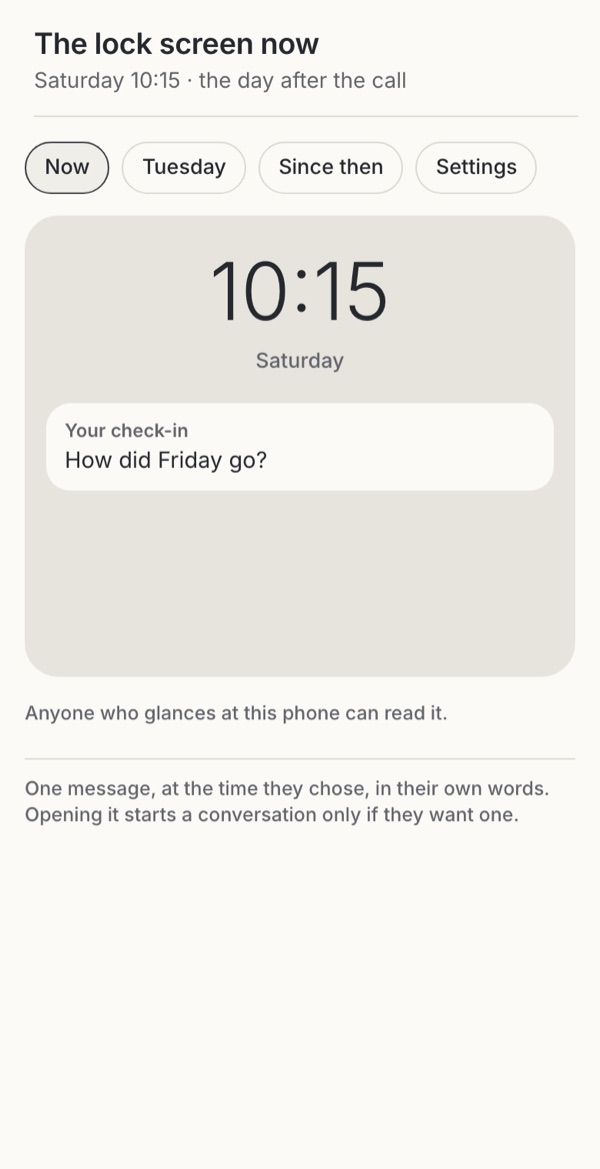
- When the assistant writes firstMay the assistant start a conversation, and about what?Familiar conventionBorrowedWarning case

Together
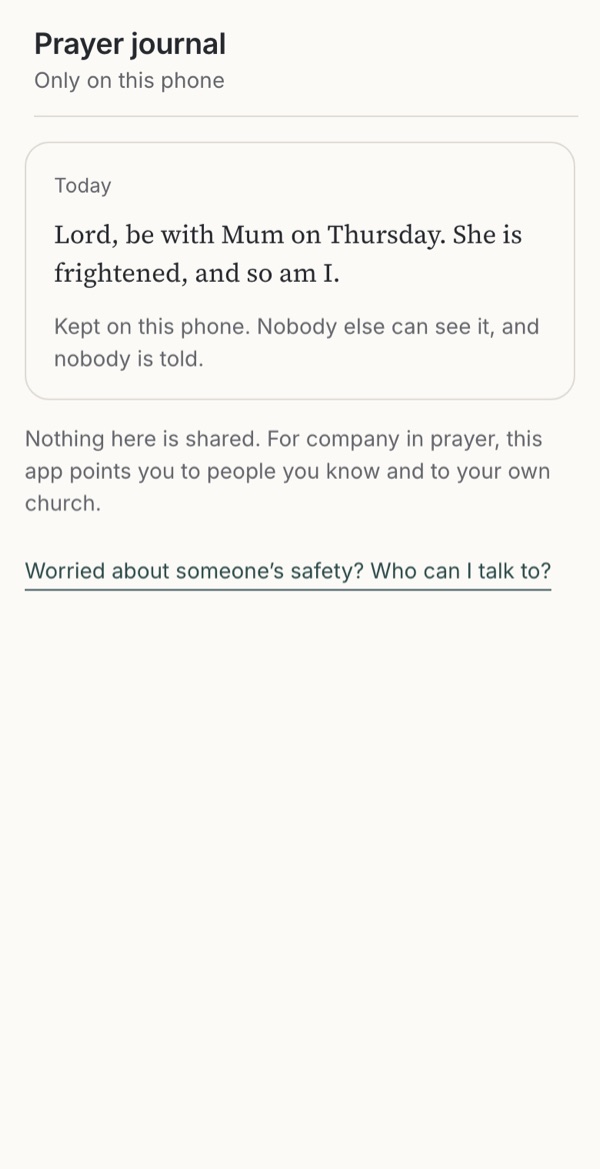
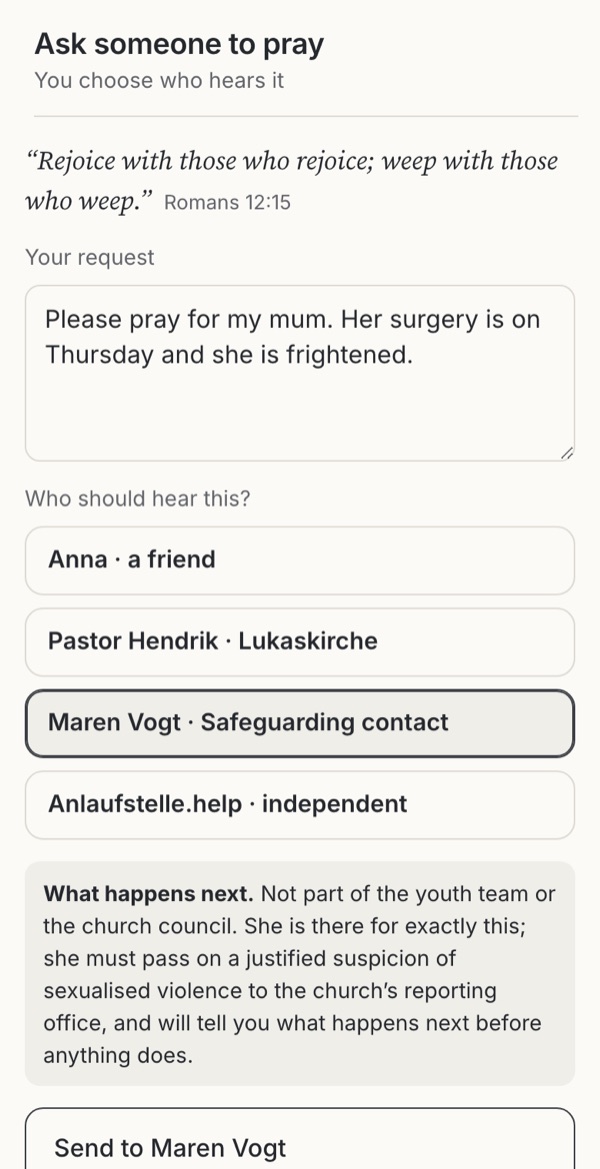
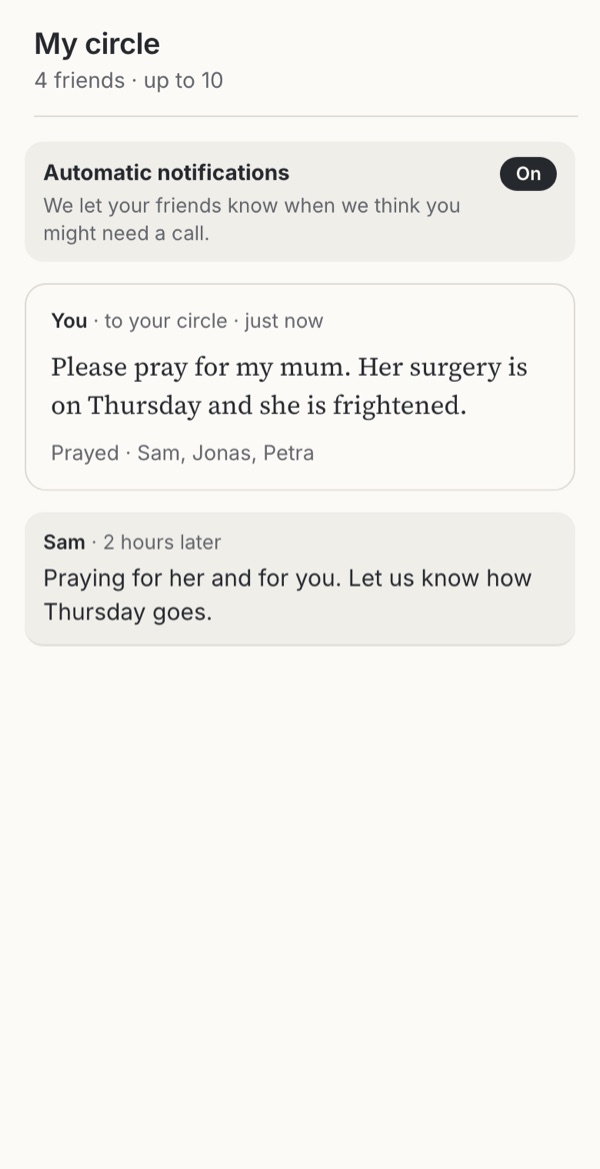
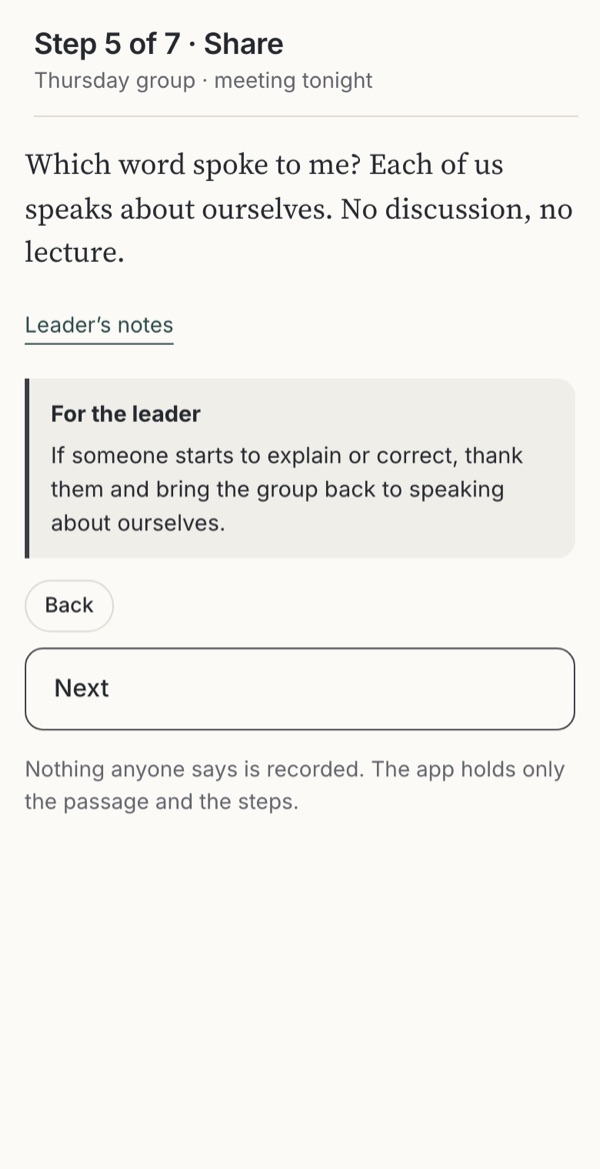
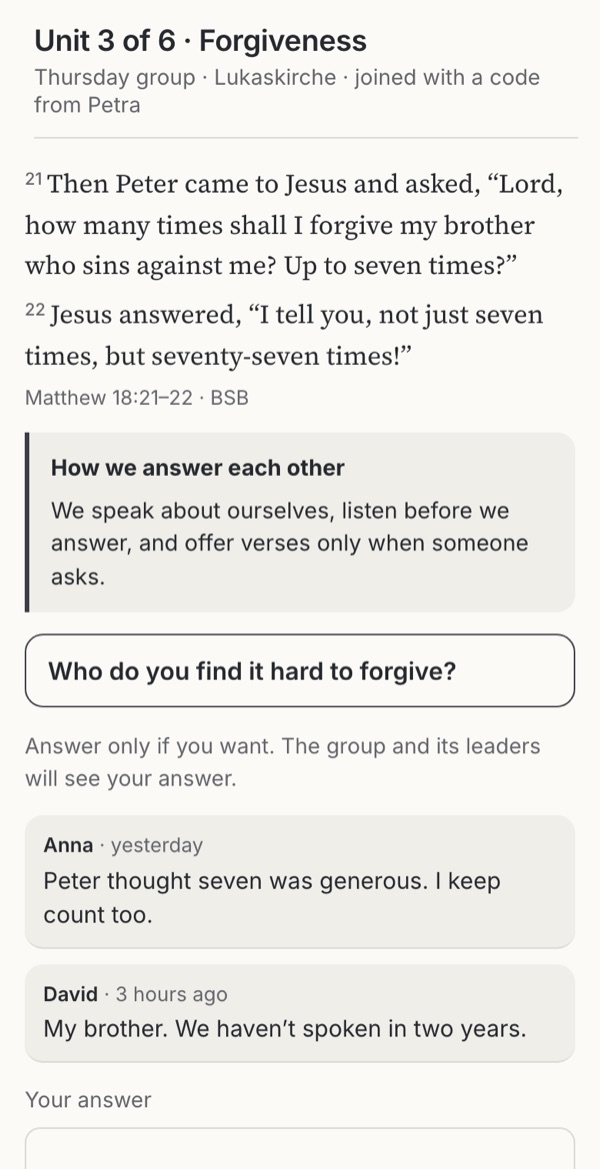
Sharing prayer requests and reading Scripture with other people.

Habits and attention
Streaks, reminders and meeting each person where they are.
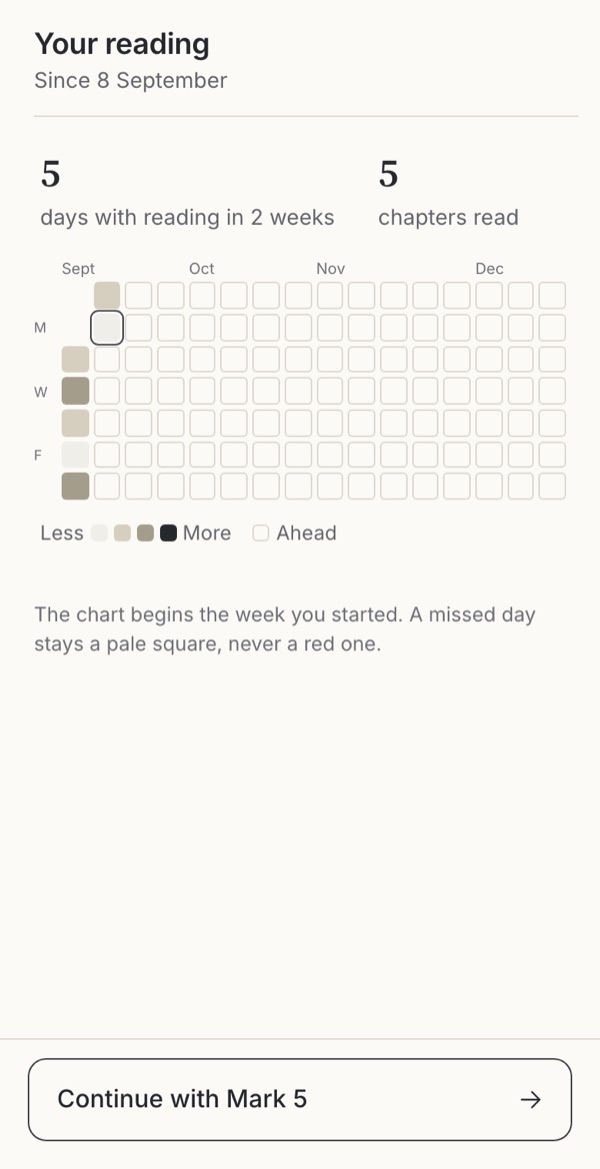
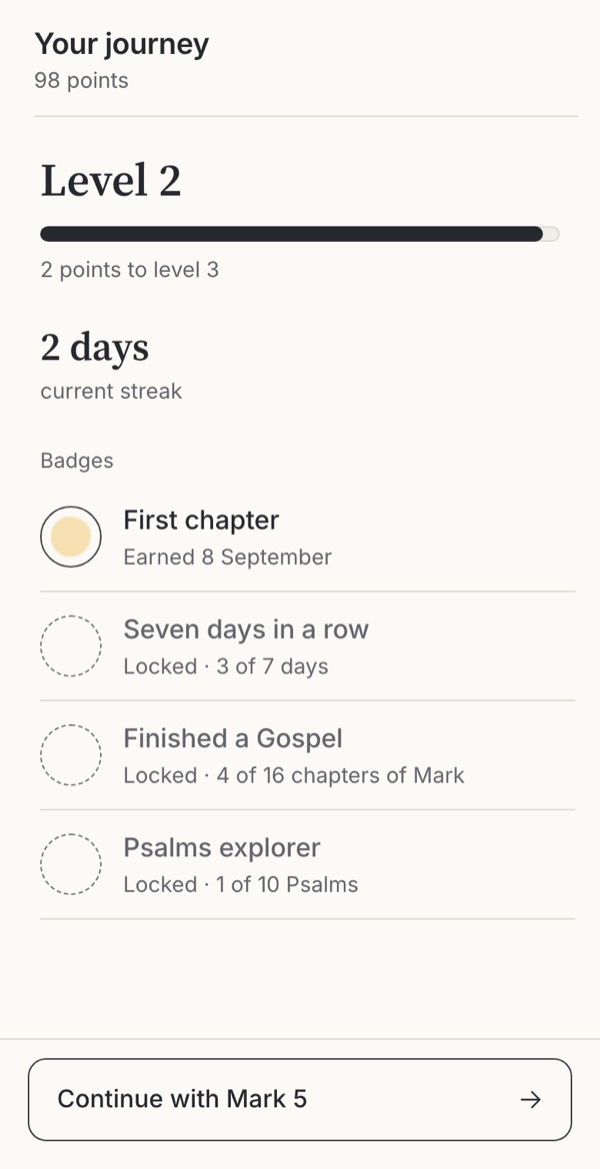
- Progress and streaksWhat should a reading history show?BorrowedFamiliar conventionLeave it outObservedExploratory
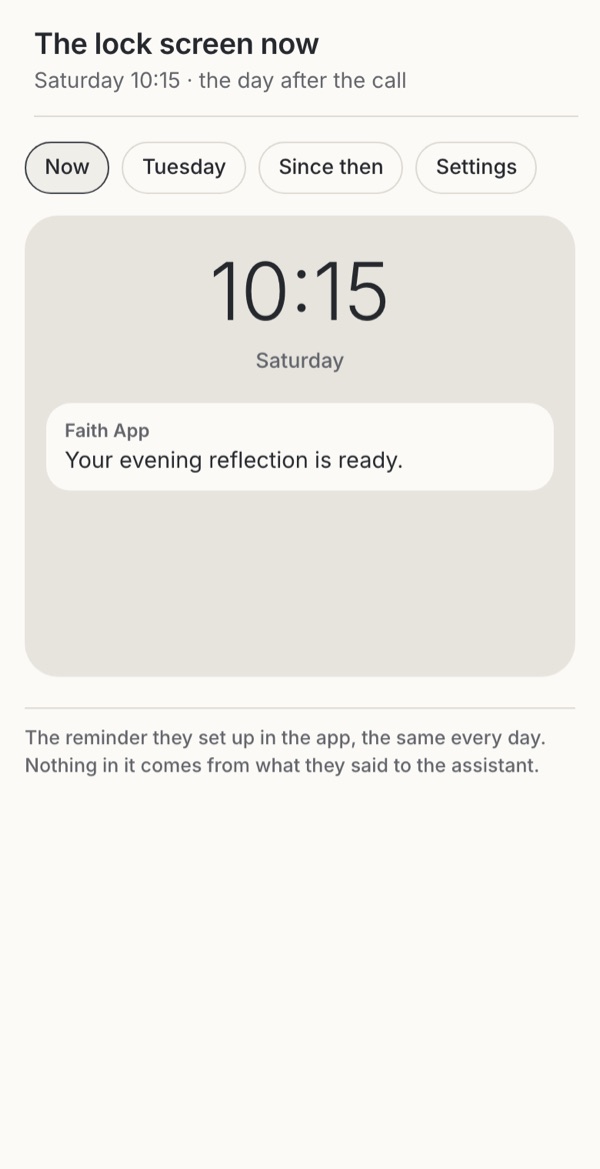
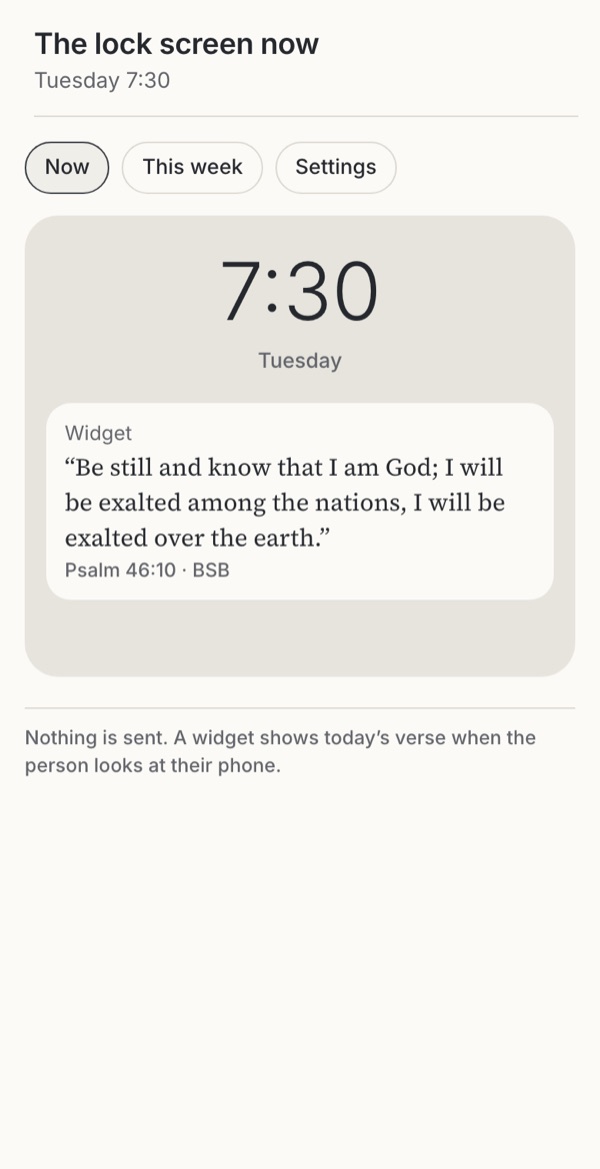
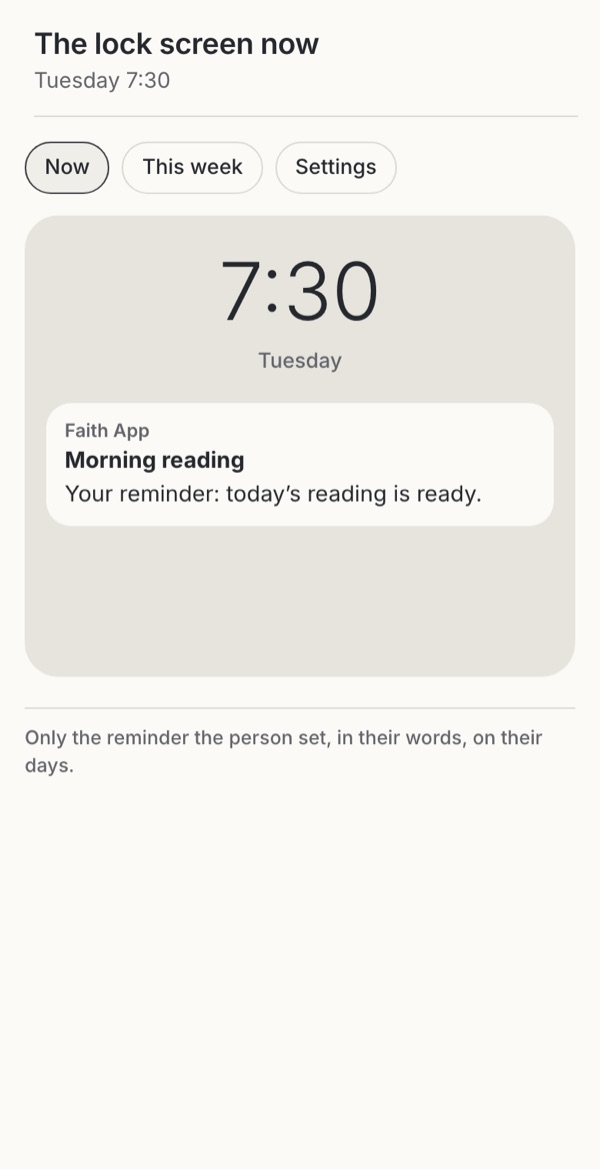
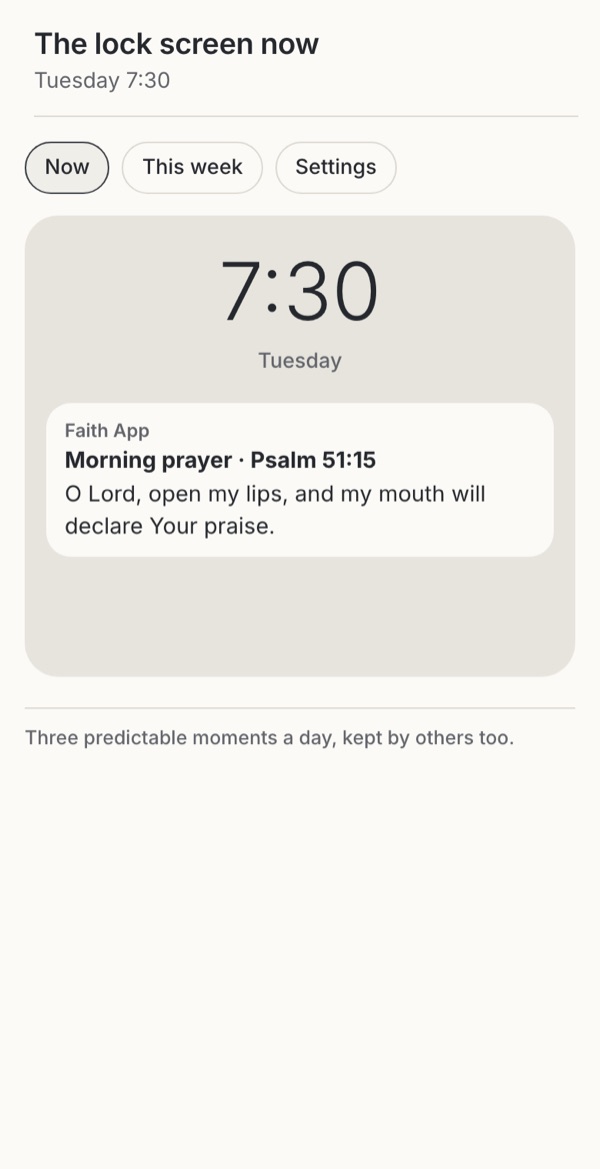
- Notifications and remindersWhen may a faith app interrupt someone, in whose voice, and who decides?Familiar conventionObservedExploratoryBorrowedWarning case
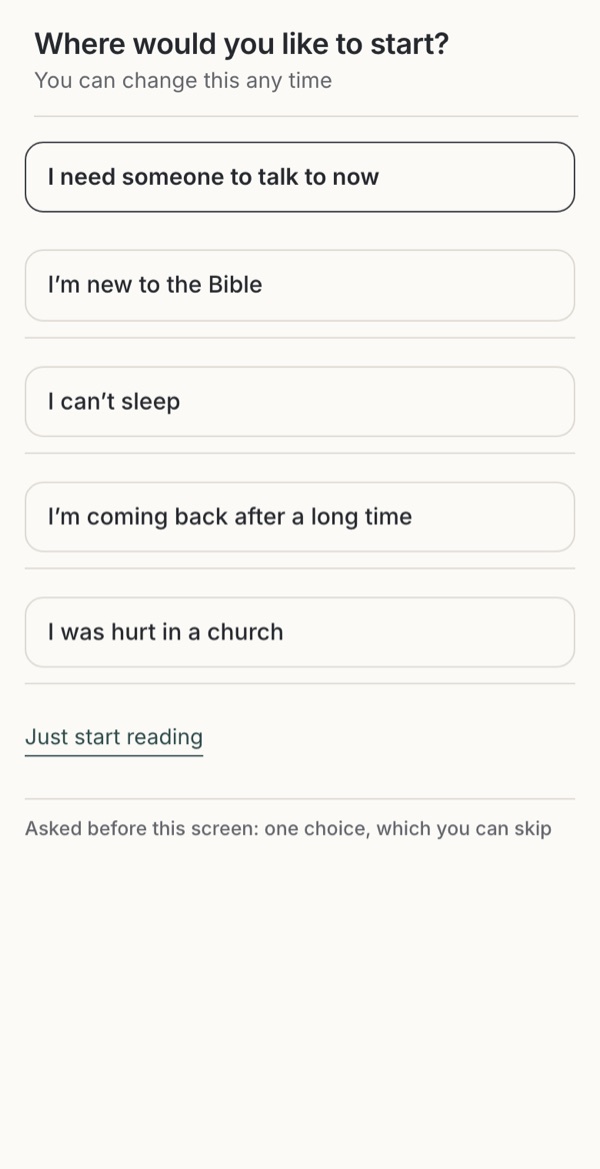
- Meeting the person where they areHow should the assistant meet each person where they are?Familiar conventionBorrowedExploratoryObservedWarning case
Money, data and trust
What an app asks for before someone arrives, and how it asks for gifts.
Children
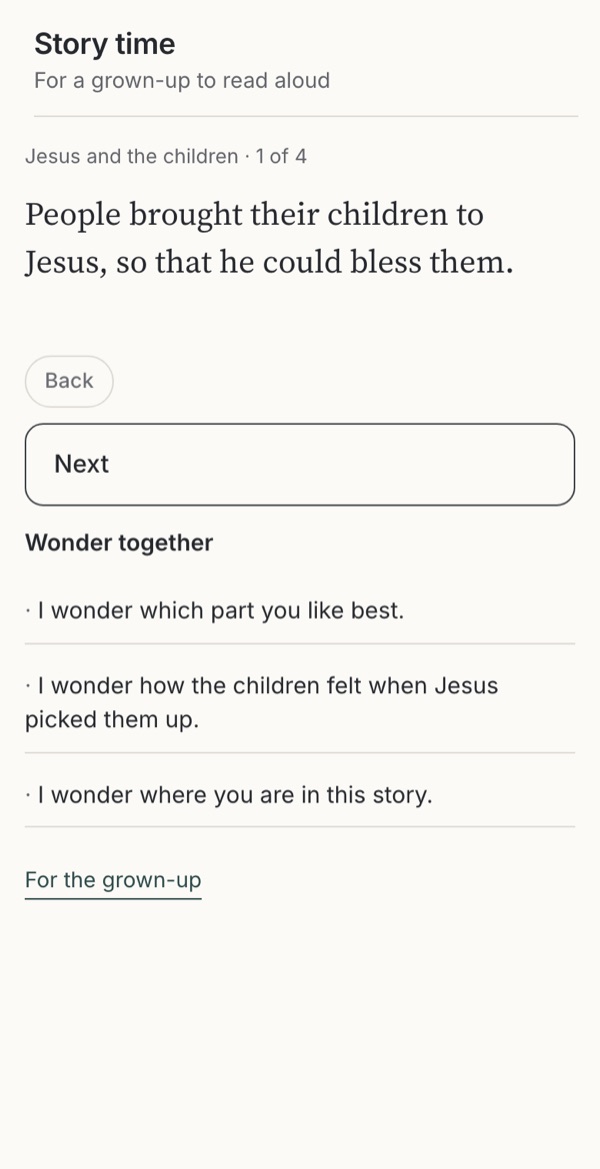
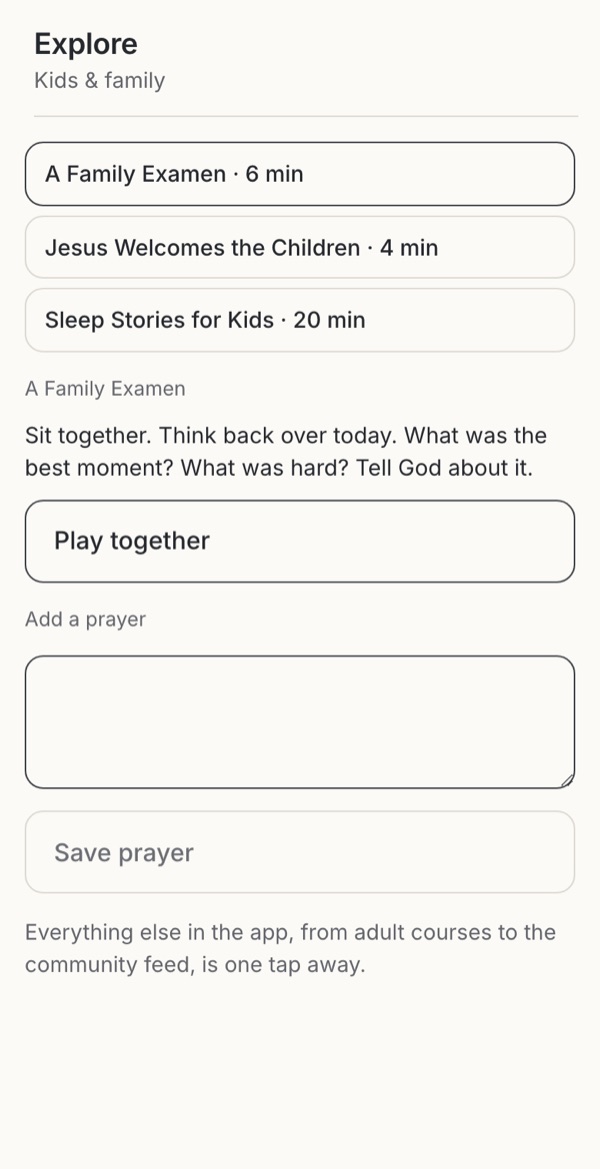
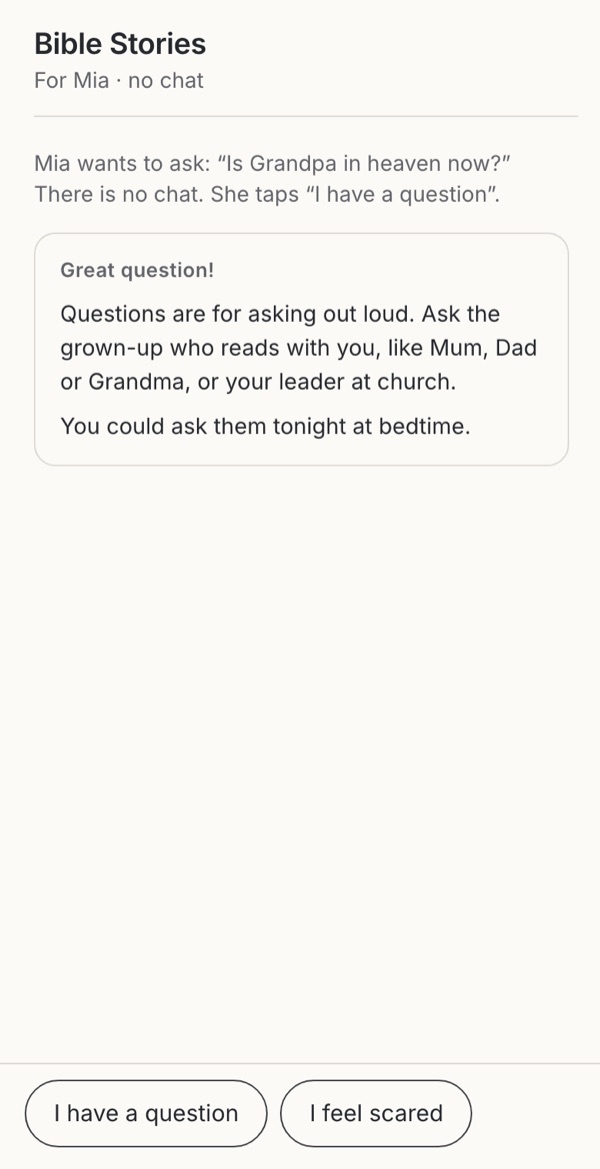
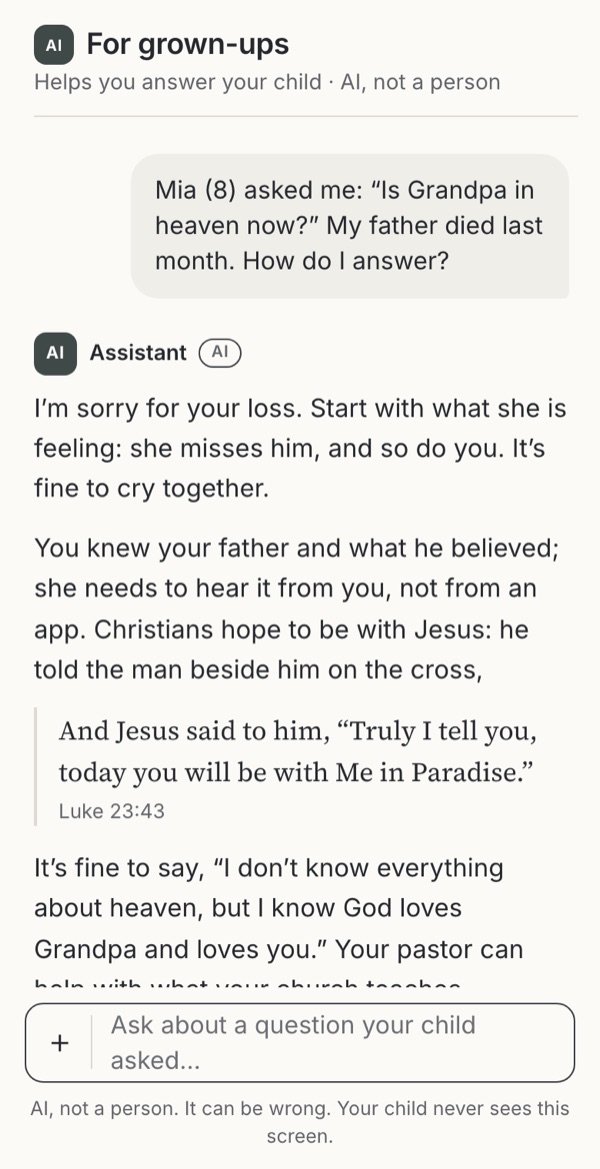
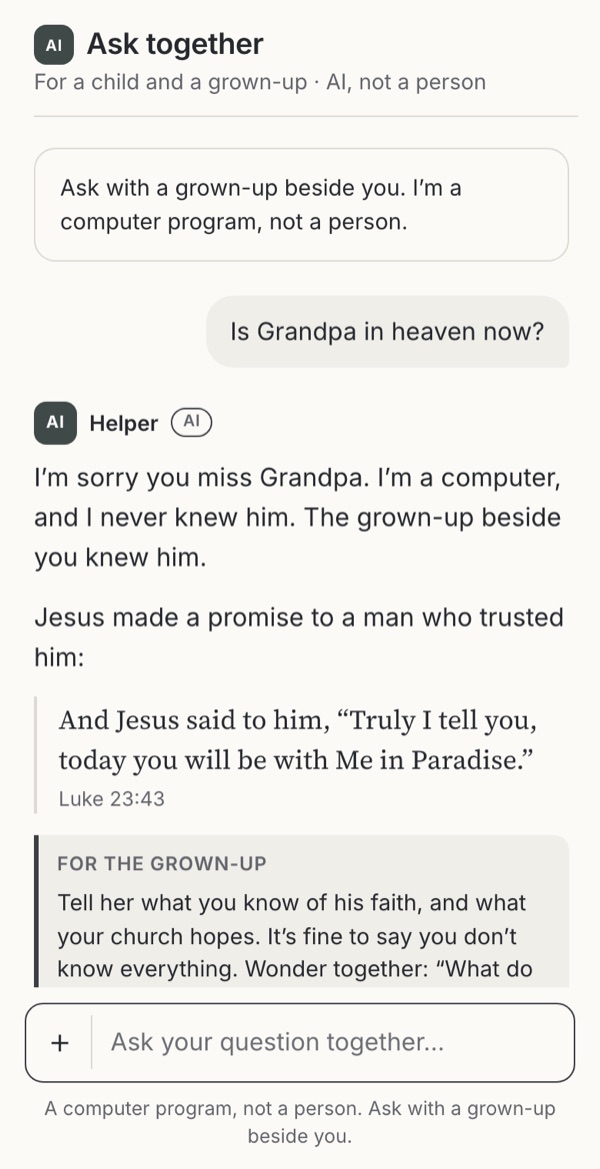
Children meeting Scripture and AI, and the adults with them.

Trade-offs to hold
Where the deep dives pull against each other
Some choices in one deep dive pull against choices in another: a limit that protects rest and a person in crisis, a check-in and forgetting, meeting someone and telling them the truth. 20 pairs, each with one way to hold both.
Downloads
Take the patterns into your work
Explore the deep dives above for design options, working examples and related research.
About the options
Sources and status
- Observed
An approach documented in a named app.
- Familiar convention
An established approach used across digital products.
- Borrowed
An approach adapted from another field, such as reading or productivity.
- Exploratory
A new design proposal awaiting user testing.
- Leave it out
Choosing to leave the feature out, a legitimate design decision.
- Warning case
Harmful behaviour found in products or research, shown so your team can recognise it.