

screen:shot-02e946a4bae65e65b97ascreencom.quietpupil.neubibleSettingsBottom sheetSliderToggleManage settingsDefaultAll screenshots 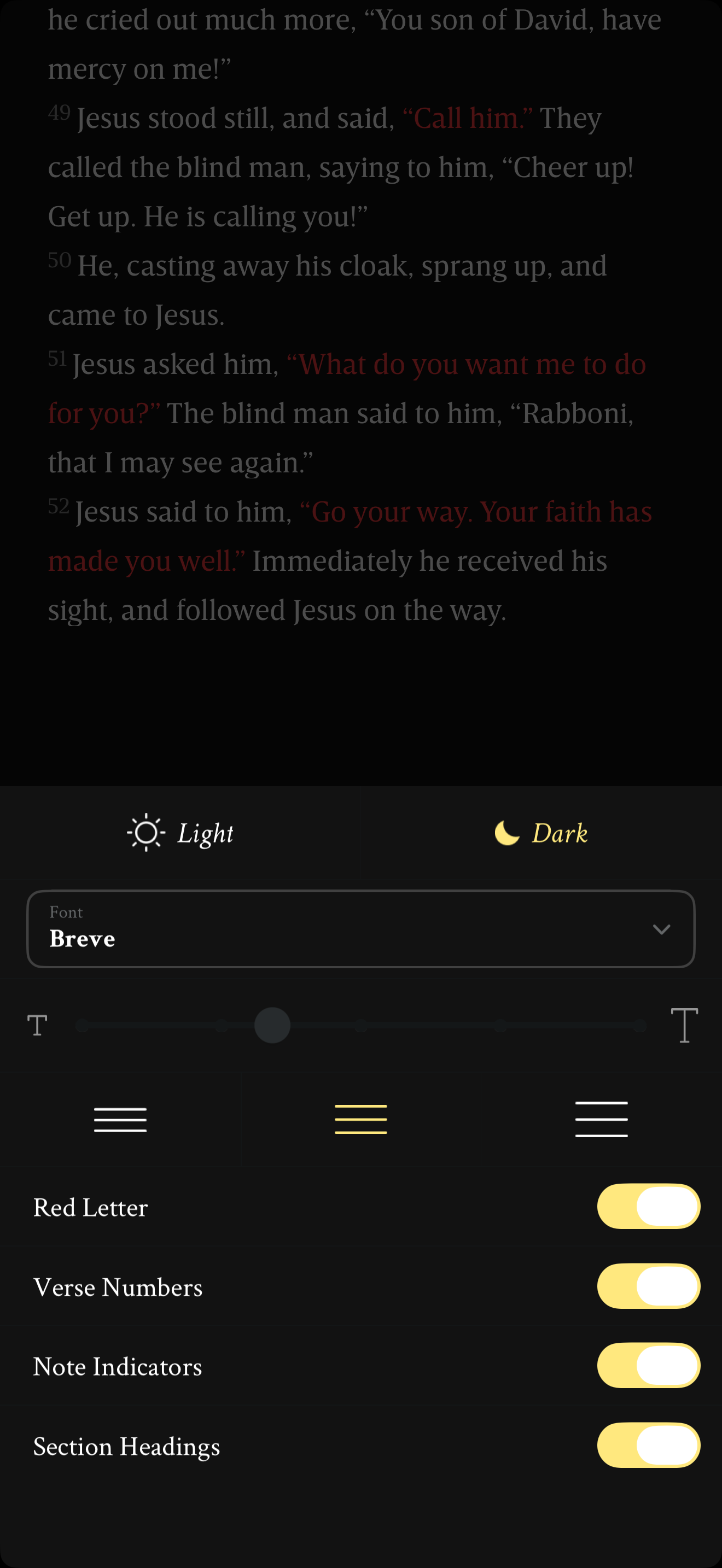
App interface screenshot · Mere Bible. Original pixels preserved.
Display settings after restoration
Mere Bible · 24 October 2026 · Version 2026.4.3
What this shows
Mere Bible displays all four marker switches on over a passage with red-letter text.
Capture context
Retained sequence identifies restored settings; the frame visibly shows all four toggles on. No private annotations appear.
Captured for interface research. Screen behaviour may change between app versions.
Selected text visible in this screen
Interface labels transcribed during review.
Light; Dark; Font; Breve; Red Letter; Verse Numbers; Note Indicators; Section Headings
Explore this screen
- Screen type
- Settings
- Components
- Bottom sheetSliderToggle
- Interactions
- Tasks
- Manage settings
- States
- Default
Component details
Bottom sheet · Slider · Toggle