

screen:shot-1662ffdbca57e27acf9fscreencom.logos.ilogosAnnotation editorModalColor pickerSelectorIcon buttonNoteMark and saveSelectedAll screenshots 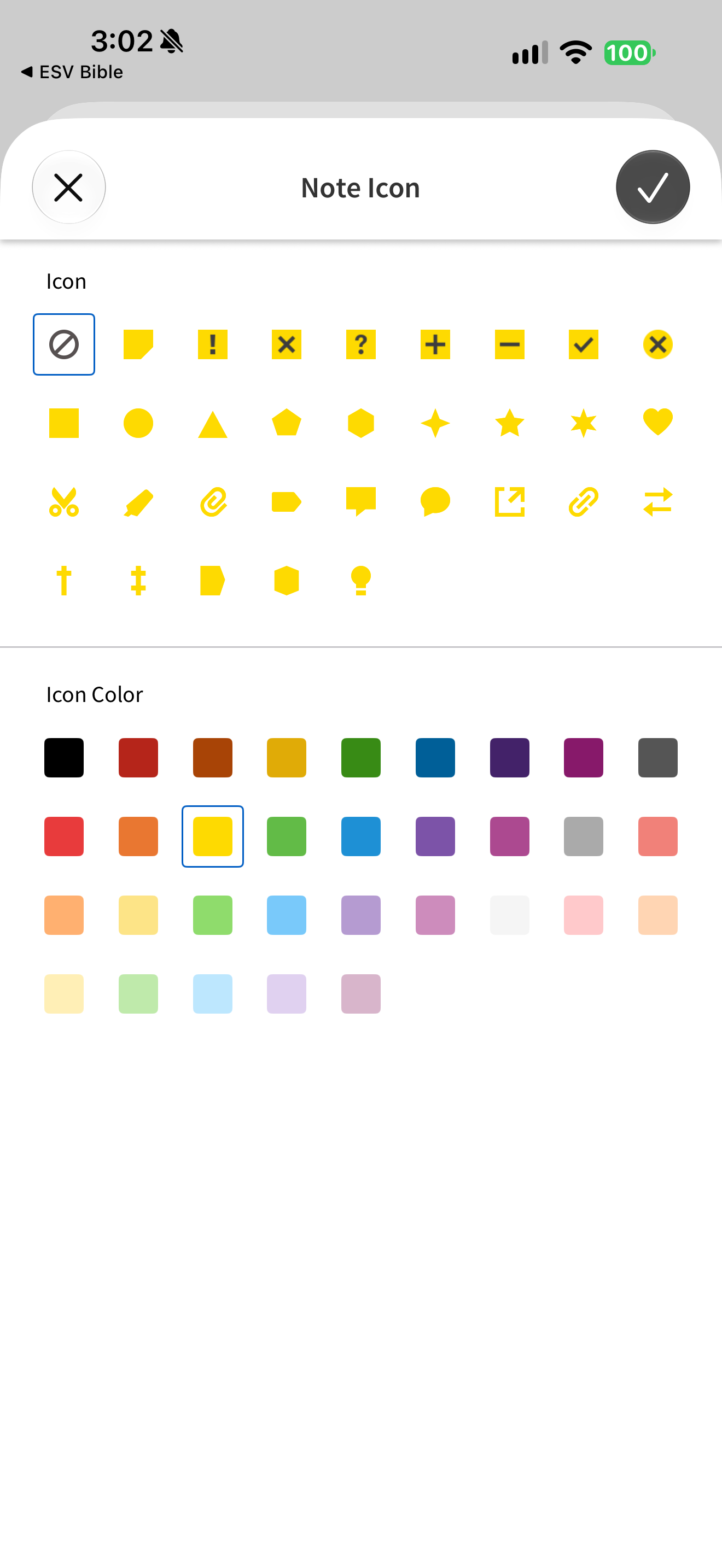
App interface screenshot · Logos Bible. Original pixels preserved.
Choosing a note marker
Logos Bible · 24 October 2026 · Version 54.0.2
What this shows
Logos offers note-marker shapes and a separate grid of icon colours.
Capture context
The no-icon option is outlined and yellow is selected. The grid is a marker-selection UI, not saved private content.
Captured for interface research. Screen behaviour may change between app versions.
Selected text visible in this screen
Interface labels transcribed during review.
Note Icon; Icon; Icon Color.
Explore this screen
- Screen type
- Annotation editor
- Components
- ModalColor pickerSelectorIcon button
- Interactions
- Note
- Tasks
- Mark and save
- States
- Selected
Component details
Modal · Color picker · Icon picker · Icon button