

Choosing a starting translation
Logos Bible · 11 October 2026 · Version
What this shows
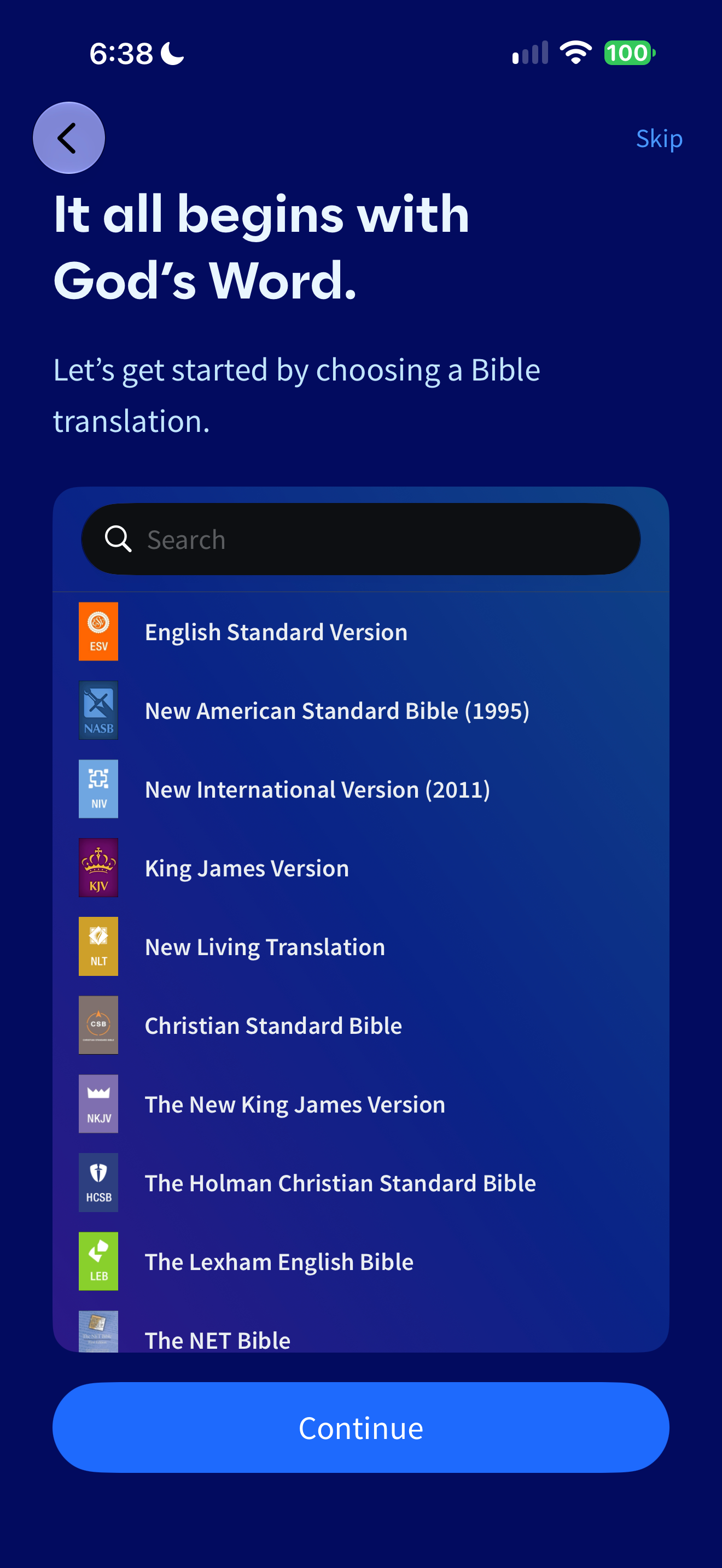
Logos asks for a Bible translation during setup and provides a searchable list.
Capture context
Single retained capture; visible copy and controls only. No claim about broader app behavior or outcomes.
Captured for interface research. Screen behavior may change between app versions.
Selected text visible in this screen
Interface labels transcribed during review.
It all begins with God’s Word.; Let’s get started by choosing a Bible translation.; Search; English Standard Version; New American Standard Bible (1995); New International Version (2011); King James Version; New Living Translation; Christian Standard Bible; The New King James Version; The Holman Christian Standard Bible; The Lexham English Bible; The NET Bible; Continue.
Patterns about this screen
The design decisions this screen shows, with the options and research behind each.
- Translations
One at a time, side by side or verse by verse? · Reading the Bible
- First use
What does someone have to give before they reach what they came for? · Money, data and trust
Explore this screen
- Screen type
- Onboarding
- Components
- Search fieldListButton
- Patterns / features
- Translation
- User tasks
- Join & personalizeRead Scripture
- Interface states
- Not specified
Component details
Search field · List · Primary button
Original descriptive labels
Browsing uses consistent groups. The original reviewed labels stay searchable; they can describe settings, context or capture details rather than a user task or interface state.
- Screen description
- Onboarding
- Task descriptions
- Join and personalize · Read Scripture
- State and context descriptions
- Default
- Feature descriptions
- Translation