

Journey account gate
dewfall · 11 October 2026 · Version
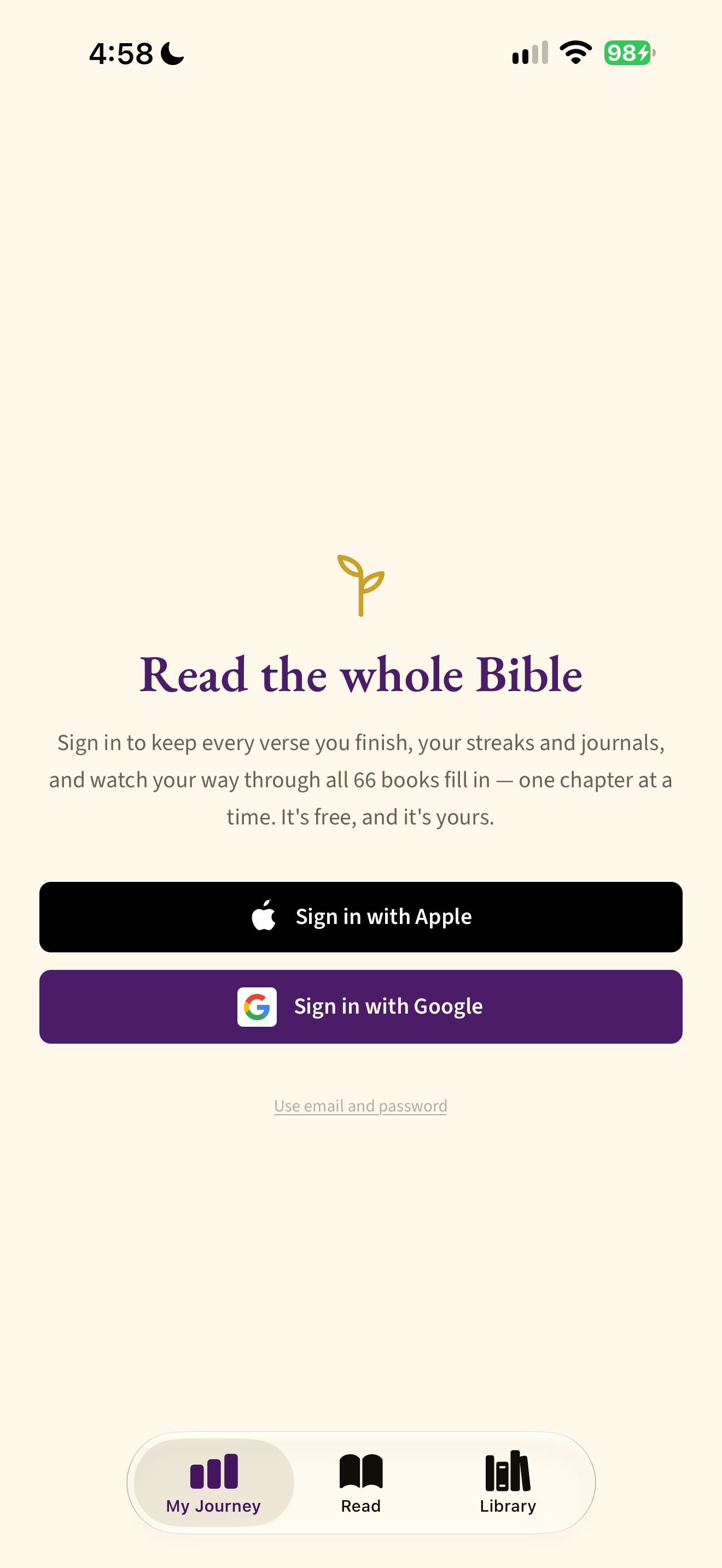
What this shows
Journey tab explains saved progress before offering account sign-in methods.
Capture context
Publisher content in the captured screen; no complete flow or outcome is implied.
Captured for interface research. Screen behavior may change between app versions.
Selected text visible in this screen
Interface labels transcribed during review.
Read the whole Bible; Sign in to keep every verse you finish, your streaks and journals, and watch your way through all 66 books fill in — one chapter at a time. It’s free, and it’s yours.; Sign in with Apple; Sign in with Google; Use email and password
Patterns about this screen
The design decisions this screen shows, with the options and research behind each.
- First use
What does someone have to give before they reach what they came for? · Money, data and trust
- Progress and streaks
What should a reading history show? · Habits and attention
Explore this screen
- Screen type
- Account
- Patterns / features
- Not specified
- User tasks
- Keep a routine
- Interface states
- Not specified
Component details
Account buttons · Email link · Tabs
Original descriptive labels
Browsing uses consistent groups. The original reviewed labels stay searchable; they can describe settings, context or capture details rather than a user task or interface state.
- Screen description
- Account
- Task descriptions
- Save reading progress
- State and context descriptions
- Default
- Feature descriptions
- Not recorded