

screen:shot-5fd7e36814b00ca7acedscreencom.logos.ilogosChatMenuText fieldTabsChatCitationsAsk a questionMark and saveManage settingsDefaultAll screenshots 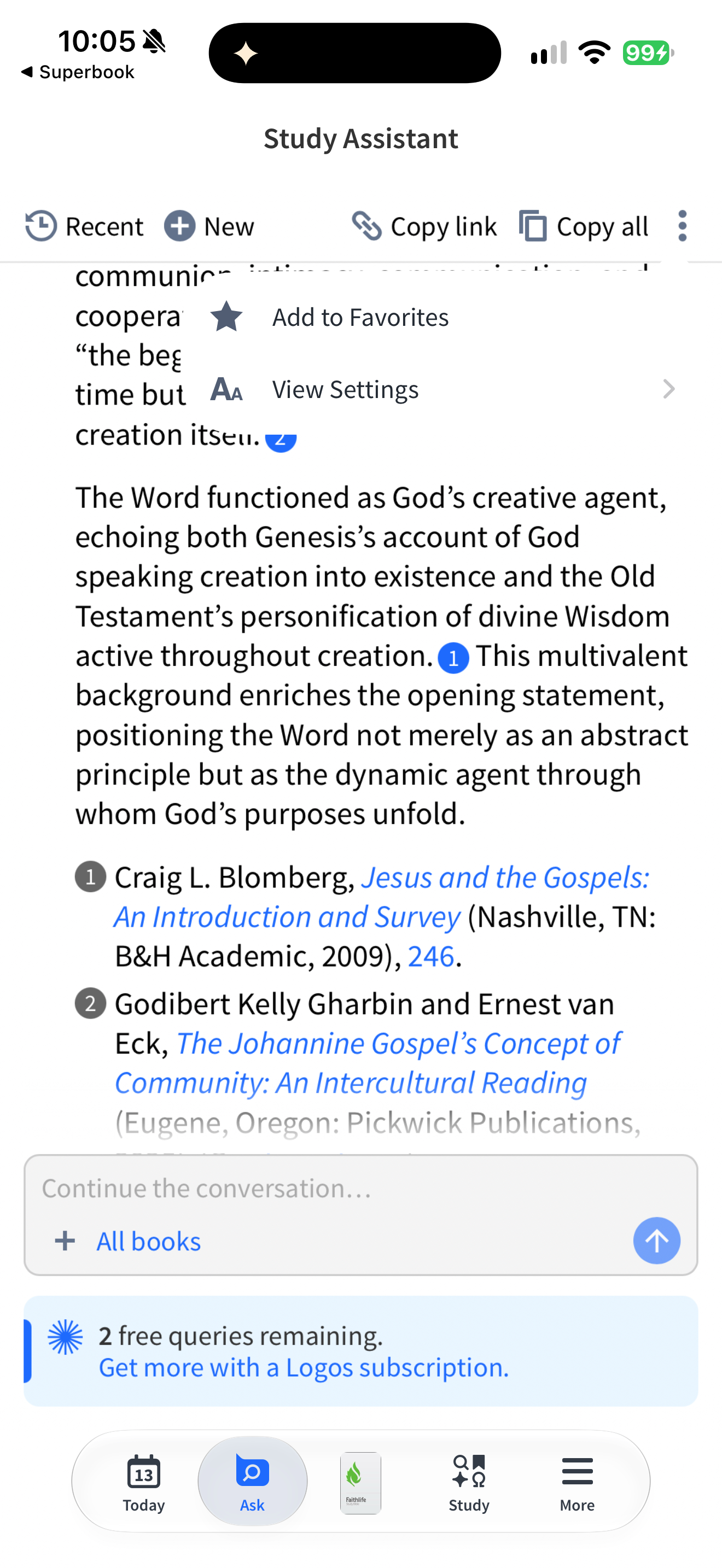
App interface screenshot · Logos Bible. Original pixels preserved.
Conversation menu actions
Logos Bible · 13 October 2026 · Version 54.0.0
What this shows
Logos offers Add to Favorites and View Settings in the Study Assistant menu.
Capture context
Menu open over the neutral John 1:1 answer. The frame does not show a completed favourite or changed setting.
Captured for interface research. Screen behaviour may change between app versions.
Selected text visible in this screen
Interface labels transcribed during review.
Study Assistant; Recent; New; Copy link; Copy all; Add to Favorites; View Settings; All books; 2 free queries remaining.
Explore this screen
- Screen type
- Chat
- Components
- MenuText fieldTabs
- States
- Default
Component details
Menu · Text input · Tabs