

Editing a highlight label and color
Blue Letter Bible · 25 October 2026 · Version 2.84.2
What this shows
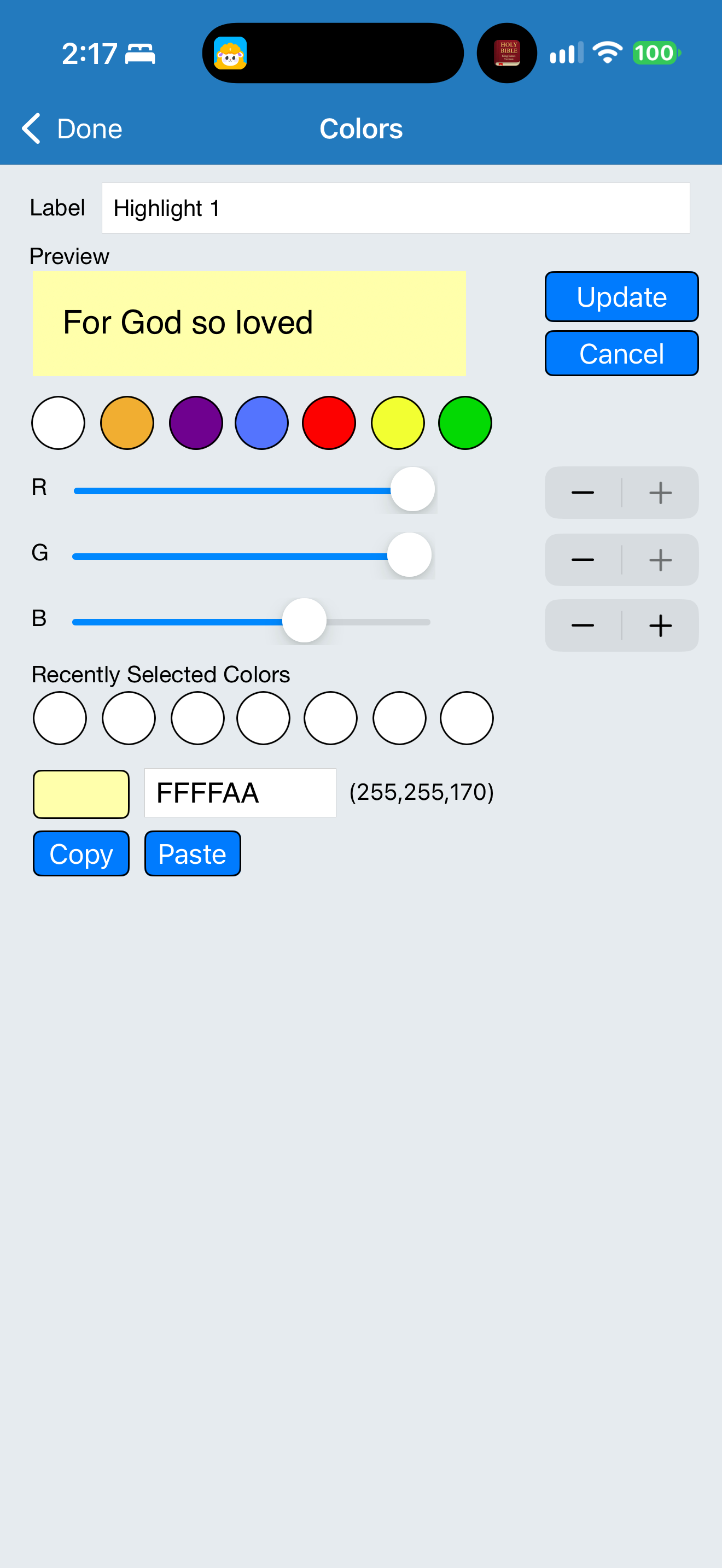
Blue Letter Bible exposes an editable highlight label, color presets, RGB sliders and a hexadecimal color field.
Capture context
The editor was inspected without changing the label or colors and without using the clipboard controls. The frame demonstrates available controls, not a saved custom palette or a meaning assigned to the color.
Captured for interface research. Screen behavior may change between app versions.
Selected text visible in this screen
Interface labels transcribed during review.
Colors; Label; Highlight 1; Preview; Update; Cancel; R; G; B; Recently Selected Colors; FFFFAA; (255,255,170); Copy; Paste.
Patterns about this screen
The design decisions this screen shows, with the options and research behind each.
- Highlights and notes
How should readers mark a passage? · Reading the Bible
Explore this screen
- Screen type
- Annotation editor
- Patterns / features
- Highlight
- User tasks
- Mark & saveManage settings
- Interface states
- Editing
Component details
Text field · Color picker · Slider · Stepper · Preview · Button
Original descriptive labels
Browsing uses consistent groups. The original reviewed labels stay searchable; they can describe settings, context or capture details rather than a user task or interface state.
- Screen description
- Annotation editor
- Task descriptions
- Mark and save · Customize appearance
- State and context descriptions
- Editing
- Feature descriptions
- Highlight · Custom color · Editable label