

screen:shot-8adbc2ede7ff8875a21escreencom.bibleproject.bibleprojectHomeCardTabsExplore contentStudy a passageAll screenshots 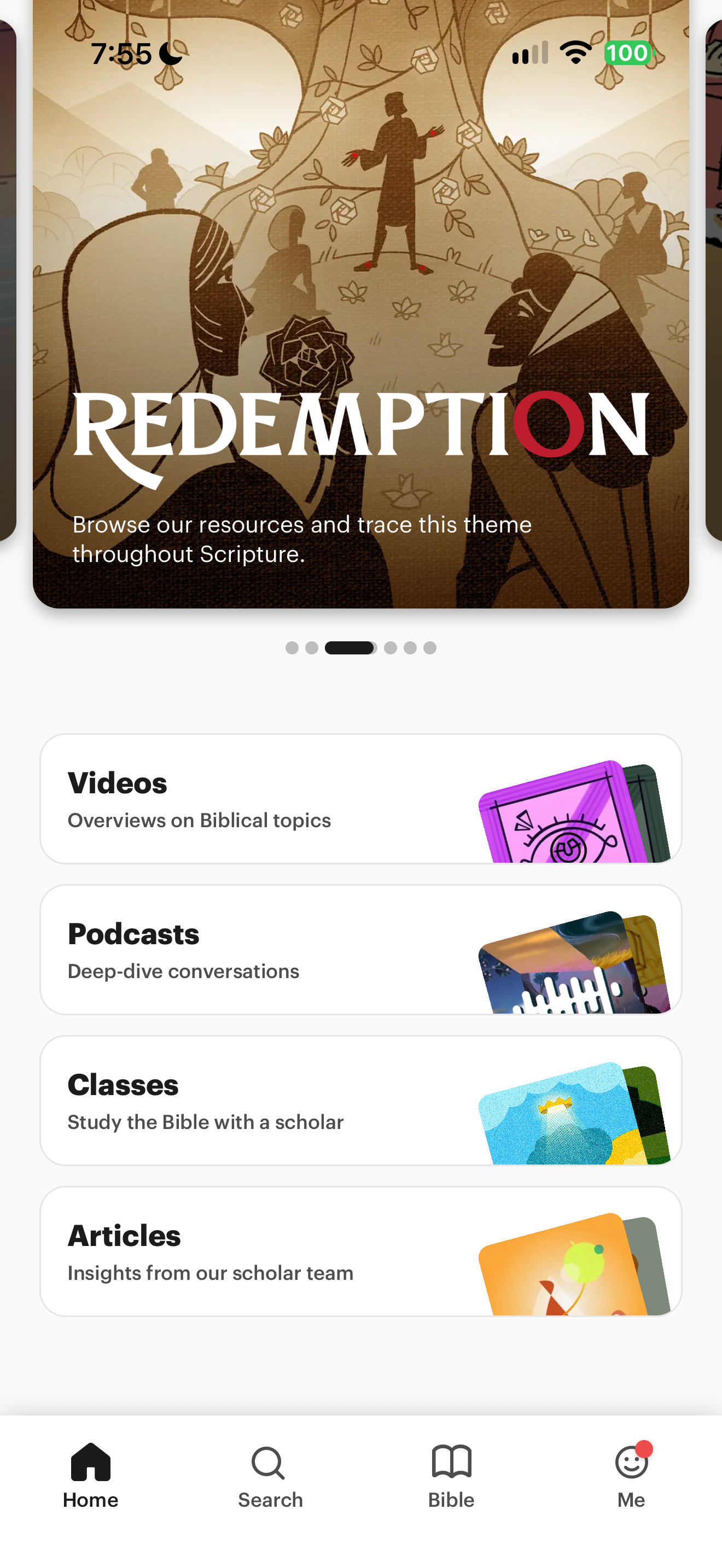
App interface screenshot · BibleProject. Original pixels preserved.
BibleProject resource categories
BibleProject · 11 October 2026 · Version
What this shows
A scrolled home screen exposes BibleProject resource categories and descriptions.
Capture context
Retained capture; only the visible state is evidenced.
Captured for interface research. Screen behavior may change between app versions.
Selected text visible in this screen
Interface labels transcribed during review.
Videos; Podcasts; Classes; Articles; Insights from our scholar team
Patterns about this screen
The design decisions this screen shows, with the options and research behind each.
- Study helps
Where should commentary and notes open? · Reading the Bible
Explore this screen
- Screen type
- Home
- Patterns / features
- Not specified
- User tasks
- Explore contentStudy a passage
- Interface states
- Not specified
Component details
Cards · Tabs
Original descriptive labels
Browsing uses consistent groups. The original reviewed labels stay searchable; they can describe settings, context or capture details rather than a user task or interface state.
- Screen description
- Home
- Task descriptions
- Browse content · Study a passage
- State and context descriptions
- Scrolled
- Feature descriptions
- Not recorded