App interface screenshot · Logos Bible. Original pixels preserved.
What this shows
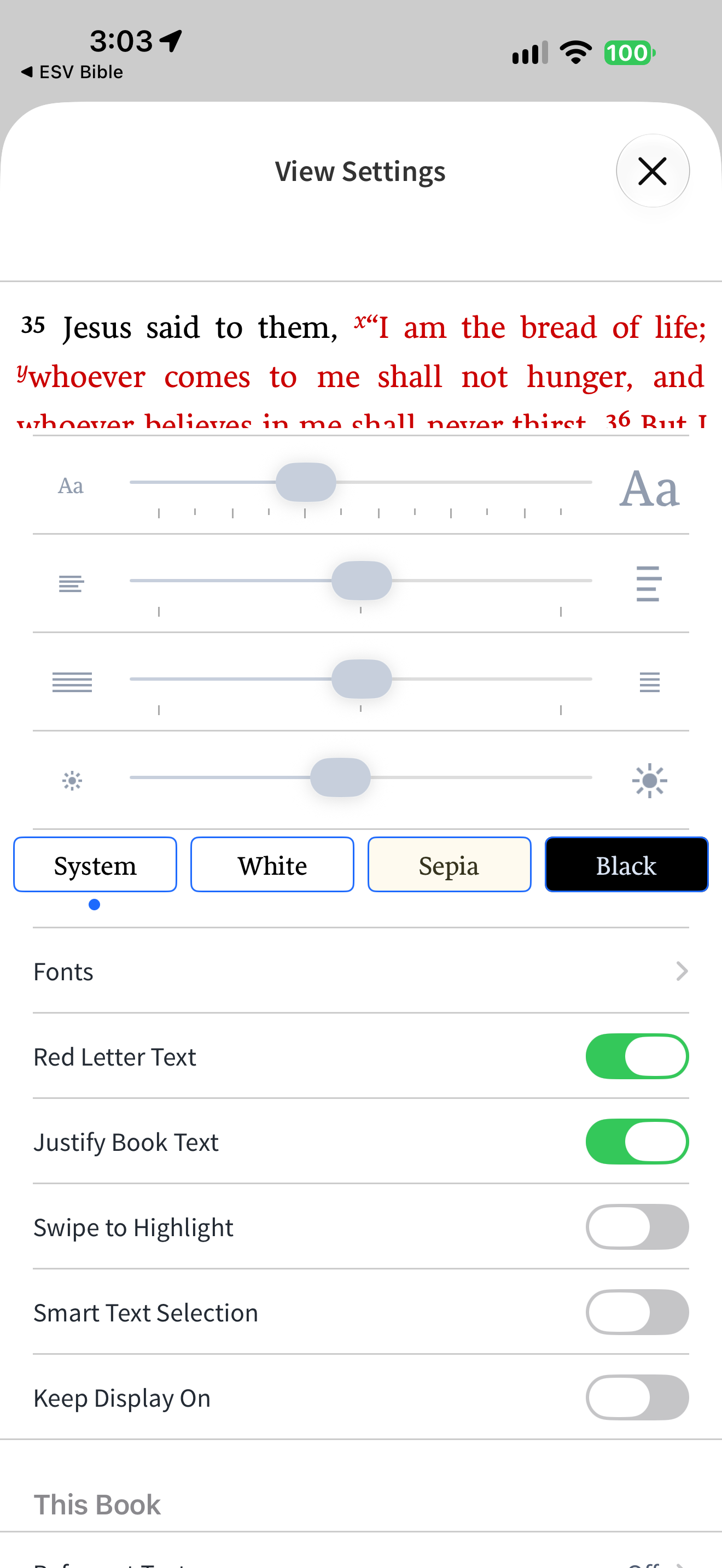
Logos groups text-size sliders, theme choices and reading-interaction toggles.
Capture context
System is indicated as selected. Red Letter Text and Justify Book Text are on; Swipe to Highlight, Smart Text Selection and Keep Display On are off.
Captured for interface research. Screen behaviour may change between app versions.
Selected text visible in this screen
Interface labels transcribed during review.
View Settings; System; White; Sepia; Black; Fonts; Red Letter Text; Justify Book Text; Swipe to Highlight; Smart Text Selection; Keep Display On; This Book.