

Settings with reading and plan options
Bible · 27 October 2026 · Version 11.34.1 (23986)
What this shows
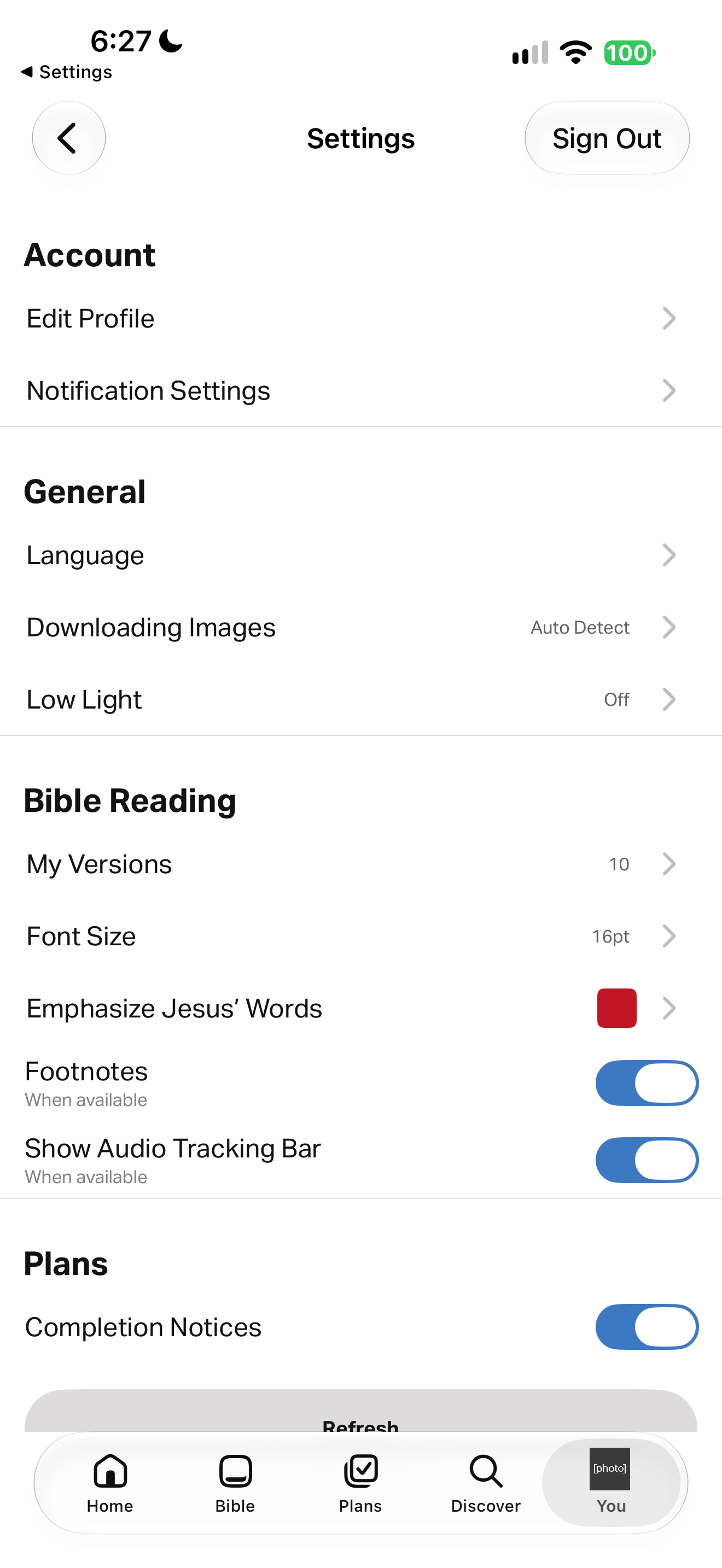
Settings lists Account (Edit Profile, Notification Settings), General (Language, Downloading Images, Low Light), Bible Reading (My Versions, Font Size, Emphasize Jesus' Words, Footnotes, Show Audio Tracking Bar) and Plans (Completion Notices, on). The profile photo in the tab bar is masked.
Capture context
iOS capture, 27 October 2026. Existing account or guest state; not installation defaults. Captured sequence may have gaps. OS previous-app return labels and persistent Live Activities from other apps are not part of the foreground product. Personal details are covered by labeled gray bars; all other pixels are unchanged. Existing settings, not defaults; nothing was changed.
Captured for interface research. Screen behavior may change between app versions.
Selected text visible in this screen
Interface labels transcribed during review.
Patterns about this screen
The design decisions this screen shows, with the options and research behind each.
- Notifications and reminders
When may a faith app interrupt someone, in whose voice, and who decides? · Habits and attention
- Reading plans
What happens when someone misses days? · Reading the Bible
Explore this screen
- Screen type
- Settings
- Components
- Unspecified componentToggleTab bar
- Patterns / features
- RemindersReading layout
- User tasks
- Manage settings
- Interface states
- Not specified
Component details
Settings list · Toggle · Tab bar
Original descriptive labels
Browsing uses consistent groups. The original reviewed labels stay searchable; they can describe settings, context or capture details rather than a user task or interface state.
- Screen description
- Settings
- Task descriptions
- Manage settings
- State and context descriptions
- Default
- Feature descriptions
- Reminders · Reading layout