

Bible
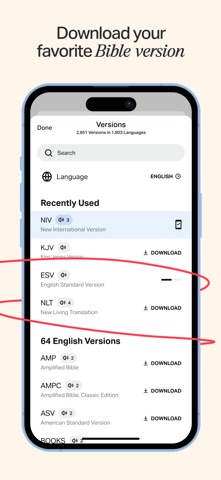
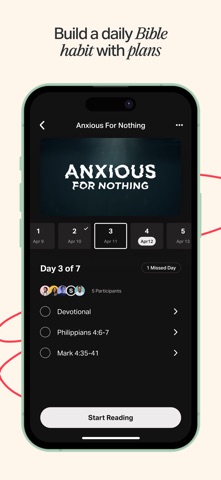
YouVersion’s Bible-reading app with translations, audio, reading plans and sharing tools.
For People reading or listening to Scripture in daily life across languages.
App StoreOfficial websiteAudience source
- Platform
- iOS
- Category
- Reference
- First release
- 12 February 2019
- Store ratings
- 13,851,822 (US)
- Research captures
- 111
Design review
Observed choices, what they mean, and what still needs checking.
Access & cost
The iOS account documentation says YouVersion is provided free without limits or advertising. Account creation is optional for app use, though many features require an account.
Publisher information · flow checks pendingAttention & control
Reminder defaults, pause and missed-day recovery have not been verified.
Controls not yet verifiedTrust & care
Source boundaries, privacy and safeguards need further review. No app-wide assurance is implied.
Evidence incompleteOffers are dated iOS observations in USD where captured. Eligibility, country and platform can differ. Existing settings are not installation defaults.
Where the observed choices sit
Each row is one scoped observation of a specific flow, not a grade for the whole app.
1 area with good practice observed1 area with a concern noted7 areas not reviewed yet
Works against: a choice subverts the person’s agency. Respects: it respects people and safeguards. Restores: a practice restores at a cost freely borne by the builder. Price, Christian branding or a free tier alone do not place an area. How we review.
Respects and works against the personMoney and access
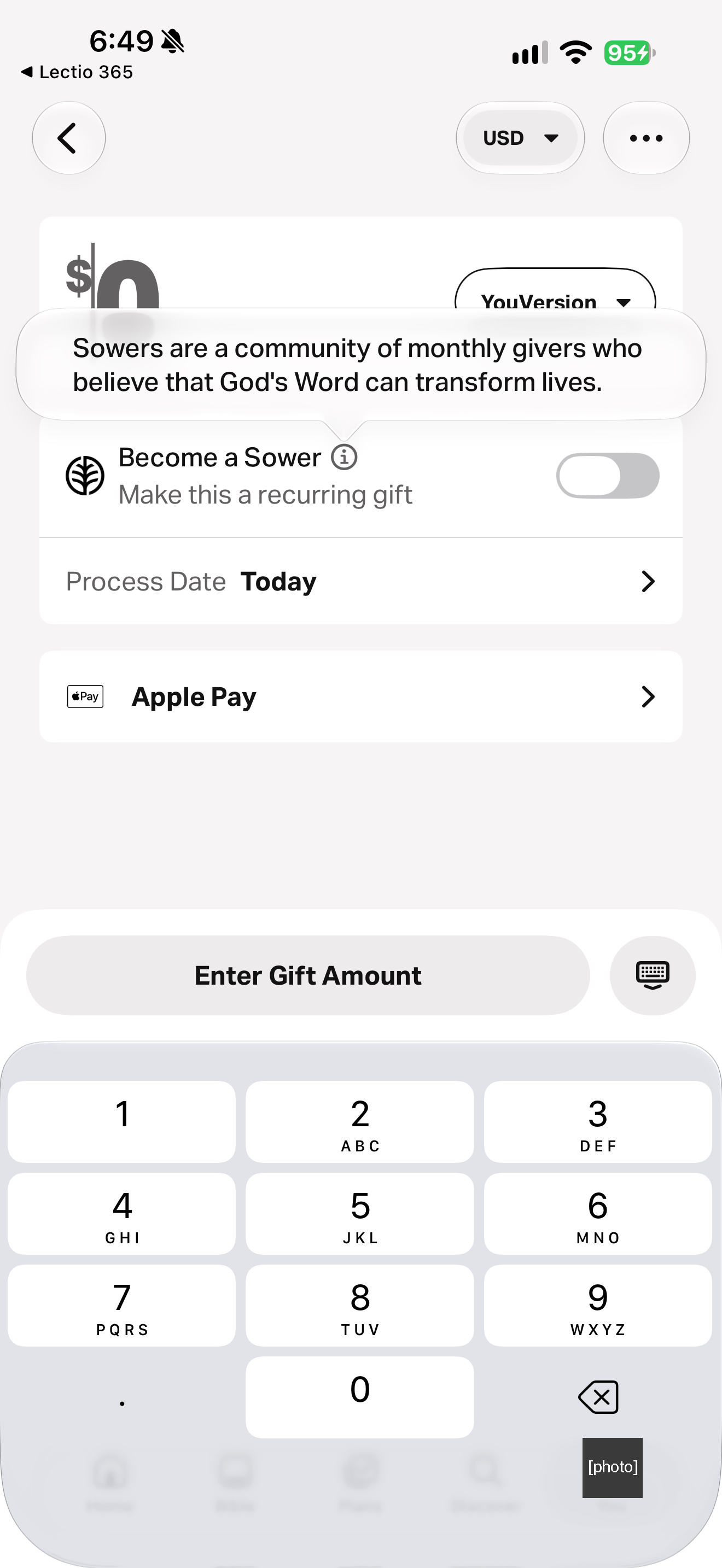
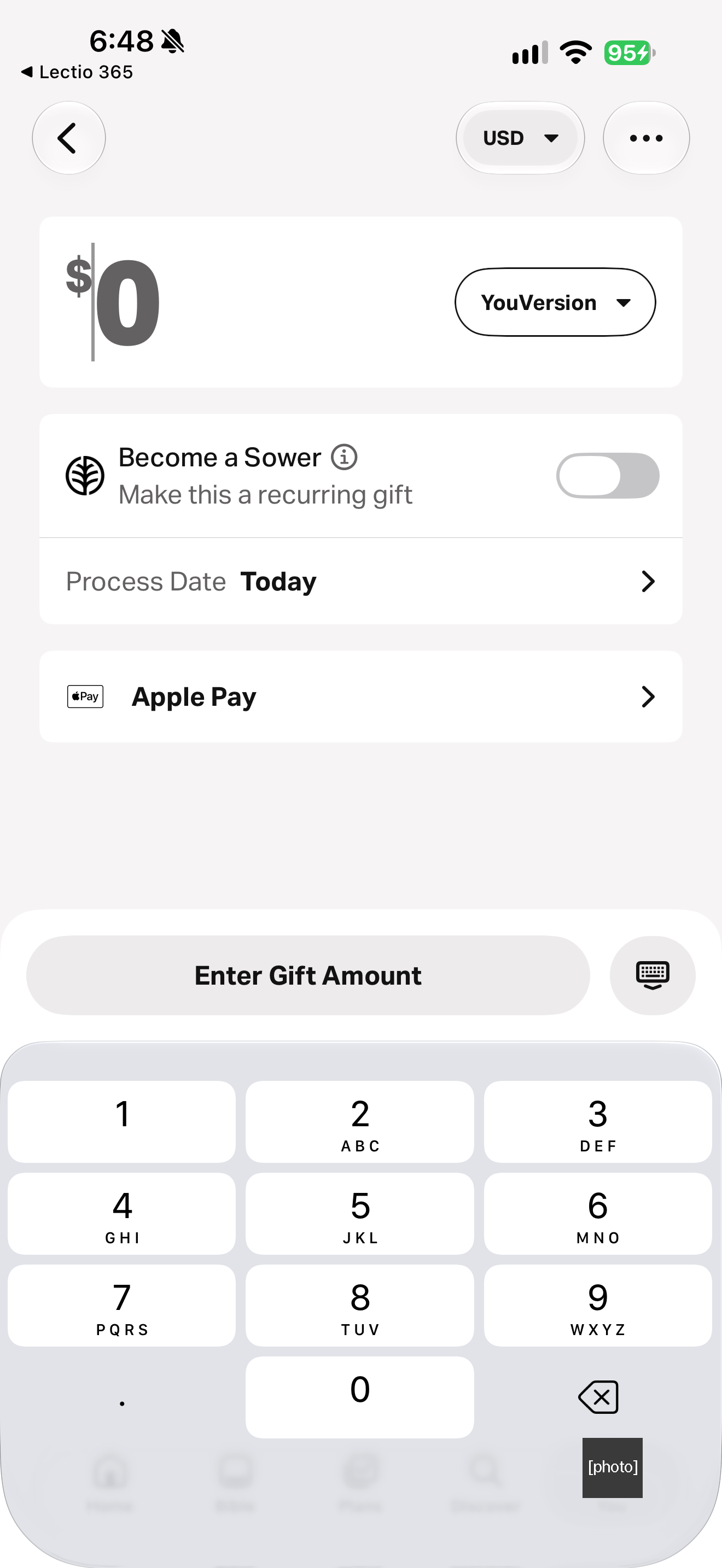
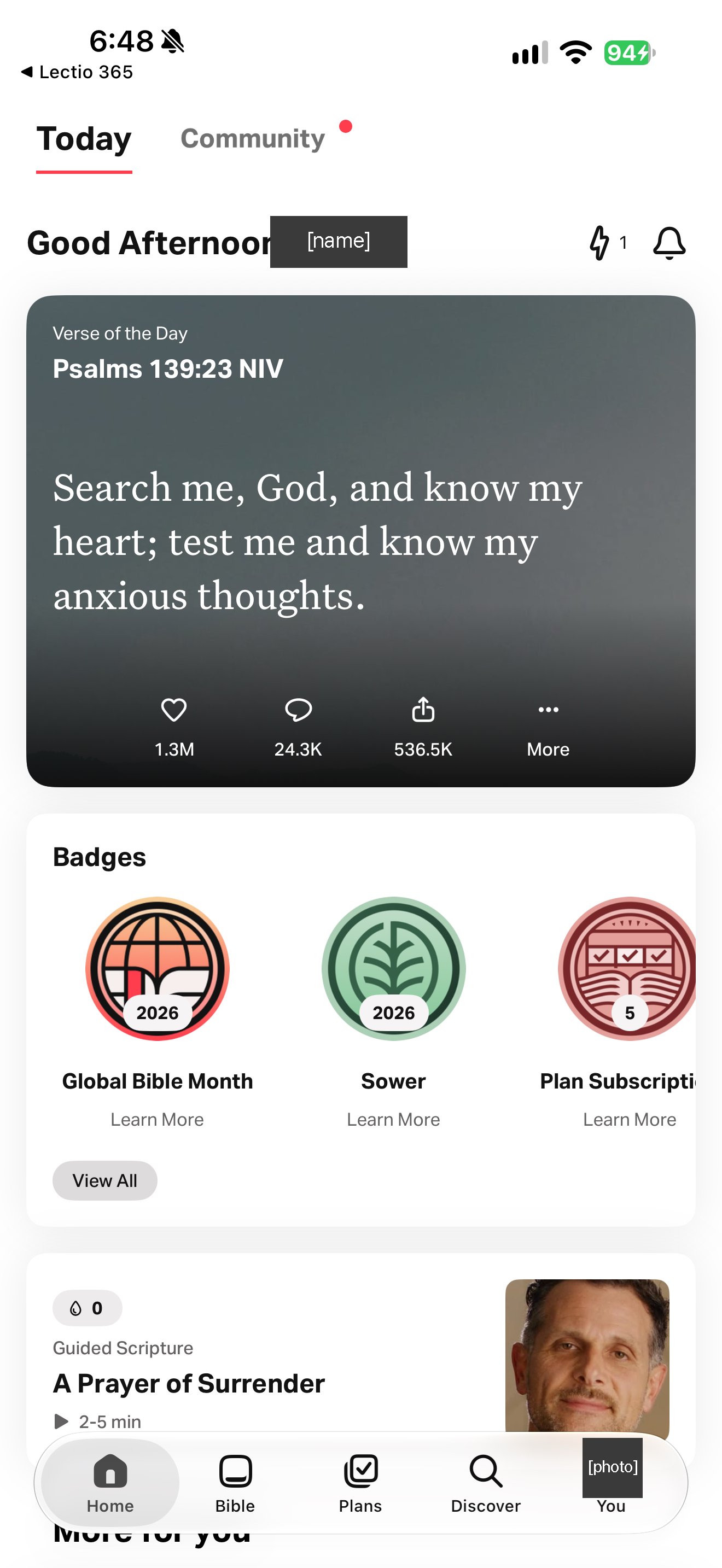
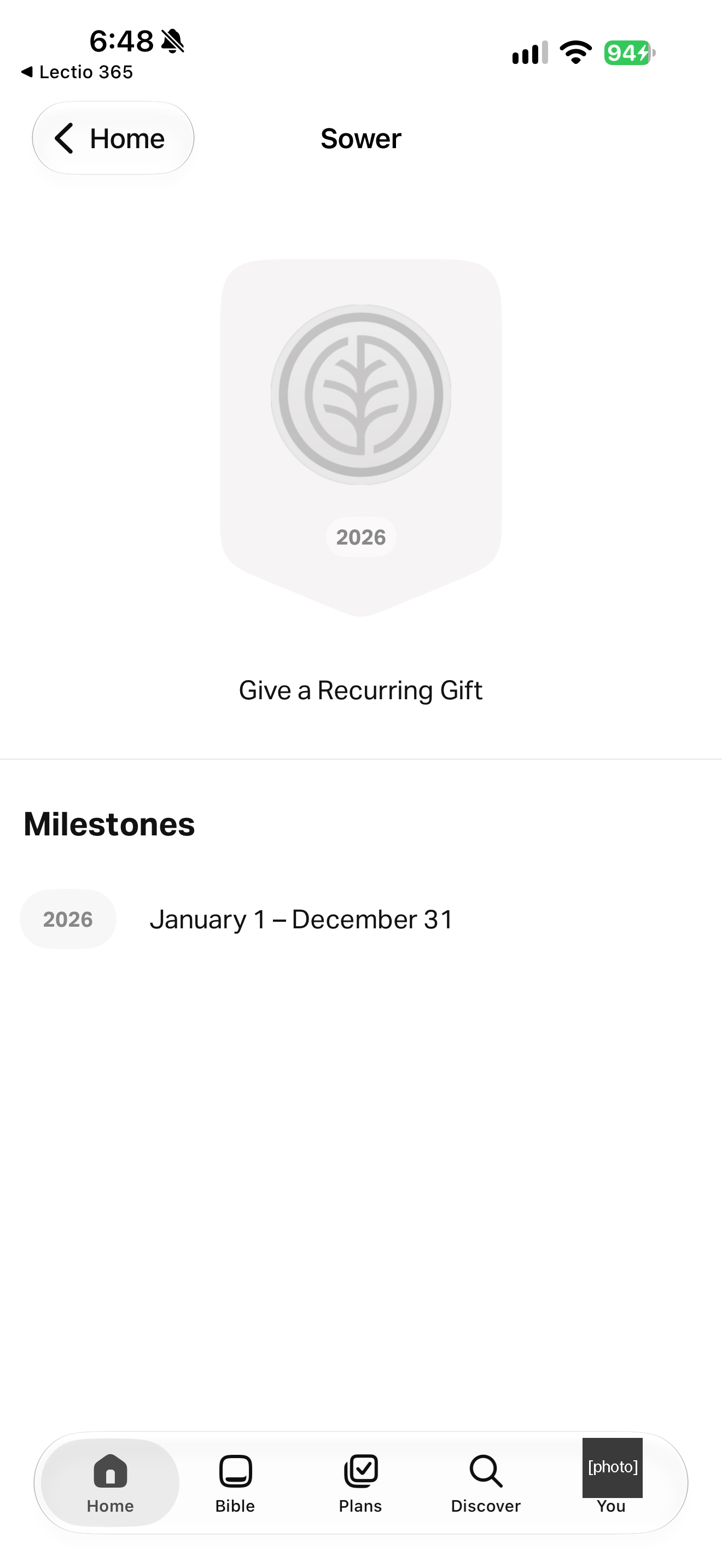
The Give screen and the Sower badge, 30 October 2026.
What we saw
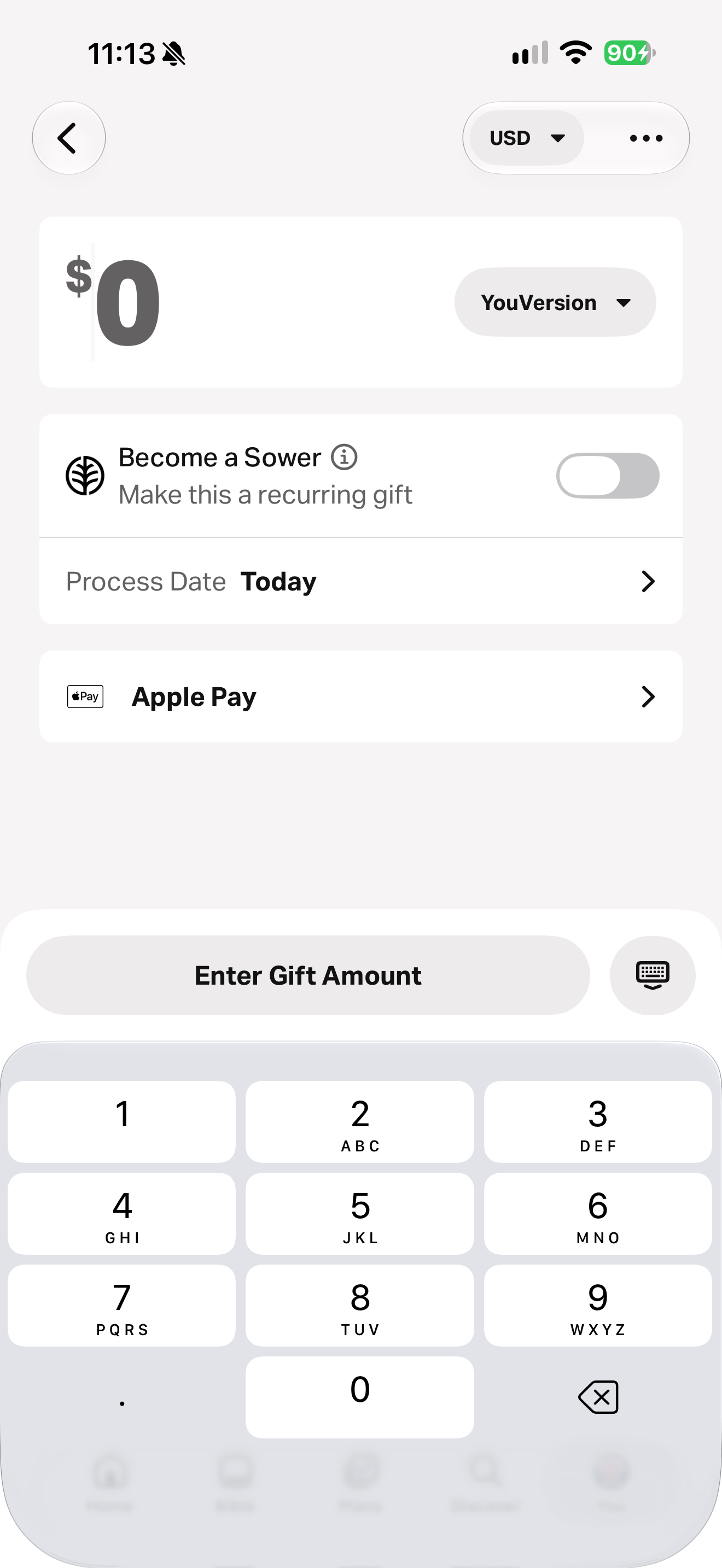
Giving is a plain donation: the Give screen starts at $0 with no amount preselected, the recurring toggle is off, and nothing in the app is locked behind it. A Home card and a badge page also present recurring giving as a yearly “Sower” badge (“Sowers are a community of monthly givers”), so a gift is shown on the profile as an achievement.
What this does not show
One evening on iOS (30 October 2026), existing account or guest state, not first-install defaults. Nothing was bought or given. Badge display to other users was not checked. Scope: The Give screen and the Sower badge, 30 October 2026.
Principles
Feed the flock, not on itWelcome before you ask, and guard what is told in confidence
Screens
111 reviewed screensCaptured app states, distinct from the publisher’s promotional images. Dates and versions belong to each screen; this is not a complete app walkthrough.
Features and patterns
What the reviewed screens show this app doing. A missing entry does not mean a feature is absent.
Bible audio
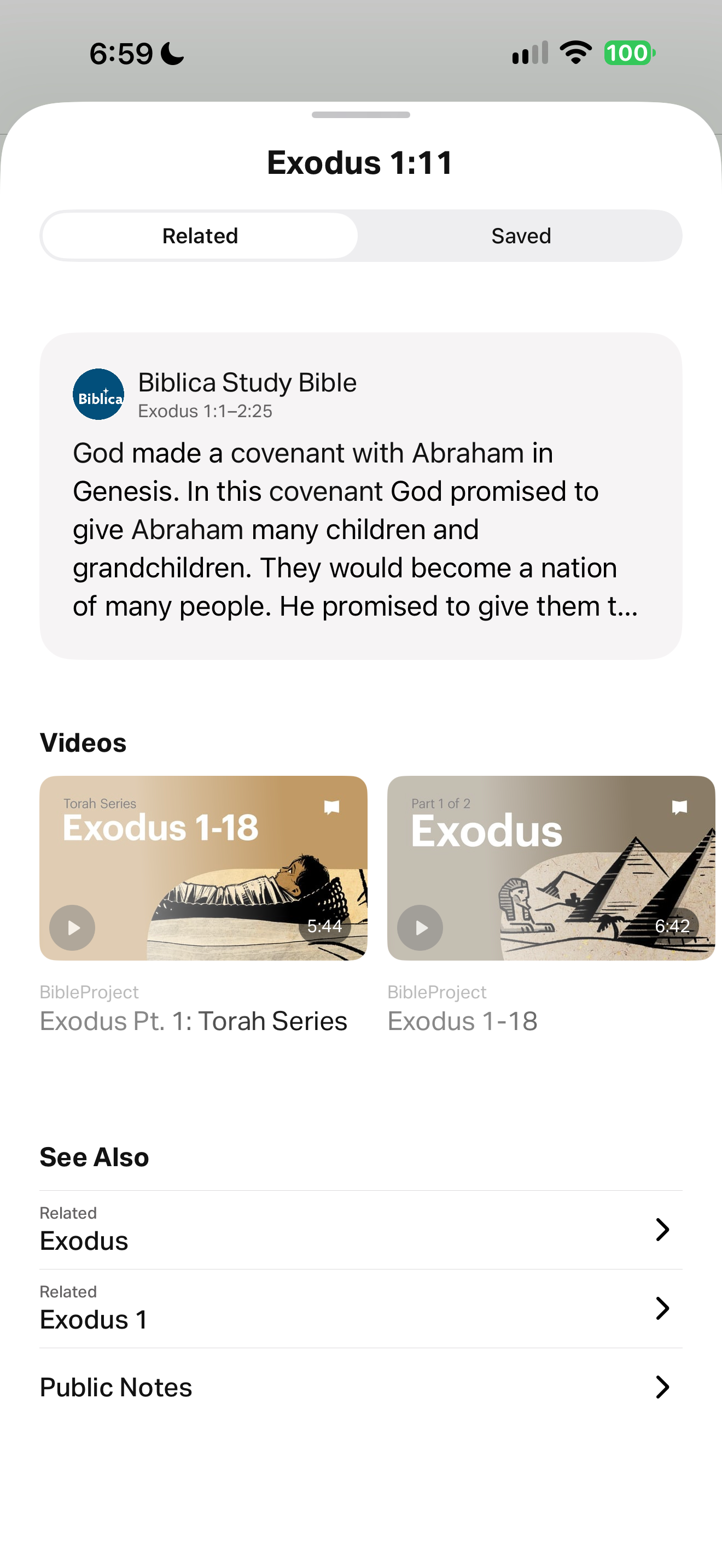
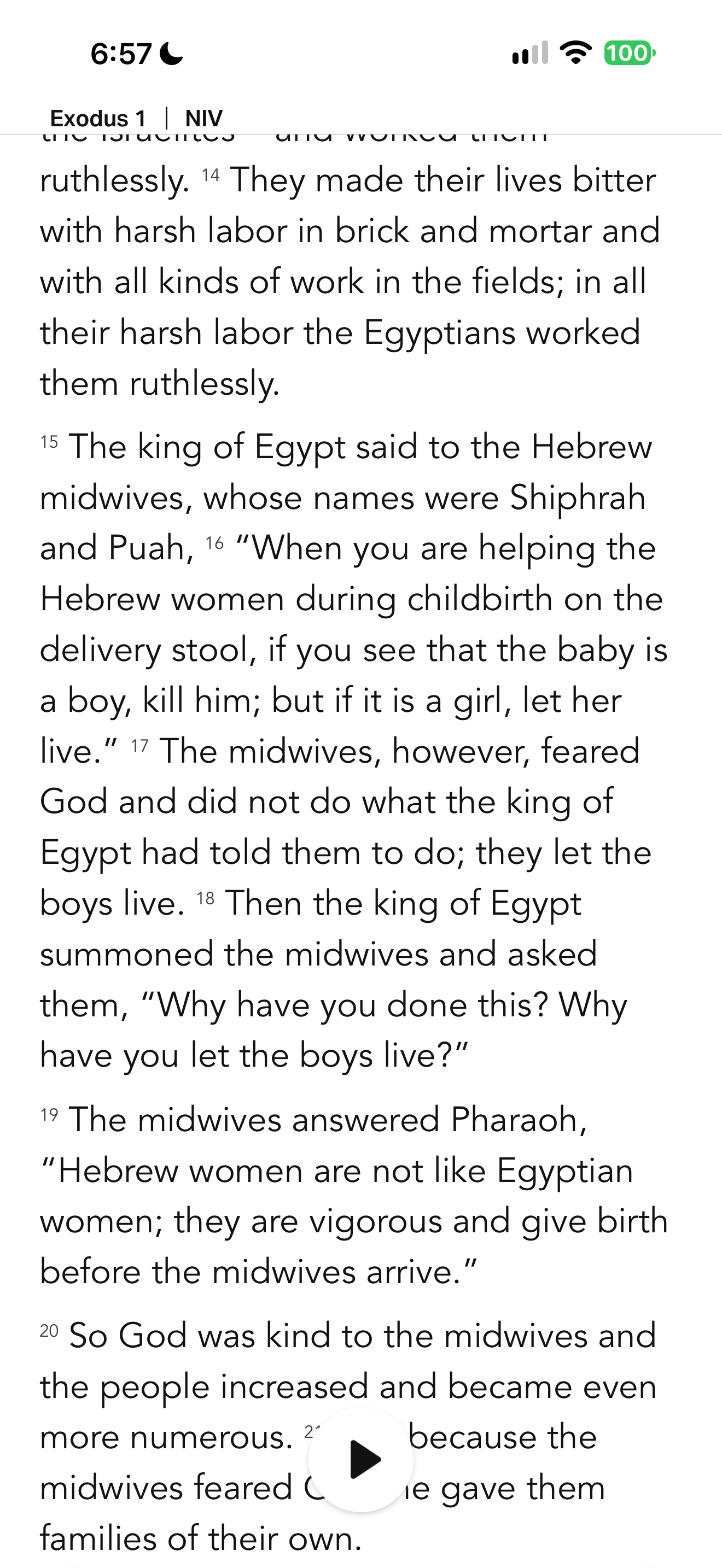
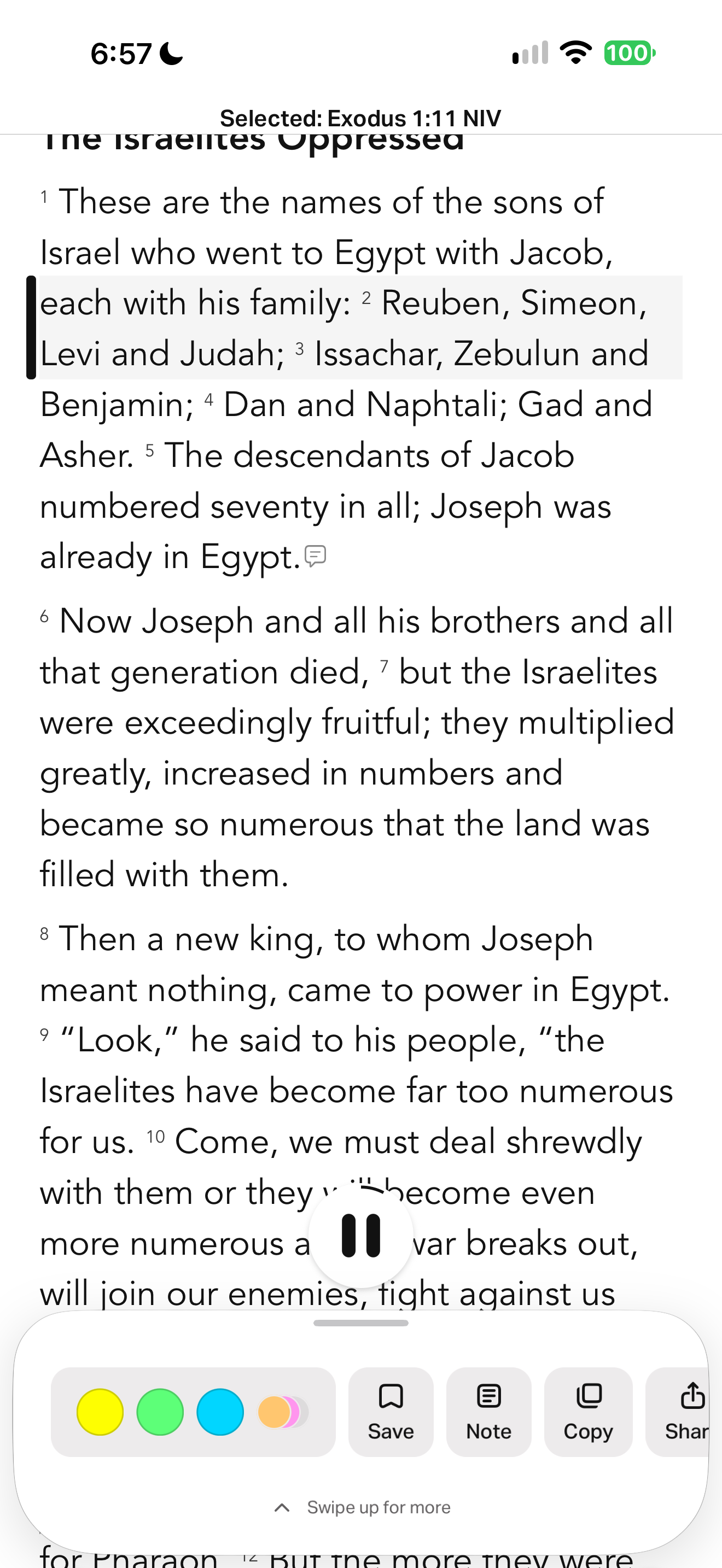
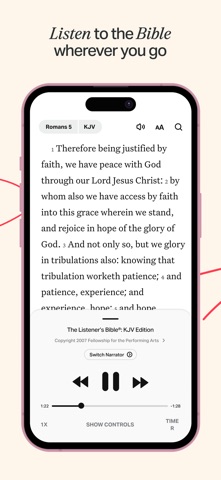
YouVersion displays numbered NIV Exodus 1 text with a floating audio play control. YouVersion shades the opening verse of Exodus 1 while audio playback is active. YouVersion shows verse actions and highlight colors while Exodus audio continues. A pale gray band and dark left rule mark the audio position in Mark 4, separately from colored highlights. YouVersion exposes emphasis color, footnotes and audio tracking controls alongside general settings. Exodus 1 (NIV), "The Israelites Oppressed", with audio, search and more buttons and a floating play bar. The account photo in the You tab is masked. Exodus 1 (NIV) in the Bible tab with a floating play bar. The account photo in the You tab is masked. Exodus 1 (NIV) with a floating play bar. The account photo in the You tab is masked.
Bible audioOther apps with bible audio (20)15 supporting screens
Devotional audio
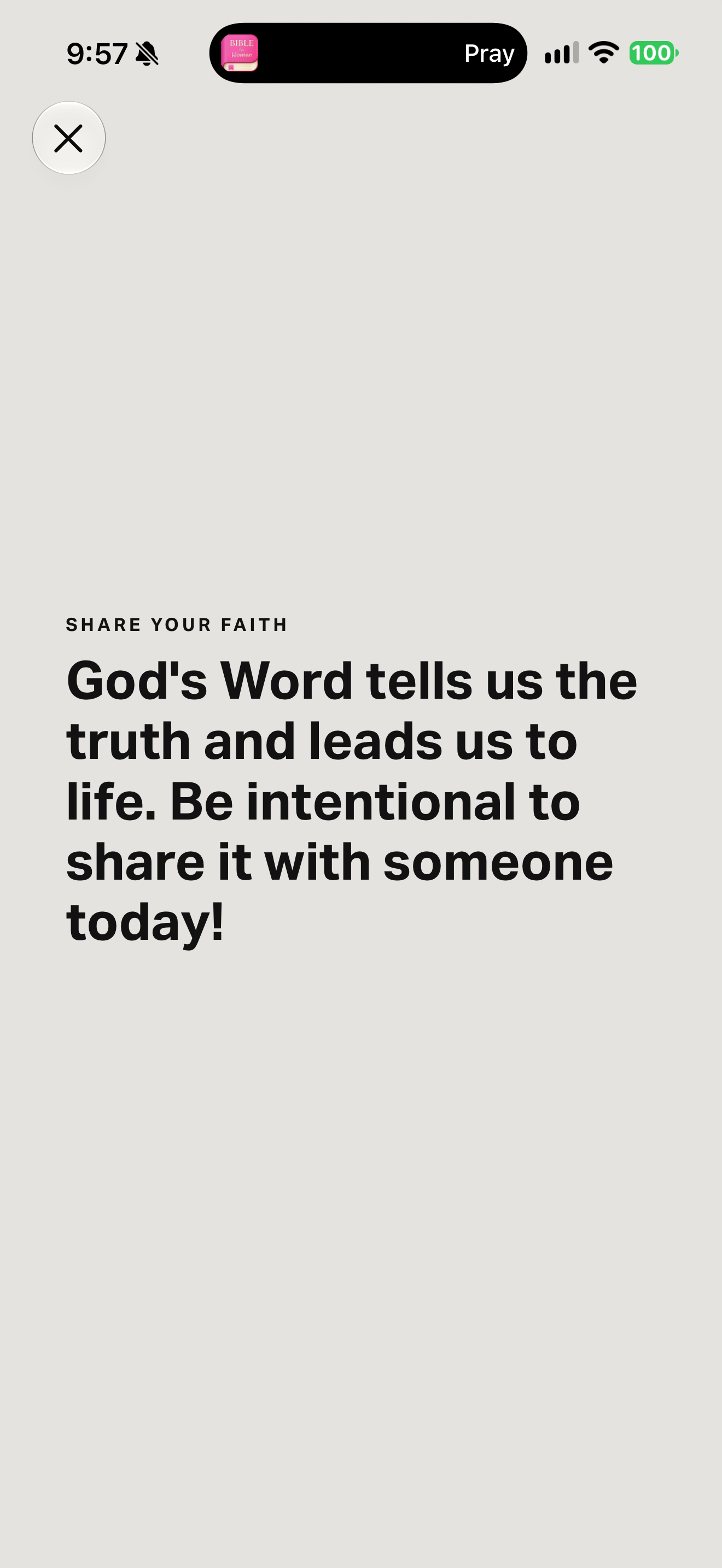
Near the end of the Guided Scripture session a page reads "SHARE YOUR FAITH — God's Word tells us the truth and leads us to life. Be intentional to share it with someone today!" The step points to a person, not to the app. The next page is a closing prayer ("God, thank You for giving me a way to know Your heart… Give me opportunities to share Your message of hope! In Jesus' name, Amen.") with "Add to Prayer List". The final page shows "Guided Scripture Streak 1" and "UP NEXT — Guided Prayer — Make space for what matters most." with "Swipe Up" to continue straight into the next session.
Devotional audioOther apps with devotional audio (25)3 supporting screens
First use
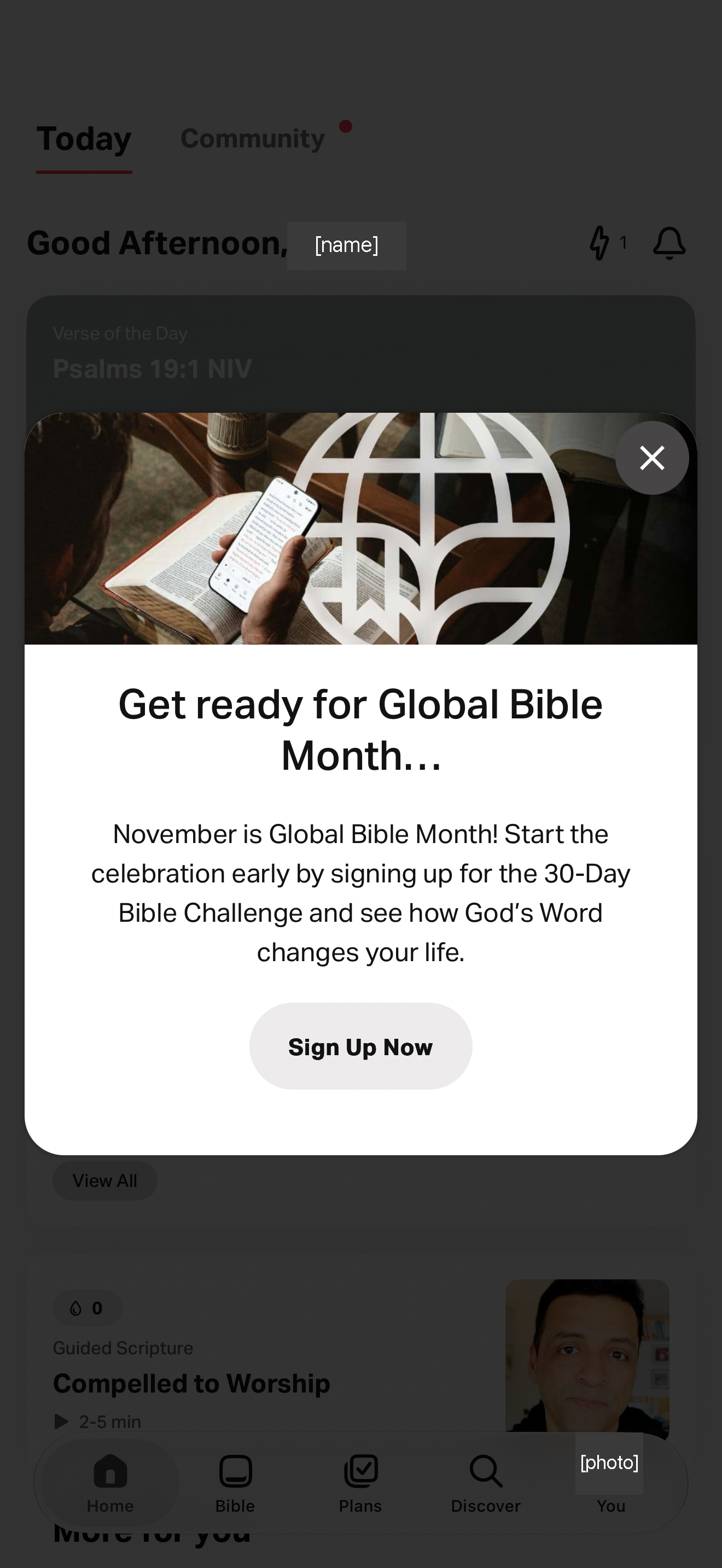
"Get ready for Global Bible Month… November is Global Bible Month! Start the celebration early by signing up for the 30-Day Bible Challenge" with Sign Up Now, over Today. The account photo in the You tab is masked. On launch a centered card covers the home screen: "There's still time to sign up for Global Bible Month! Sign up for the 30-Day Bible Challenge and start the celebration November 1." with Sign Up Now.
First useOther apps with first use (89)2 supporting screens
Giving and offerings
YouVersion opens an empty gift form with recurring giving off and a numeric keyboard. YouVersion explains two giving destinations in a bottom sheet. YouVersion updates its primary action to Give $2 Now after an amount is entered. YouVersion combines attributed fundraising testimonials with recurring-giving and account-management routes. YouVersion lists giving history, recurring-gift management, profile and support routes. YouVersion shows a generic empty state for scheduled and recurring gifts. YouVersion presents a public Maybelle testimonial and monthly-giving action. YouVersion displays a publisher distribution claim below its public testimonial. "[name], become a Sower and take the Bible to the world." video "What is a Sower?", "As a Sower, you can distribute 600 Bibles Per Year" with a monthly gift slider ($10–$100, $25 selected) and "Give a Monthly Gift". The Today tab shows the Verse of the Day (Psalm 139:23 NIV) with like, comment and share counts, then a Badges row: Global Bible Month 2026, Sower 2026 and Plan Subscription, each with "Learn More". A Guided Scripture card ("A Prayer of Surrender") follows. Tapping Sower opens a badge page with a greyed 2026 Sower badge, the instruction "Give a Recurring Gift" and a Milestones line for 2026 (January 1 – December 31). The badge is earned by monthly giving. The Give screen starts at $0 USD for the fund "YouVersion", with a toggle "Become a Sower — Make this a recurring gift" (off), Process Date Today, Apple Pay and an Enter Gift Amount keypad. No amount is preselected. The info button explains: "Sowers are a community of monthly givers who believe that God's Word can transform lives." Recurring giving is framed as joining a community, and the badge marks it on the profile.
Giving and offeringsOther apps with giving and offerings (26)13 supporting screens
Handing over to people
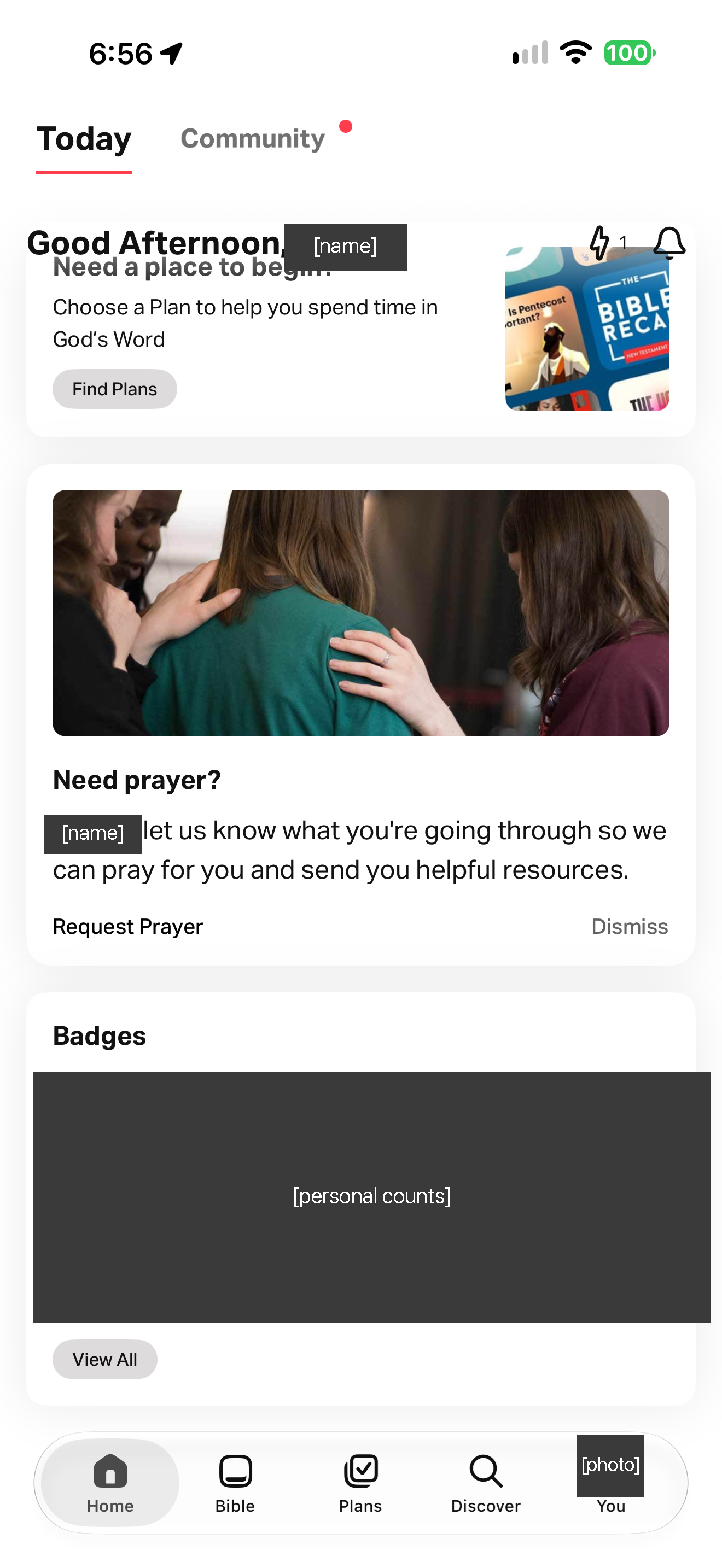
"Need prayer? [name], let us know what you're going through so we can pray for you and send you helpful resources." with Request Prayer and Dismiss, then Badges (covered). The account photo in the You tab is masked. "Need prayer? [name], let us know what you're going through so we can pray for you…" with Request Prayer, then Badges (covered). The account photo in the You tab is masked.
Handing over to peopleOther apps with handing over to people (15)2 supporting screens
Highlights and notes
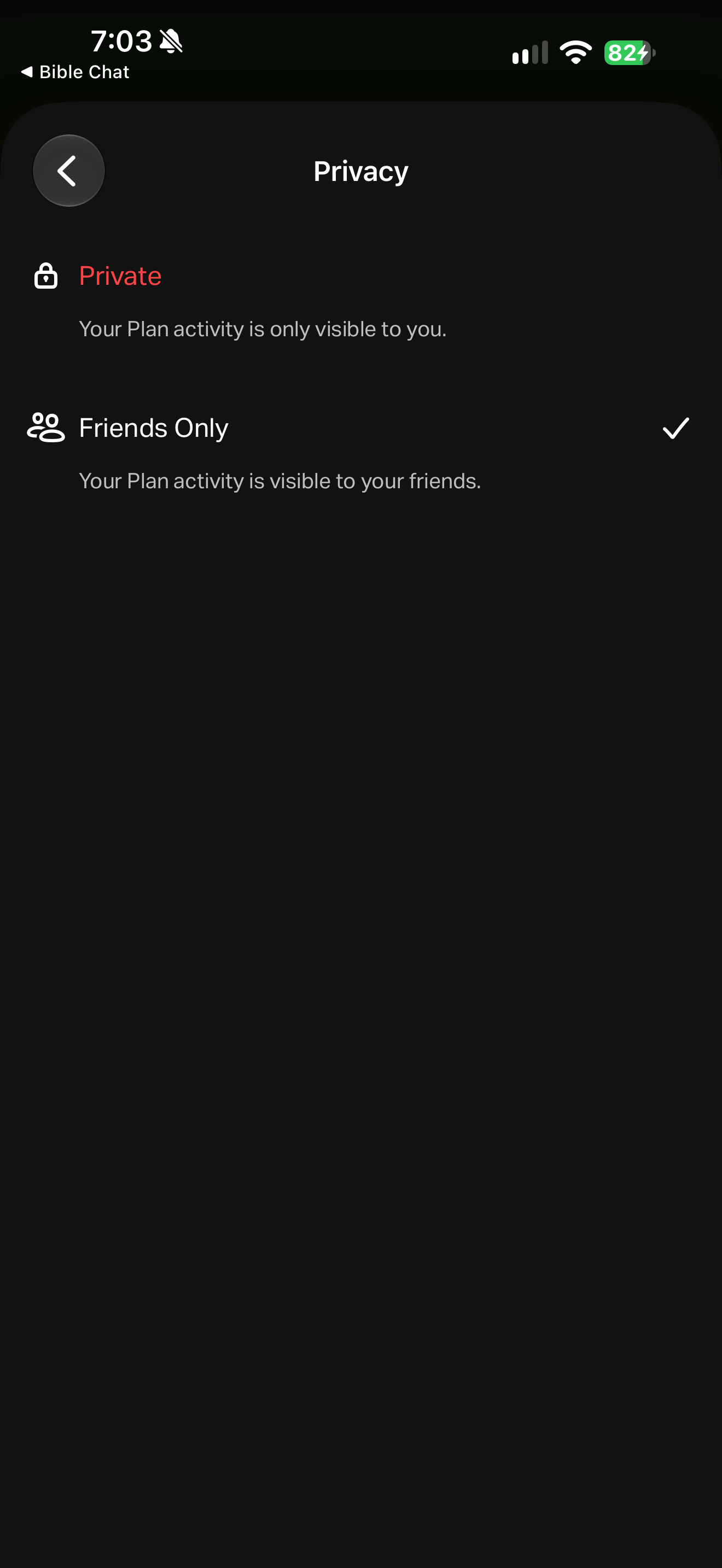
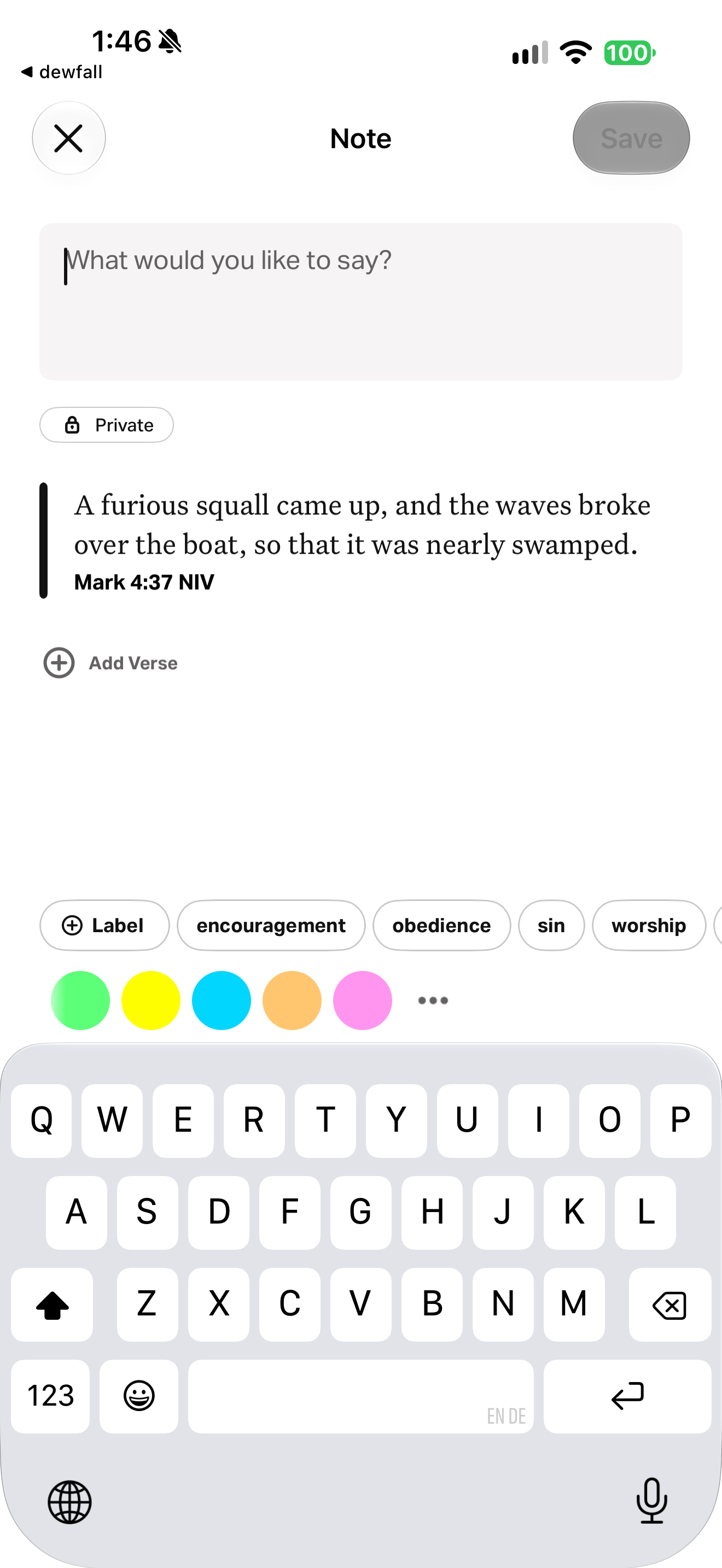
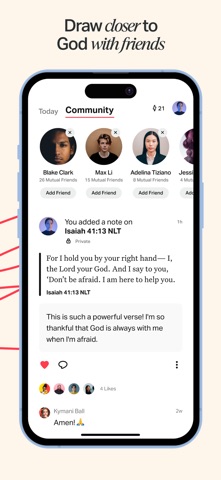
YouVersion shows verse actions and highlight colors while Exodus audio continues. YouVersion uses dotted underlining for a selected verse and offers highlighting, saving and note actions. YouVersion offers private, friends-only and public note visibility. YouVersion underlines Mark 4:37 with dots and opens verse actions over paragraph text. YouVersion’s Exodus reader exposes highlight colors and Save, Note, Copy and Share actions for a selected verse. Selecting Mark 4:37 opens five preset highlight colors and a custom-color entry point. A custom color sheet combines a verse preview with a spectrum field and vertical brightness slider. A controlled test highlight colors all of Mark 4:37, including its verse number, yellow. Selecting Mark 4:37–38 adds dotted underlines across an existing yellow highlight and shows a yellow remove-color chip. The reader displays the controlled test verse 37 in yellow and verse 38 in green. Mark 4:37 remains visibly yellow while its selection sheet displays a green remove-color chip. The reader renders controlled test highlights on Mark 4:37–38 in green. An empty note editor quotes Mark 4:37 and offers privacy, label and highlight-color controls. Green highlights remain the visible annotation treatment on Mark 4:37–38; no note or bookmark icon appears beside the marked text. YouVersion modal: "Highlights are now private. By default, anything you highlight will now only be visible to you. If you want to share publicly, create a note for your friends to see." with "Highlight a Verse". The account photo in the You tab is masked. Blank note editor: "What would you like to say?", Private, Exodus 1:1 attached, Add Verse, a Label button with label chips (covered) and five colors. Mark 4:33–41 ("Jesus Calms the Storm") with no highlights. The account photo in the You tab is masked. Mark 4:37–38 highlighted green with the bookmark marker inline. The account photo in the You tab is masked. The same green research test highlight (capture notes: "TEST marks") on Mark 4:37–38 in the dark theme. The account photo in the You tab is masked. You tab Activity: name, photo and counts masked, Badges (covered), filters (All, Highlights, Notes, Plans, Badges) and "You added a note on Mark 4:37 – Private". Highlights filter: "You highlighted Mark 4:37–38 NIV" (7m) and "Mark 4:37 NIV" (8m) test cards with like and comment, and an older personal highlight (masked). Highlight card menu: Read, Share, Pray, Create Image, Compare Versions, Copy, Edit, Delete, Ask Siri. After deleting the green highlight, the underlying yellow research test highlight (capture notes: "TEST marks") on Mark 4:37 remains. The account photo in the You tab is masked. You tab Saved: Notes, Highlights, Verses, Images, Plans, Videos, Events, Prayer. Verses: "You saved Mark 4:37 NIV – Private" with Label and Book filters; older personal bookmarks (masked) carried a "Friends Only" visibility.
Highlights and notesOther apps with highlights and notes (22)29 supporting screens
Also observed
- Download
- Free download · US store
- Access
- Some free use available
Cost, access & publisher model Sources and details
Practical facts, separate from the design assessment. Checked 25 October 2026. A free download does not establish free access to all content.
- App download
- Free download · US · Store source
- Subscriptions
- Subscription status unverified
- Store in-app products
- None declared on the retrieved listing; other payment routes remain unverified
- Donations
- Not verified
- Advertising
- Publisher says no ads · Source
What access does payment cover?
The iOS account documentation says YouVersion is provided free without limits or advertising. Account creation is optional for app use, though many features require an account.
Scope: Bible app use · publisher statement · Source · 25 October 2026
Free samples, a free tier and the complete library are different scopes. Store and publisher evidence is separate from the dated captured-flow review in Design review. Coverage varies by offer and platform.
Publisher funding and business model
YouVersion states that Life.Church and donations from its worldwide community support its work and its app/content are free. This is a ministry statement, not audited app accounts or a Life.Church-wide funding breakdown.
YouVersion ministry · Undated current webpage · Publisher source · checked 25 October 2026
The organization’s complete current funding mix and revenue are not established here. App payments, donations and capital raised describe different things; they do not determine an ethical assessment.
Organization profile and funding sourcesStore facts checked 25 October 2026 (version 11.34.1). Ratings are not downloads or active users. App-specific revenue and active users have not been verified; see the organization profile for separately scoped figures.
Store reviews
Store reviews offer useful questions to investigate. These retrieved samples are self-selected, vary by platform and do not establish the experience of every user.
Illustrative reading
Brief praise and a disputed verse/translation complaint appear. The complaint does not establish censorship or a textual error.
Based on 2 selected review excerpts, which may be historical; not a full thematic analysis. Review source
Review samples, reading and sources
- Google PlayEnglish / US requested
50 written reviews within the 180 days ending 25 October 2026.
4–5 stars: 483 stars: 01–2 stars: 2
View Google Play listing- Google PlayGerman / DE requested
50 written reviews within the 180 days ending 25 October 2026.
4–5 stars: 463 stars: 21–2 stars: 2
View Google Play listing- Apple App StorePublic review page · default order
10 selected excerpts returned; these may be older and are not a recent or random sample.
Returned dates: 16 March 2021 – 11 August 2026.
View Apple reviews
Collected 25 October 2026. Up to 50 newest Play reviews per requested language/storefront before the date filter. Requested locale does not establish residence; streams may overlap and must not be added together. Star counts describe ratings, not text sentiment or ethical quality. Methods and limitations.
App Store screenshots
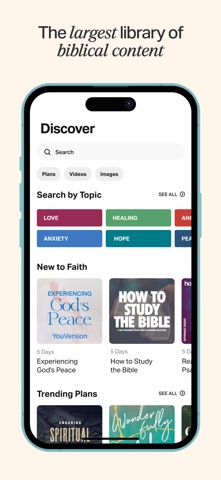
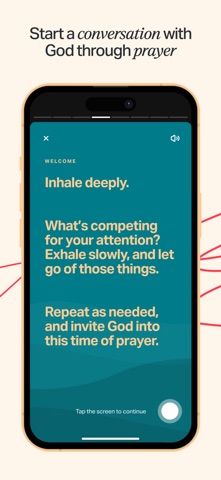
View the store listingPublisher-supplied images from the US App Store, checked 25 October 2026. Promotional artwork may include captions or composites; it shows how the publisher presents the app.
Show all 9 publisher imagesHide publisher gallery
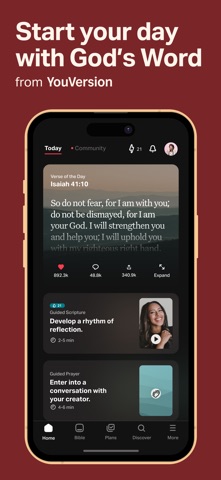
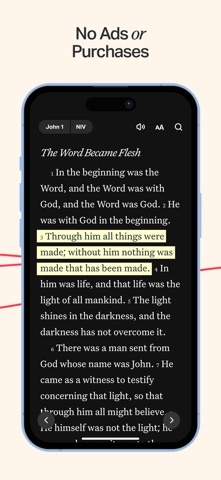
Scroll to browse all 9 images. Select an image to open it at its sourced size.
Not reviewed yet: Attention and agency, Truth and spiritual authority, Privacy and dignity, Formation and relationships, Care and inclusion, Craft and repair, Stewardship and accountability.
The ten principle questions For your own design review
These questions guide discernment; they are not ten scores for this app.
- Keep the Word distinct, and teach it truly
- Can a reader always tell Scripture from our words, and our words from a machine’s?
- Never speak for God
- Would we put our own name under this sentence, or are we borrowing God’s?
- Design for the most vulnerable first
- Who is the most vulnerable person likely to use this today, and what will they see?
- Welcome before you ask, and guard what is told in confidence
- If a friend read everything we keep about this person, would the person be glad?
- Feed the flock, not on it
- Does this serve growth in faith, or only the usage numbers?
- Make room for rest, and say when it is enough
- Where does our product stop, and does it ever tell someone they have done enough?
- Send people to God and to one another
- When someone closes what we built, are they closer to God and to other people?
- Plant and water; leave the growth to God
- What would we stop measuring if we believed growth is God’s?
- Make it well, as an offering
- Would we offer this to God as it is, and could the person with the least sight, time or reading ease use it?
- Hold it with joy and trembling, before God and others
- Who outside the team holds us to account, and who prays for the people who use this?
Use this in your own work
Start with the observed choice, then ask how your own implementation serves people. The evidence is a design example, rather than an app-wide recommendation.