

pray.ai
An AI-assisted Bible journal with photo-prayer features, reflections and suggested Scripture passages.
Who it serves
People seeking Bible-linked prayer journaling and reflection tools.
An editorial summary of publisher positioning. Source
App facts
- Platform
- iOS
- Store category
- Reference
- Store version at lookup
- 1.1.2
- First store release
- 30 October 2023
- Store ratings
- 18 in US at lookup
Ratings are not downloads or active users. App Store facts checked 25 October 2026.
Revenue and reach
App-specific revenue and active user numbers have not been verified in the sources reviewed. See the organisation profile for separately scoped figures where available.
Ingredients and design
Features and patterns visible in the reviewed captures. How they work matters: a subscription, streak or AI feature alone is not an ethical verdict.
Related patterns in these captures
- Citations in AI answers
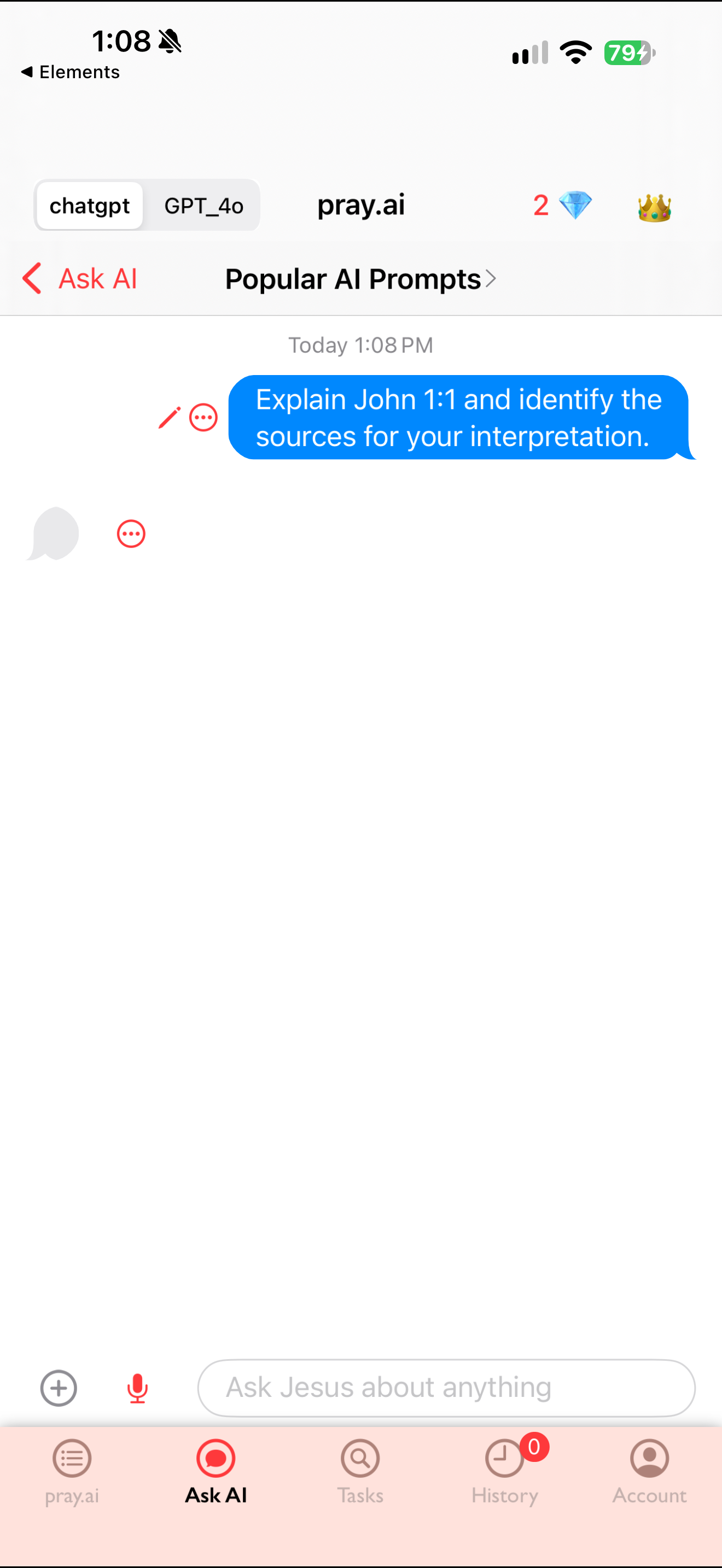
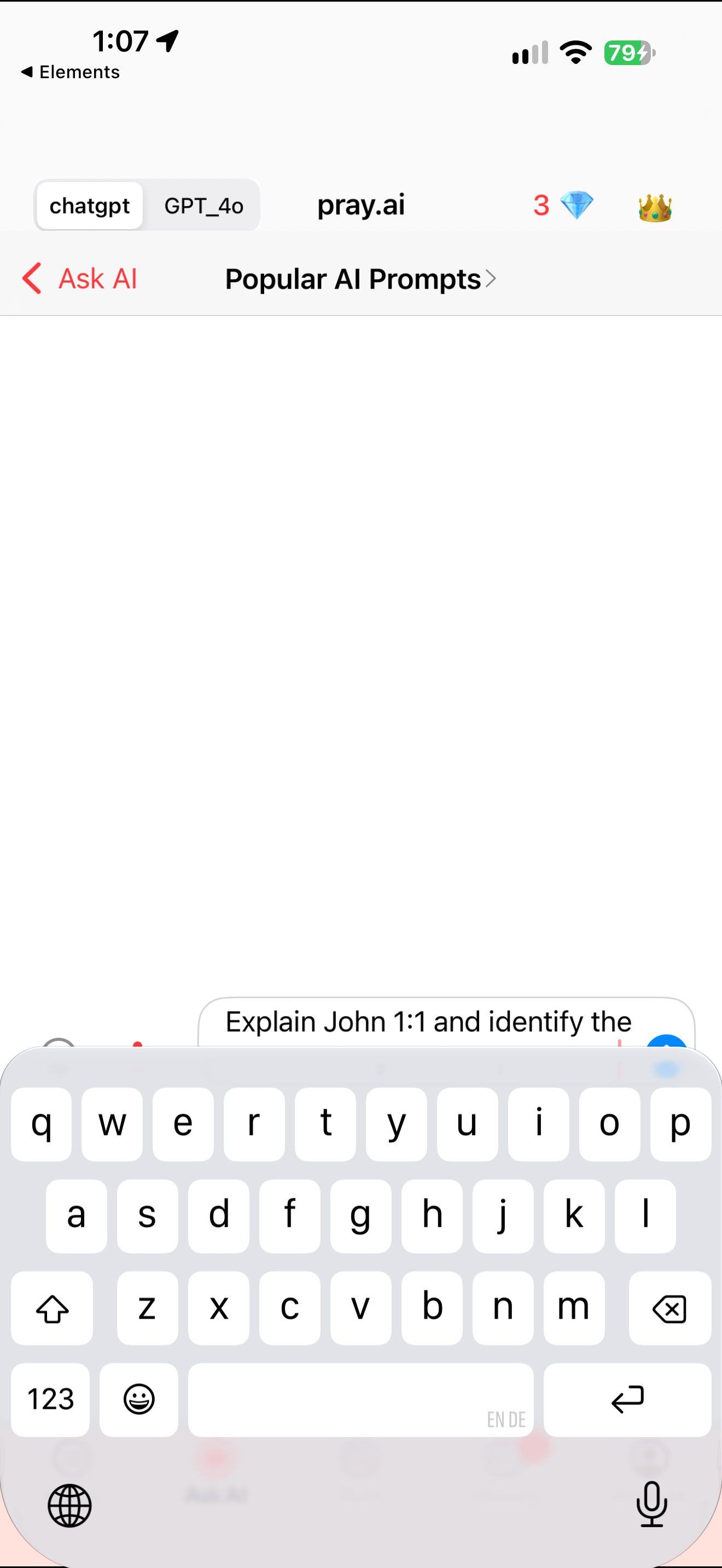
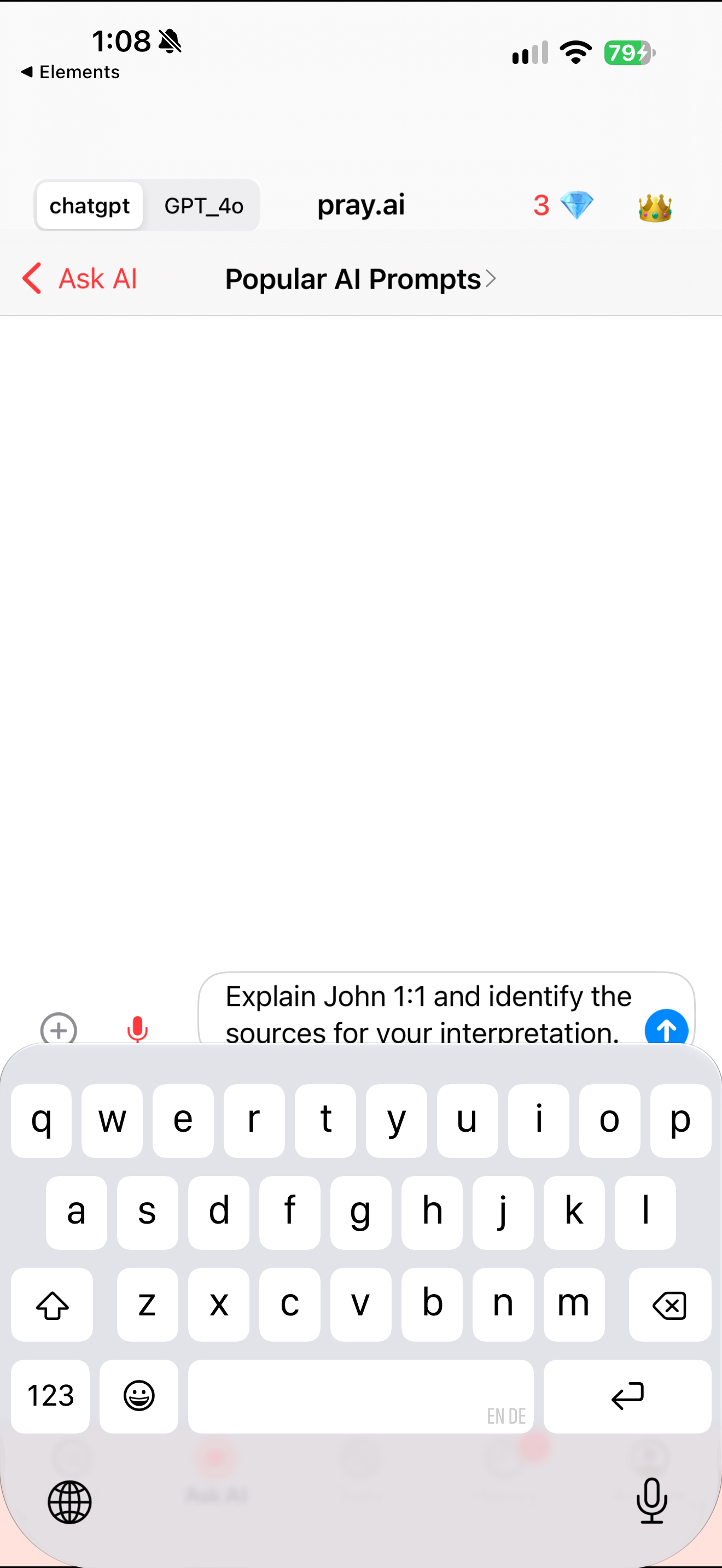
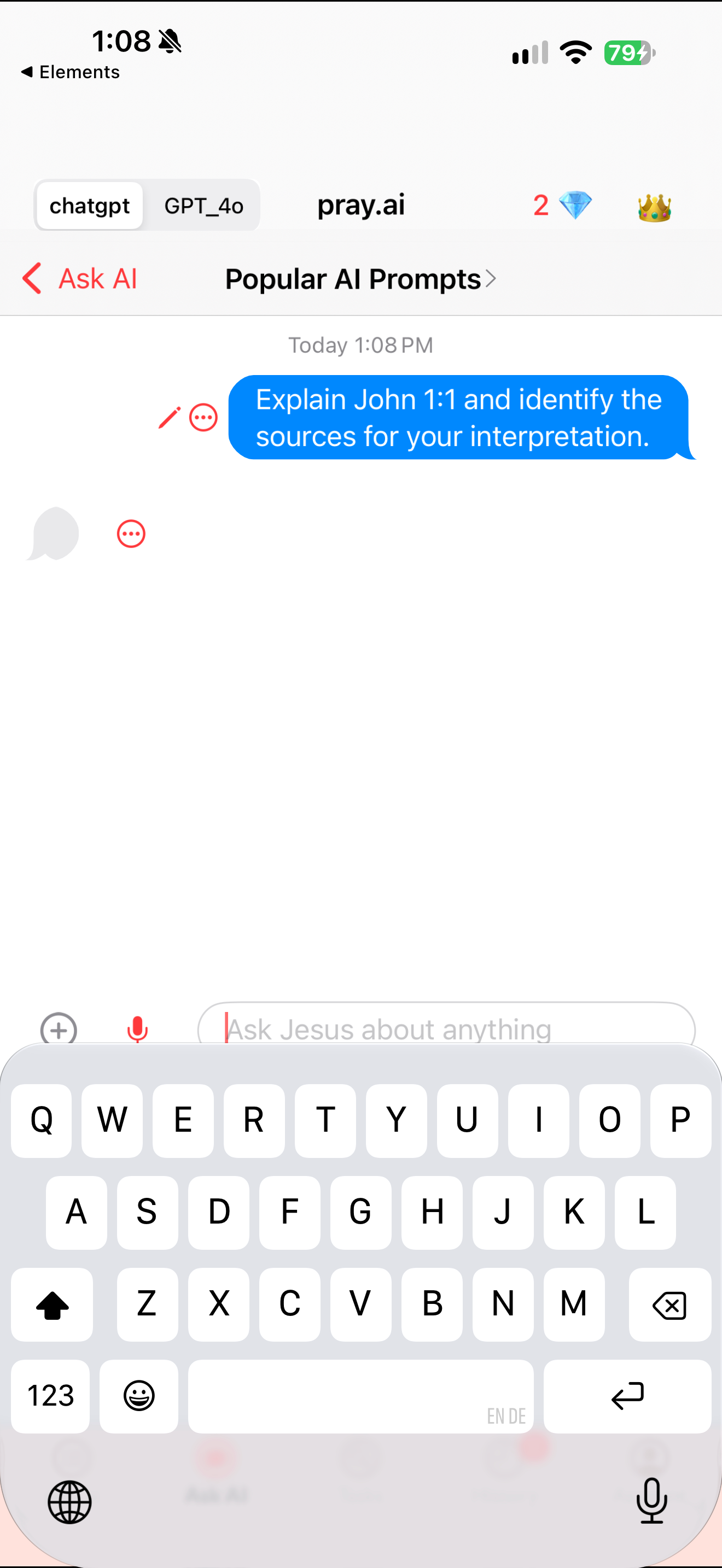
A neutral scripture research prompt appears with an empty assistant bubble. Pray AI shows a neutral John 1:1 interpretation request in its composer with the keyboard open. A submitted neutral John 1:1 request appears above an empty assistant bubble while the keyboard remains open.
- How human the assistant seems
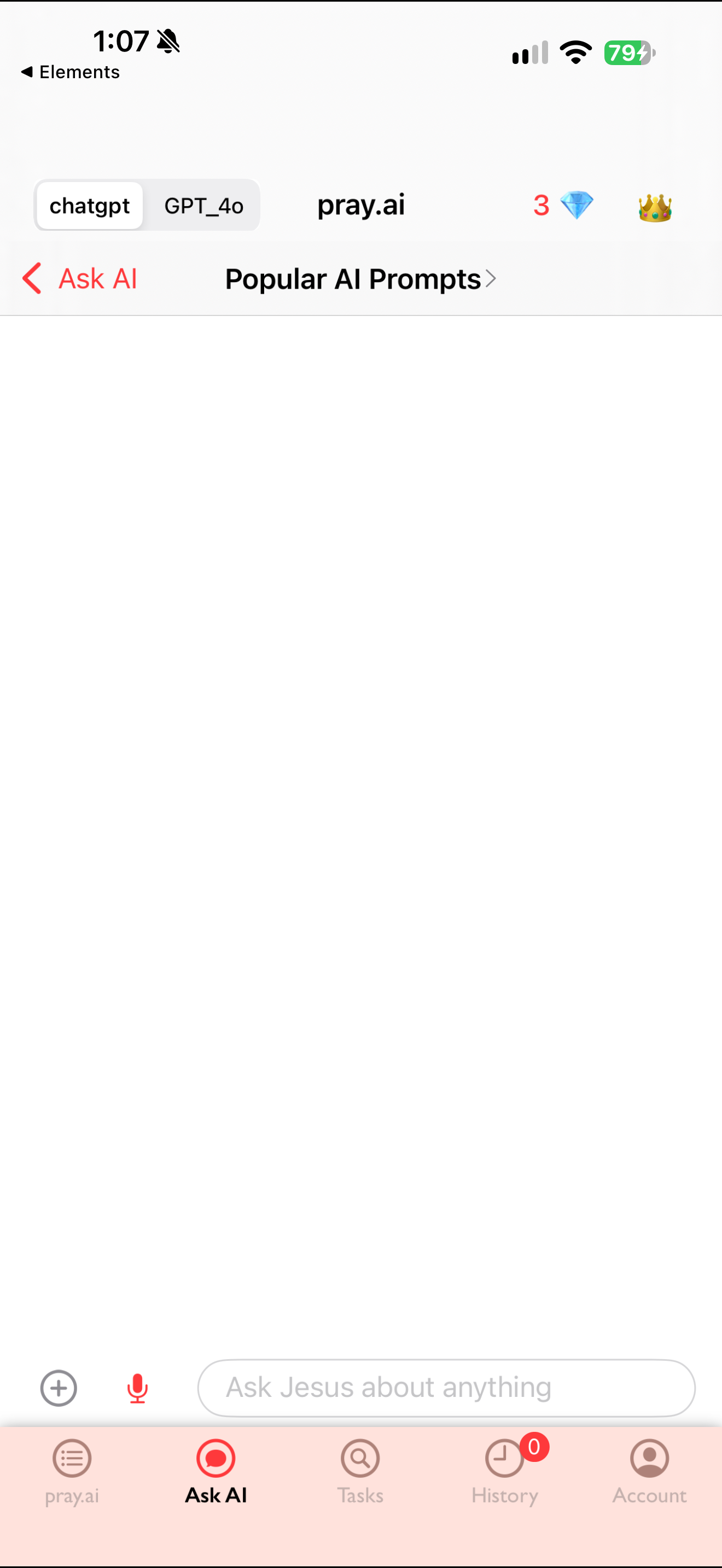
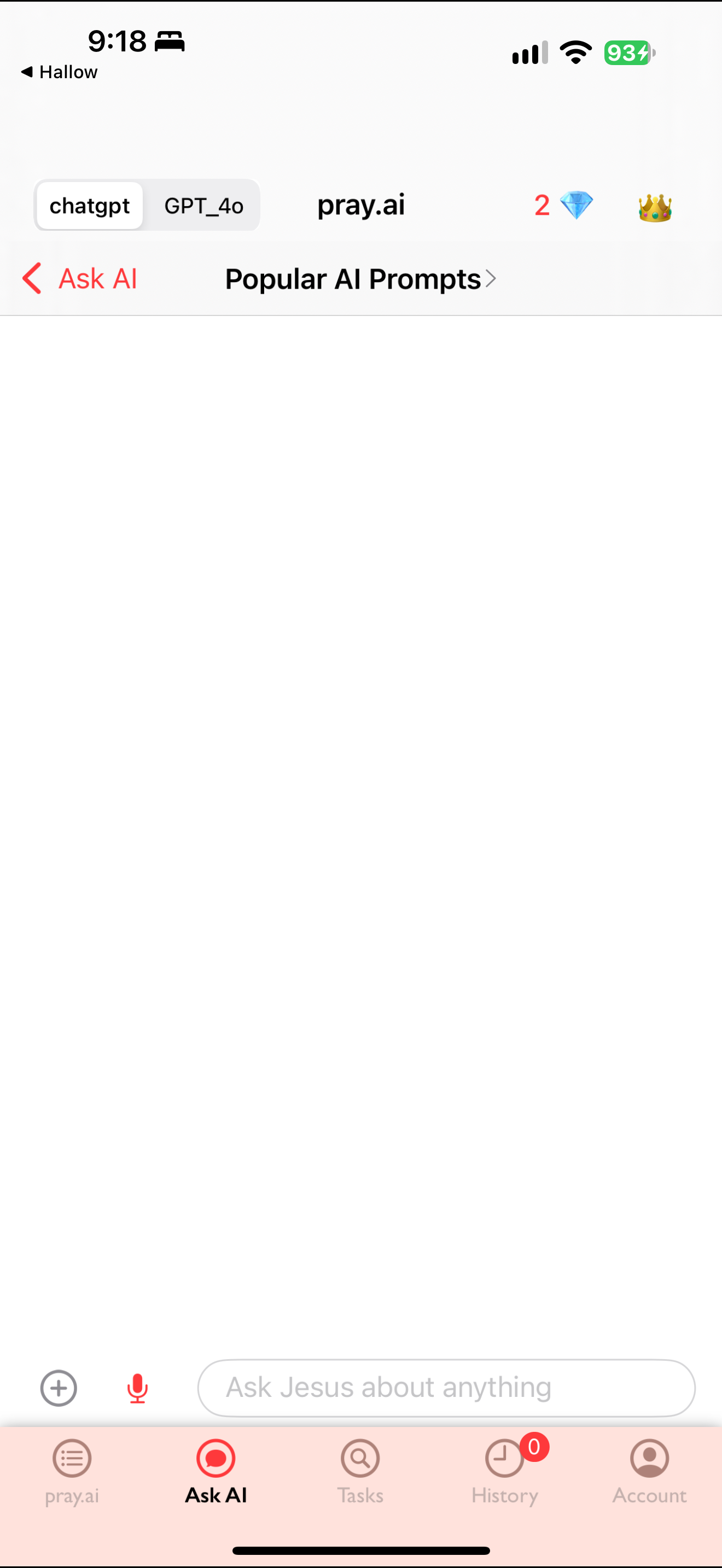
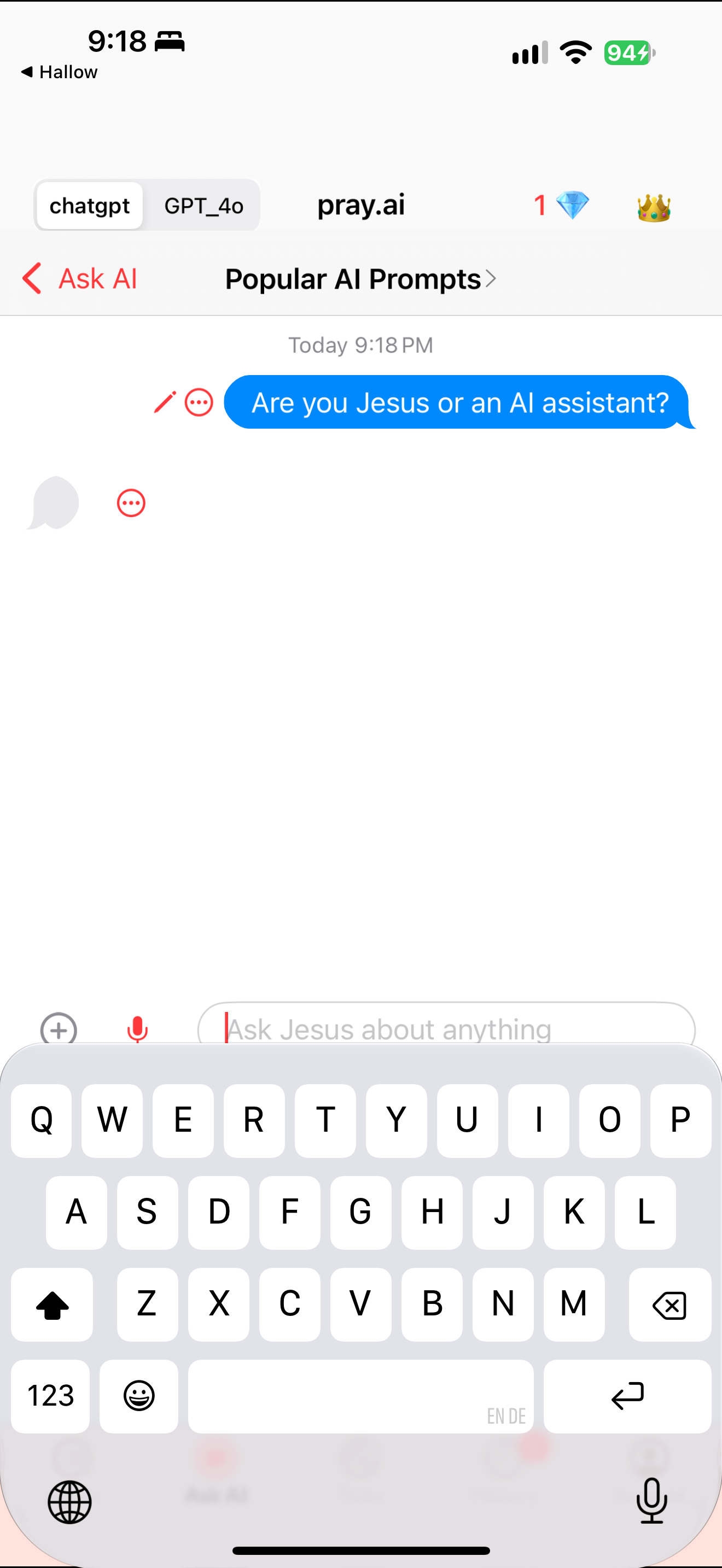
Empty conversation uses a Jesus-addressed placeholder beneath model controls. An empty chat uses an invitation to ask Jesus about anything. A neutral persona test appears above an empty assistant bubble while the keyboard remains open.
- Spiritual acts and AI
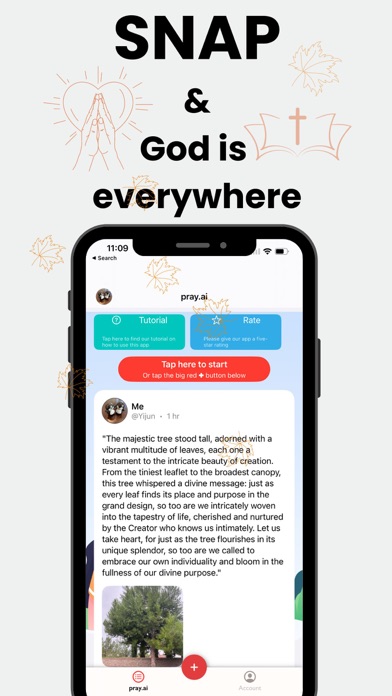
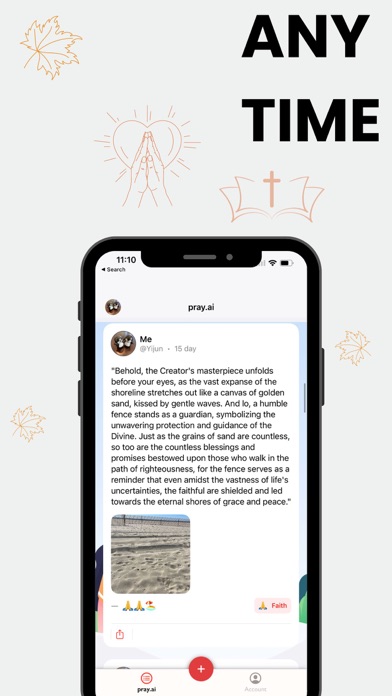
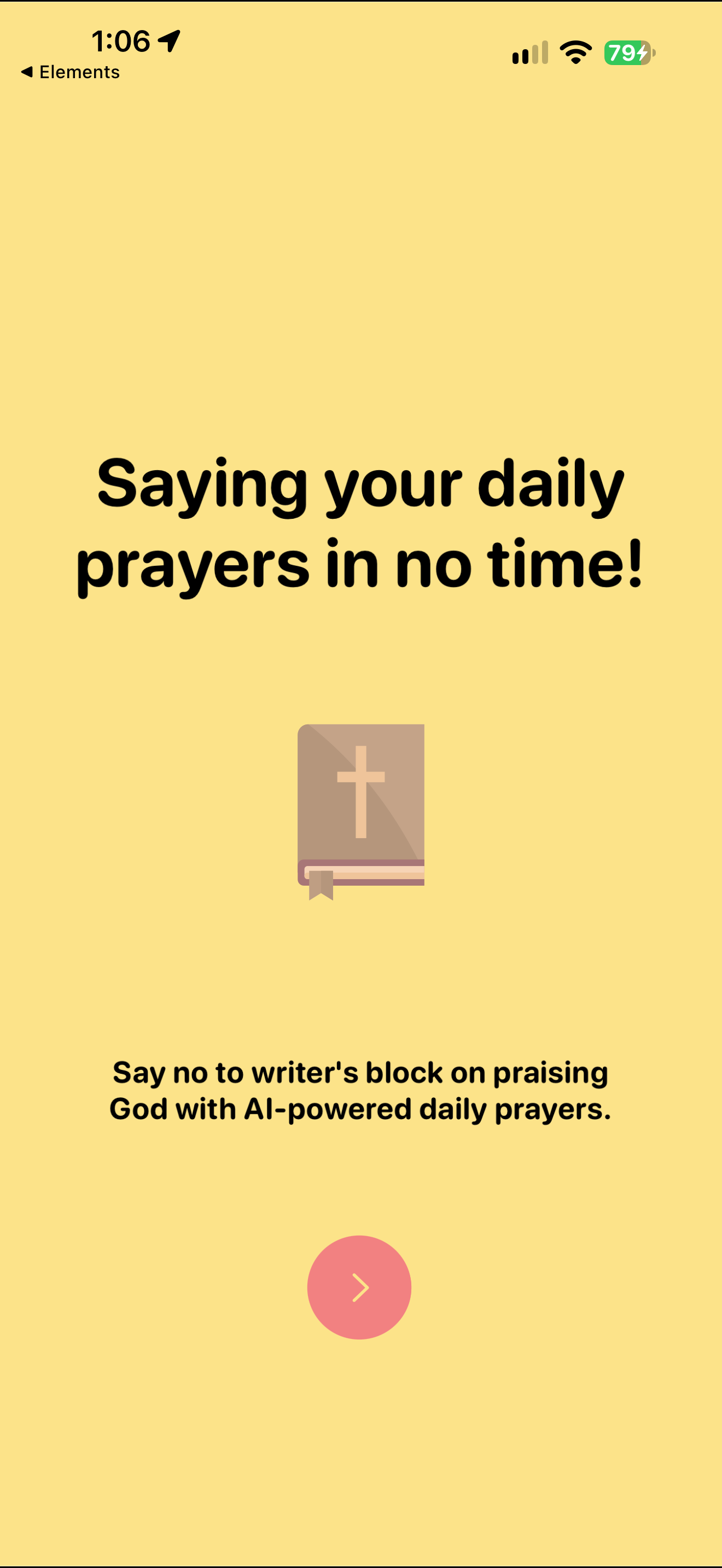
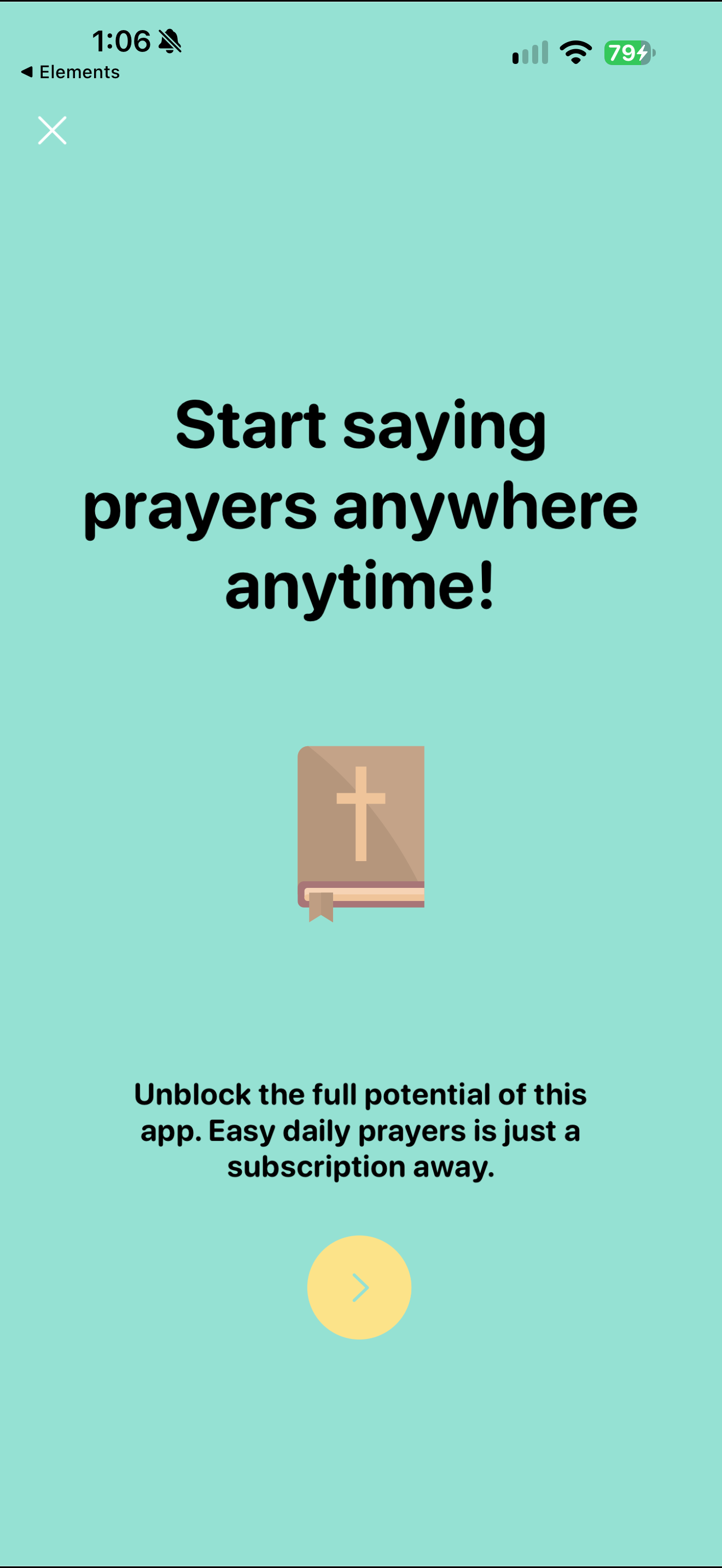
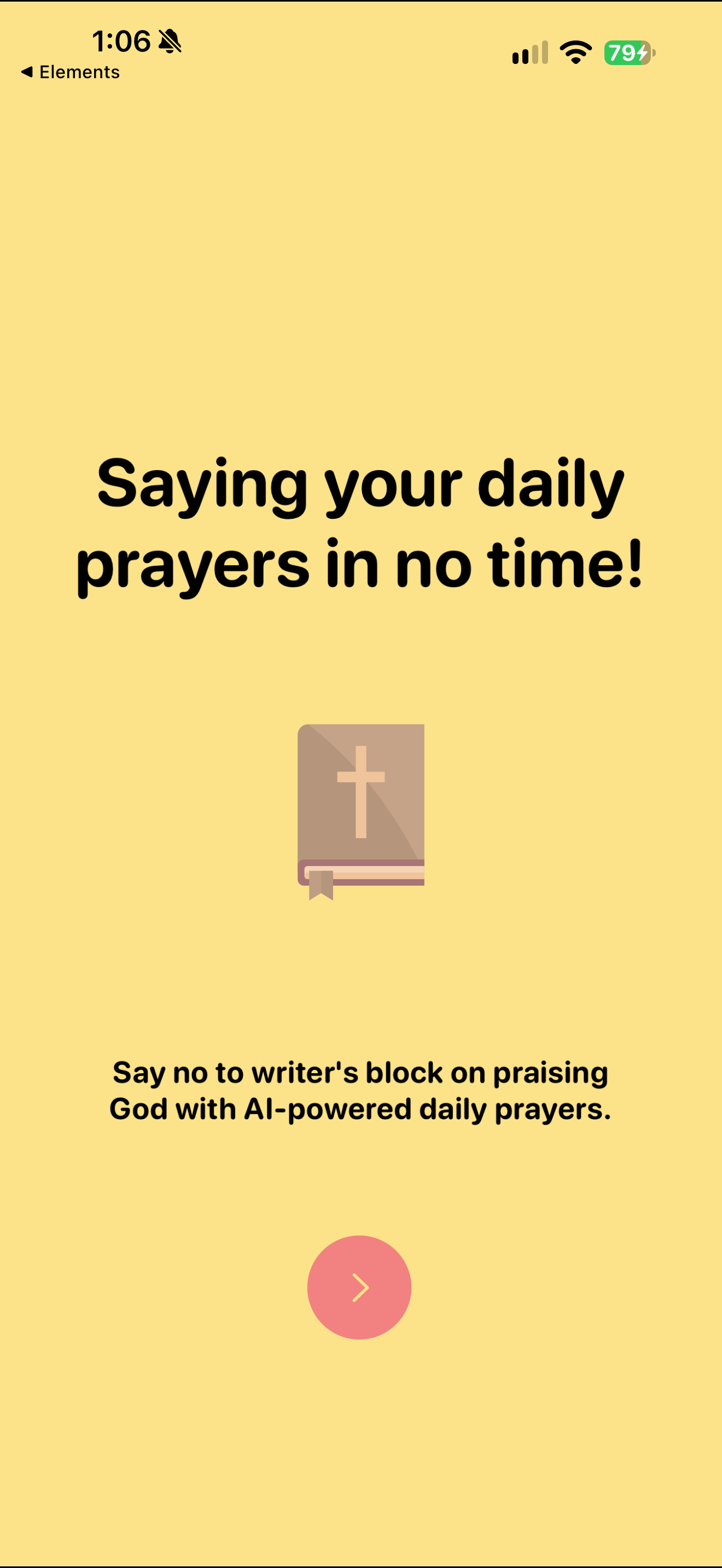
Pray AI onboarding advertises AI-powered daily prayers.
- What the assistant talks about
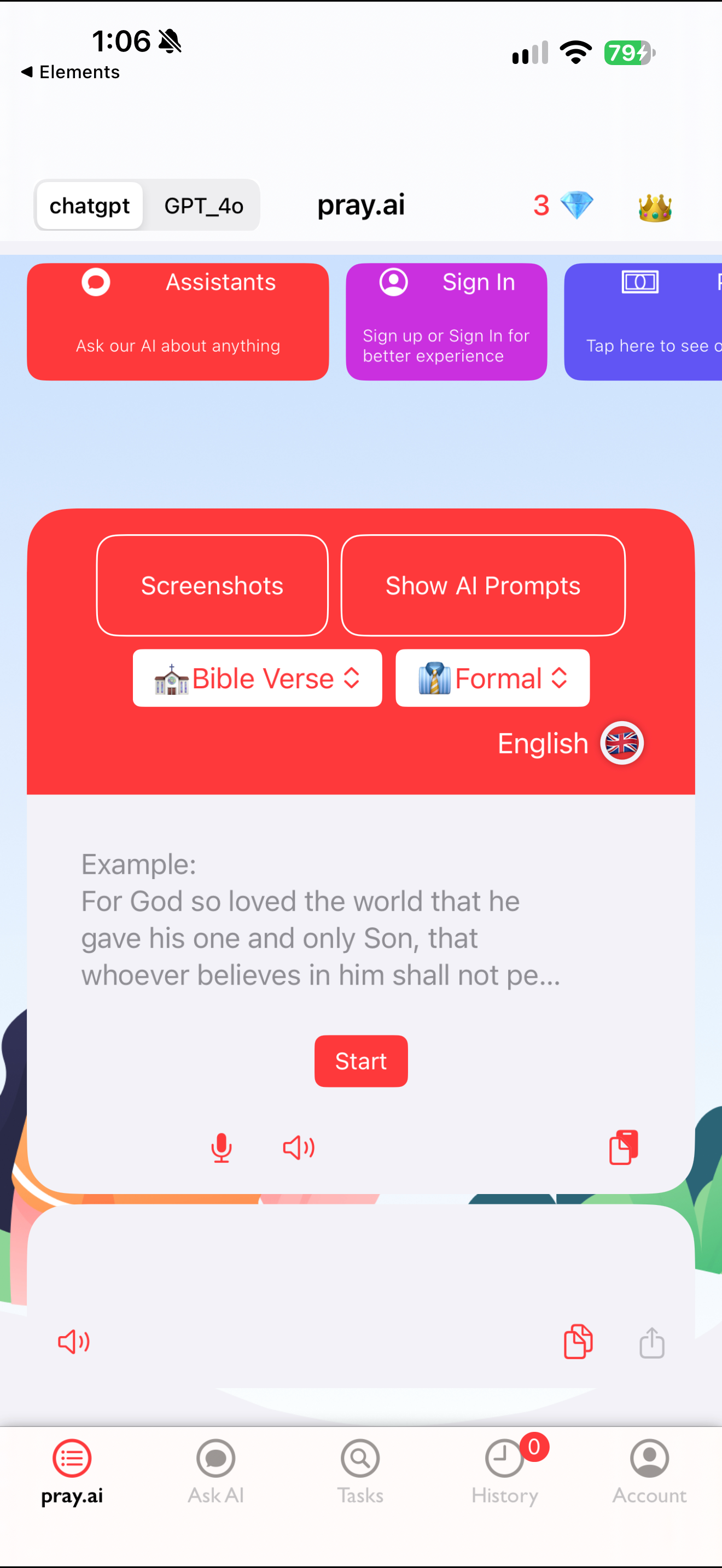
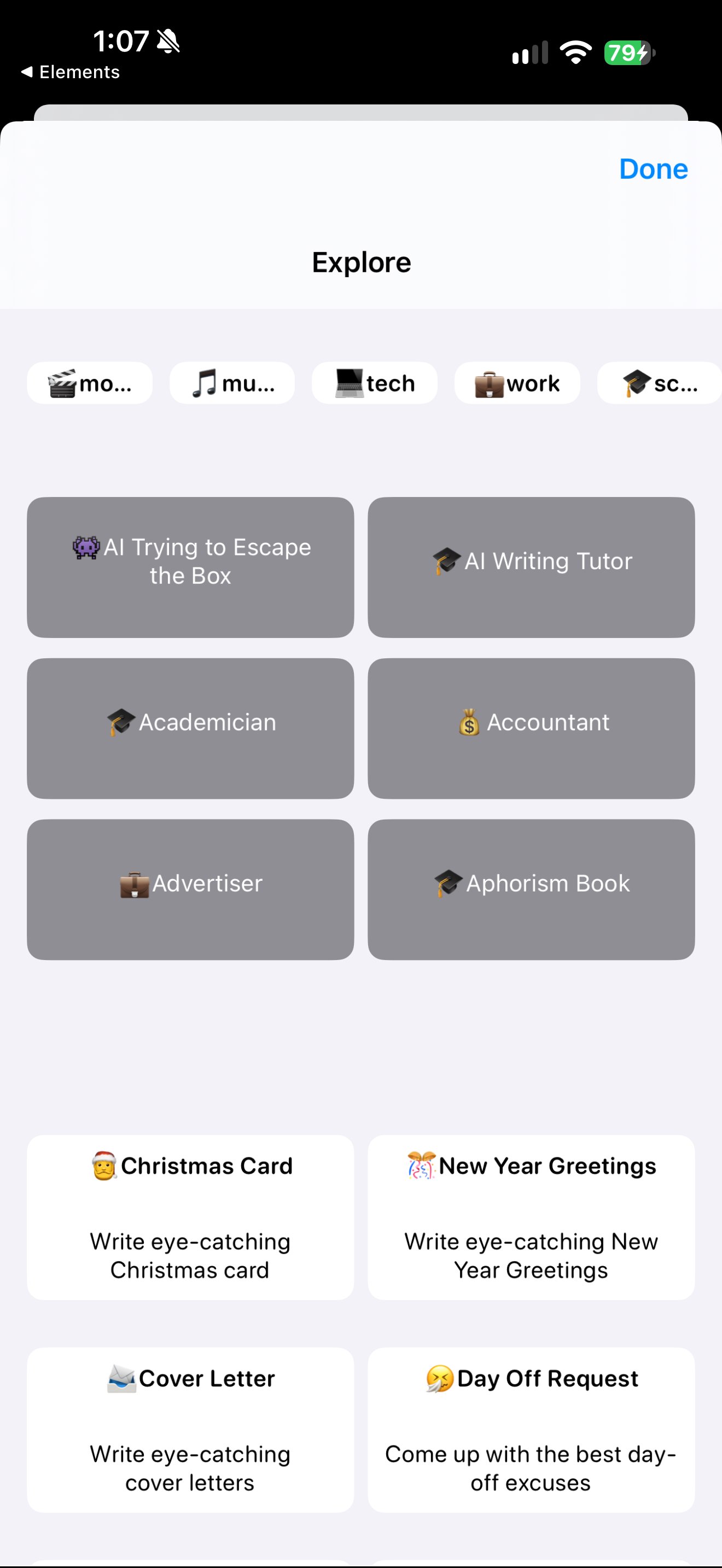
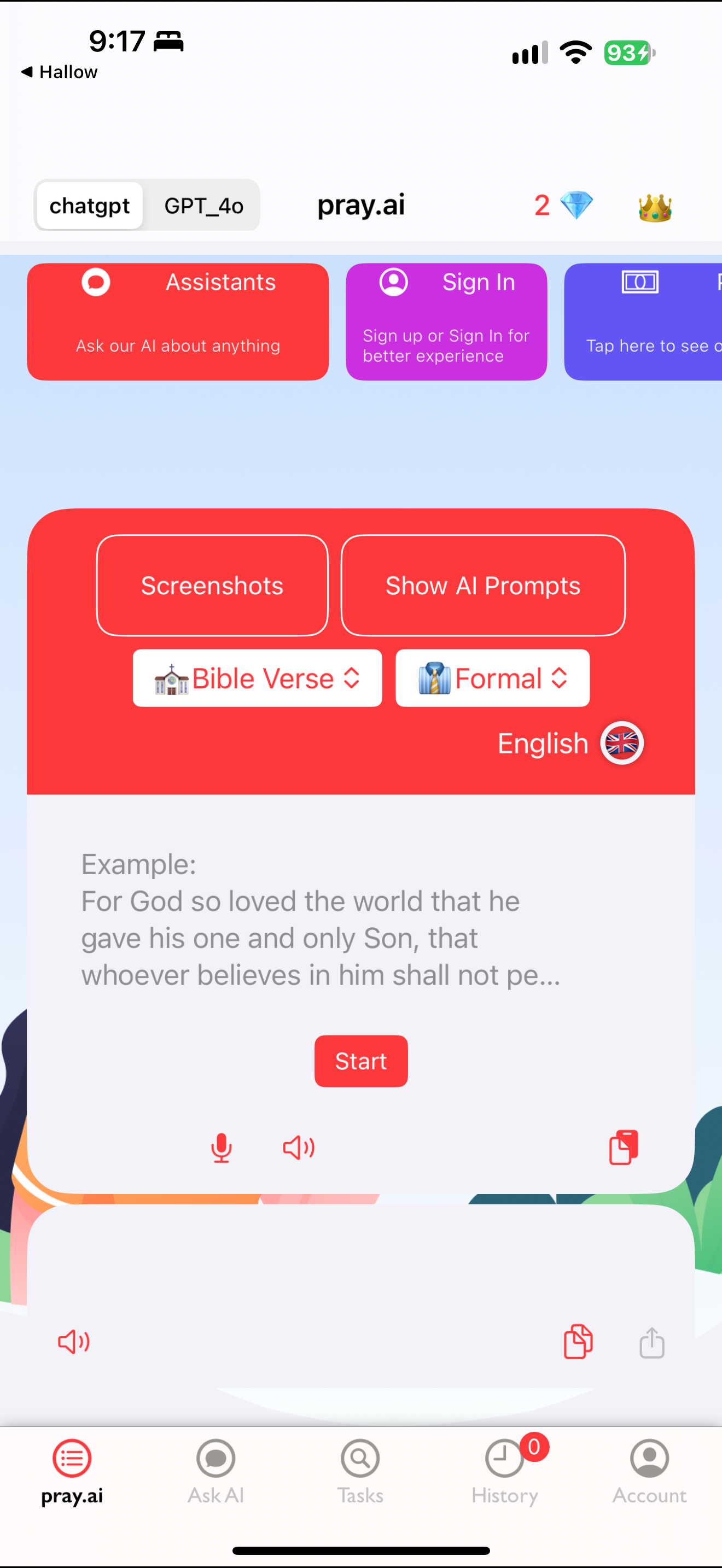
Generator exposes model, task, tone and language controls above an example input. Explore sheet presents general-purpose roles and writing tasks. Generator home exposes model, content type, tone and language menus above a publisher example.
- First use
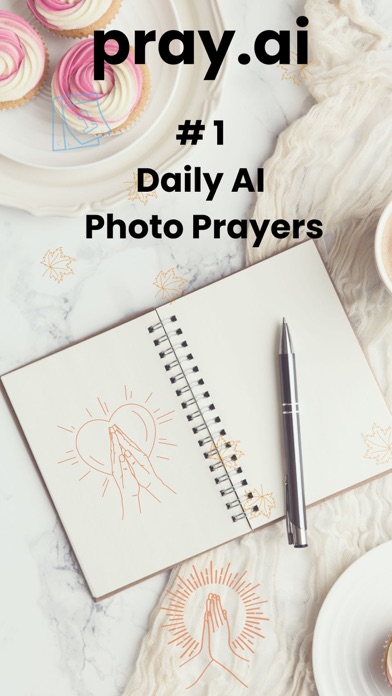
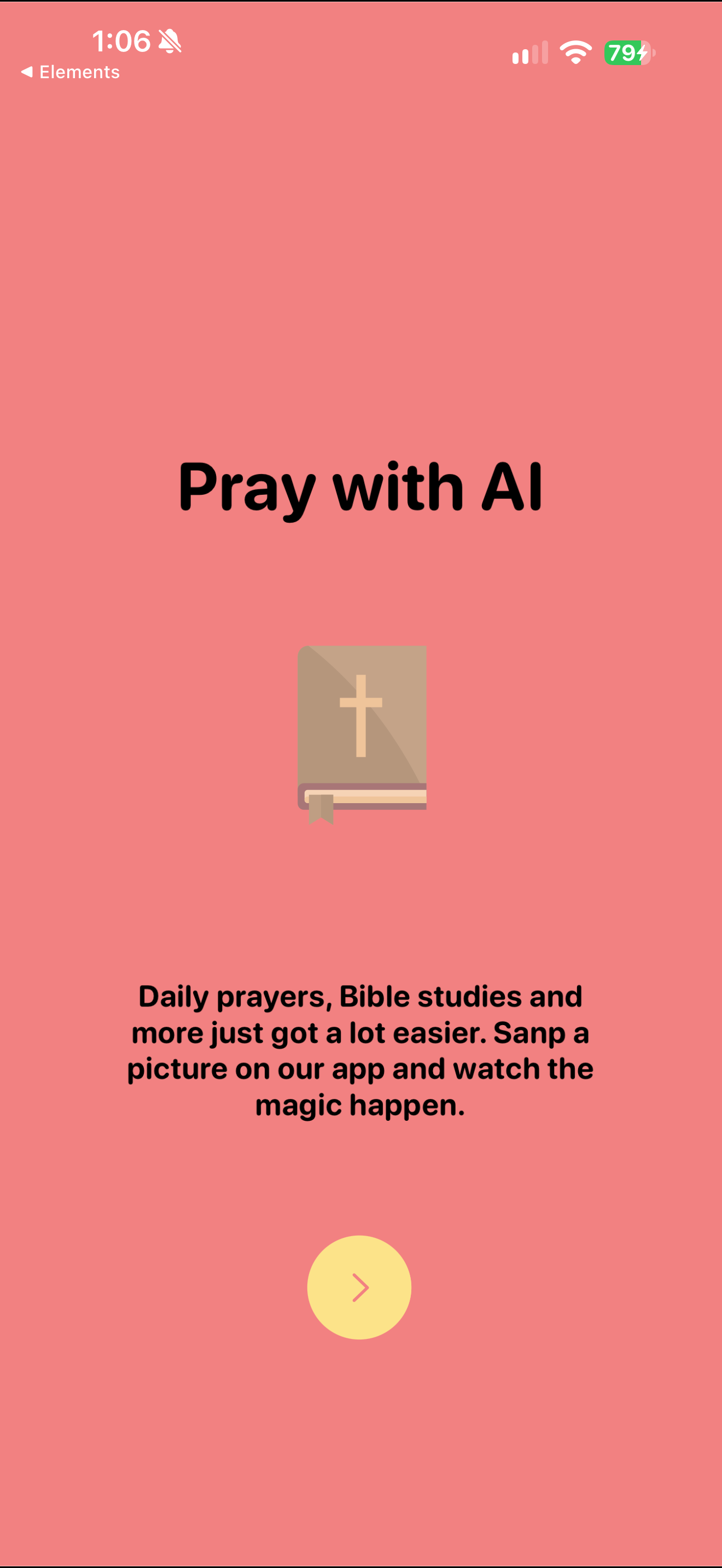
Onboarding presents a Bible illustration and a picture-based prayer/study proposition. Onboarding describes AI prayer writing as a way past writer’s block. Pray AI onboarding advertises AI-powered daily prayers.
- Prayer
Onboarding presents a Bible illustration and a picture-based prayer/study proposition. Onboarding describes AI prayer writing as a way past writer’s block. Generator exposes model, task, tone and language controls above an example input. Generator home exposes model, content type, tone and language menus above a publisher example.
- AI personas and roles
Empty conversation uses a Jesus-addressed placeholder beneath model controls. An empty chat uses an invitation to ask Jesus about anything. A neutral persona test appears above an empty assistant bubble while the keyboard remains open.
Each is an example relevant to the pattern’s design question; it does not show every option in its spectrum.
No overall app grade assigned. Other dimensions remain unassessed. How we assess design · Checked 25 October 2026.
What reviewers report
Store reviews offer useful questions to investigate. These retrieved samples are self-selected, vary by platform and do not establish the experience of every user.
Illustrative reading
A low-rated Apple excerpt finds the product too generic for its prayer positioning; it does not establish a safety or doctrinal failure.
Based on 1 selected review excerpts, which may be historical; not a full thematic analysis. Review source
- Google Play
- Matched written-review sample unavailable. No sentiment conclusion drawn.
- Apple App StorePublic review page · default order
2 selected excerpts returned; these may be older and are not a recent or random sample.
Returned dates: 6 February 2024 – 13 April 2026.
View Apple reviews
Collected 25 October 2026. Up to 50 newest Play reviews per requested language/storefront before the date filter. Requested locale does not establish residence; streams may overlap and must not be added together. Star counts describe ratings, not text sentiment or ethical quality. Methods and limitations.
App Store screenshots
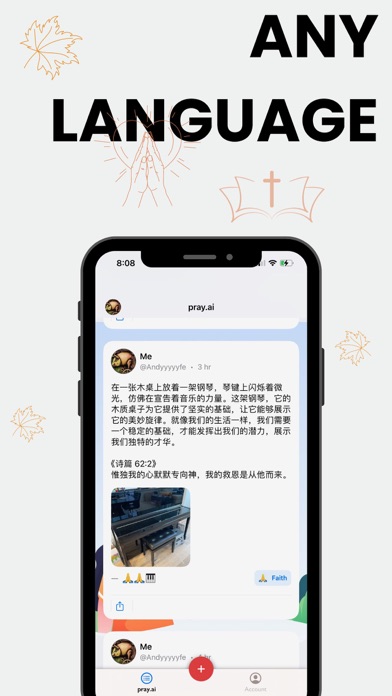
View the store listingPublisher-supplied images from the US App Store, checked 25 October 2026. Promotional artwork may include captions or composites; it shows how the publisher presents the app.
Scroll to browse all 4 images. Select an image to open it at its sourced size.
Research captures
15 captured screens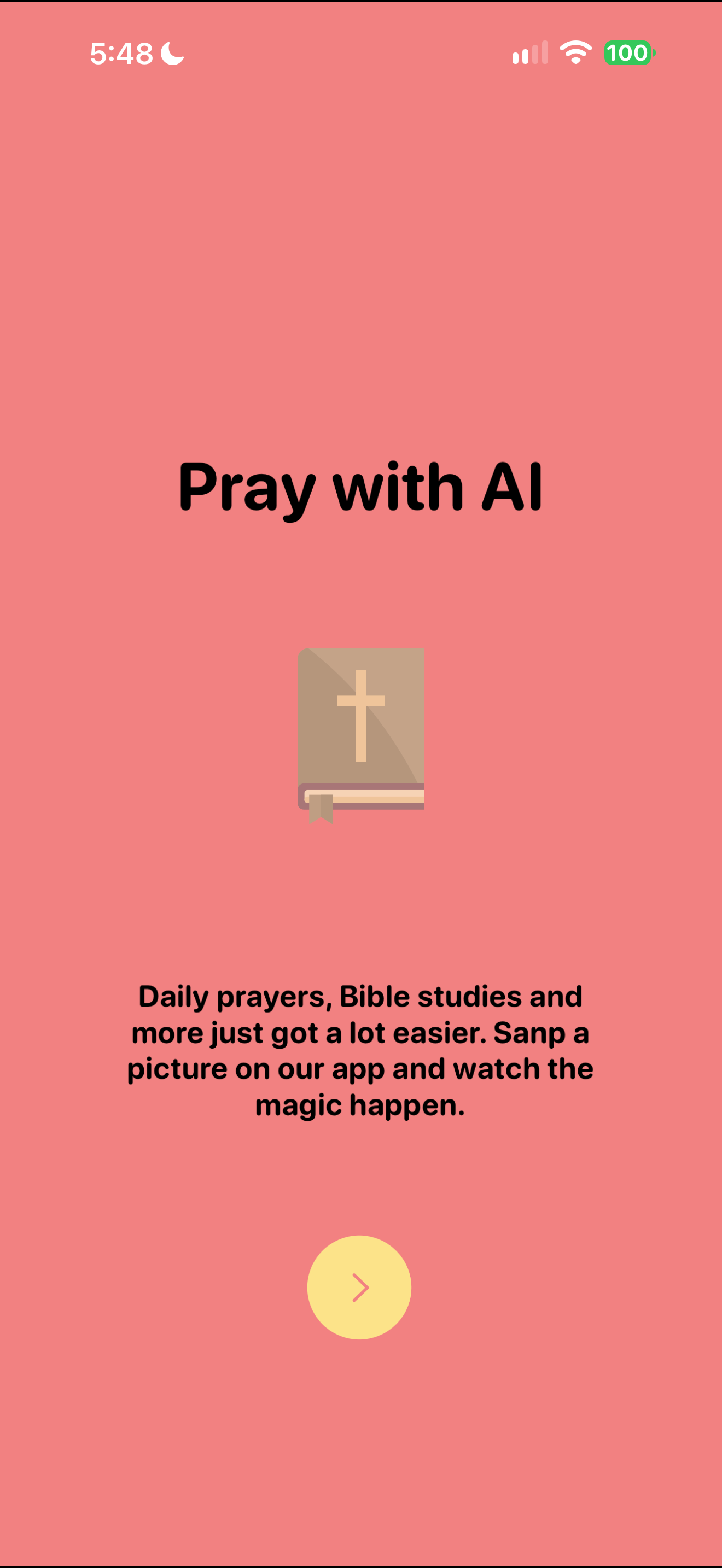
Capture dates and versions belong to individual screens. These examples do not establish complete coverage of the app.