

Olive Tree Bible
A Bible reader with linked study resources, highlights and notes.
For Readers building a personal Bible-study library across devices.
By Olive Tree / Gospel Technologies
App StoreOfficial websiteAudience source
- Platform
- iOS
- Category
- Reference
- First release
- 2 October 2009
- Store ratings
- 324,282 (US)
- Research captures
- 25
Design review
Observed choices, what they mean, and what still needs checking.
Access & cost
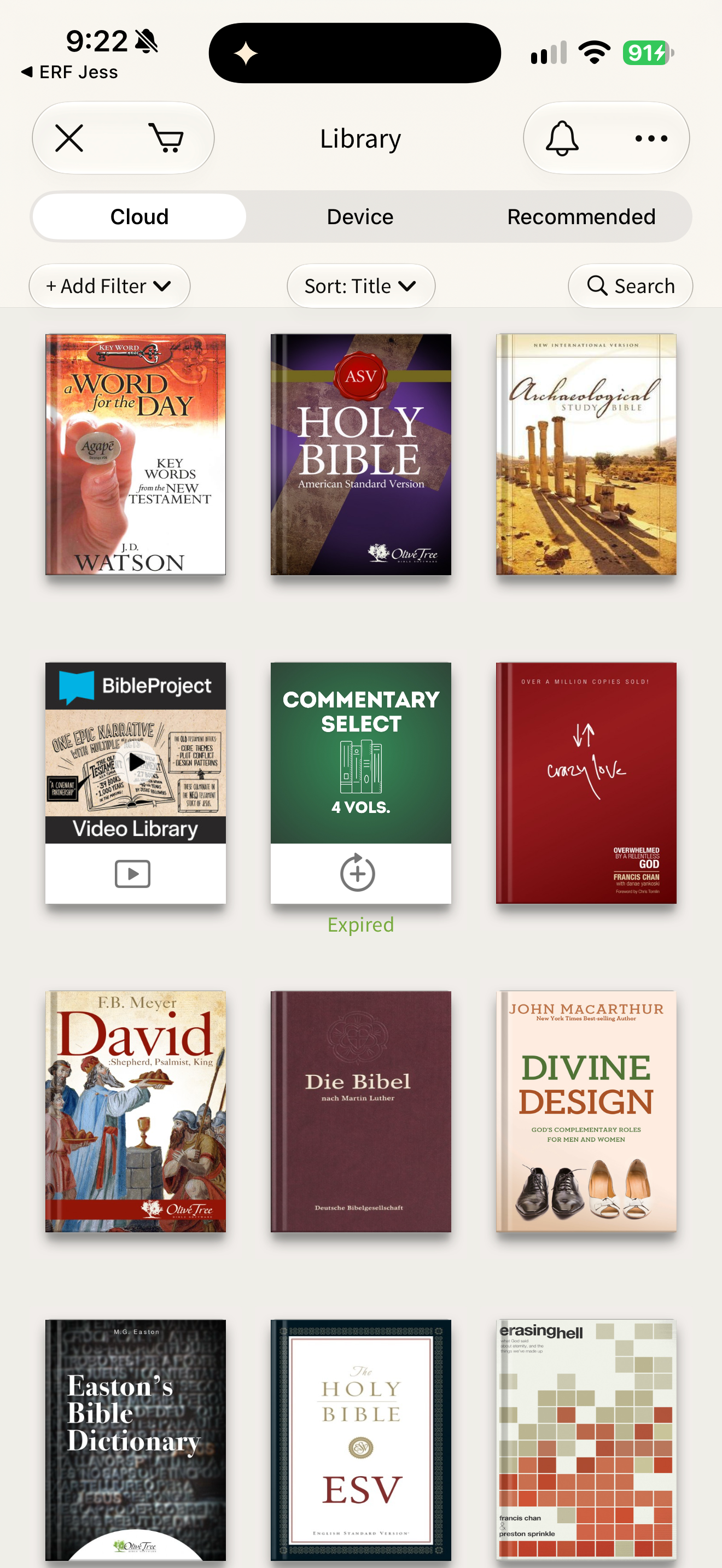
A subscription is not needed to use the app or previously purchased resources. Additional resources can be bought individually; subscriptions provide selected study-resource libraries. Subscription resource access ends after cancellation while separately owned titles remain available.
Publisher information · flow checks pendingAttention & control
Reminder defaults, pause and missed-day recovery have not been verified.
Controls not yet verifiedTrust & care
Source boundaries, privacy and safeguards need further review. No app-wide assurance is implied.
Evidence incompleteOffers are dated iOS observations in USD where captured. Eligibility, country and platform can differ. Existing settings are not installation defaults.
Where the observed choices sit
Each row is one scoped observation of a specific flow, not a grade for the whole app.
No practice has been placed on the scale yet.
8 areas not reviewed yet
Works against: a choice subverts the person’s agency. Respects: it respects people and safeguards. Restores: a practice restores at a cost freely borne by the builder. Price, Christian branding or a free tier alone do not place an area. How we review.
Screens
25 reviewed screensCaptured app states, distinct from the publisher’s promotional images. Dates and versions belong to each screen; this is not a complete app walkthrough.

Features and patterns
What the reviewed screens show this app doing. A missing entry does not mean a feature is absent.
Highlights and notes
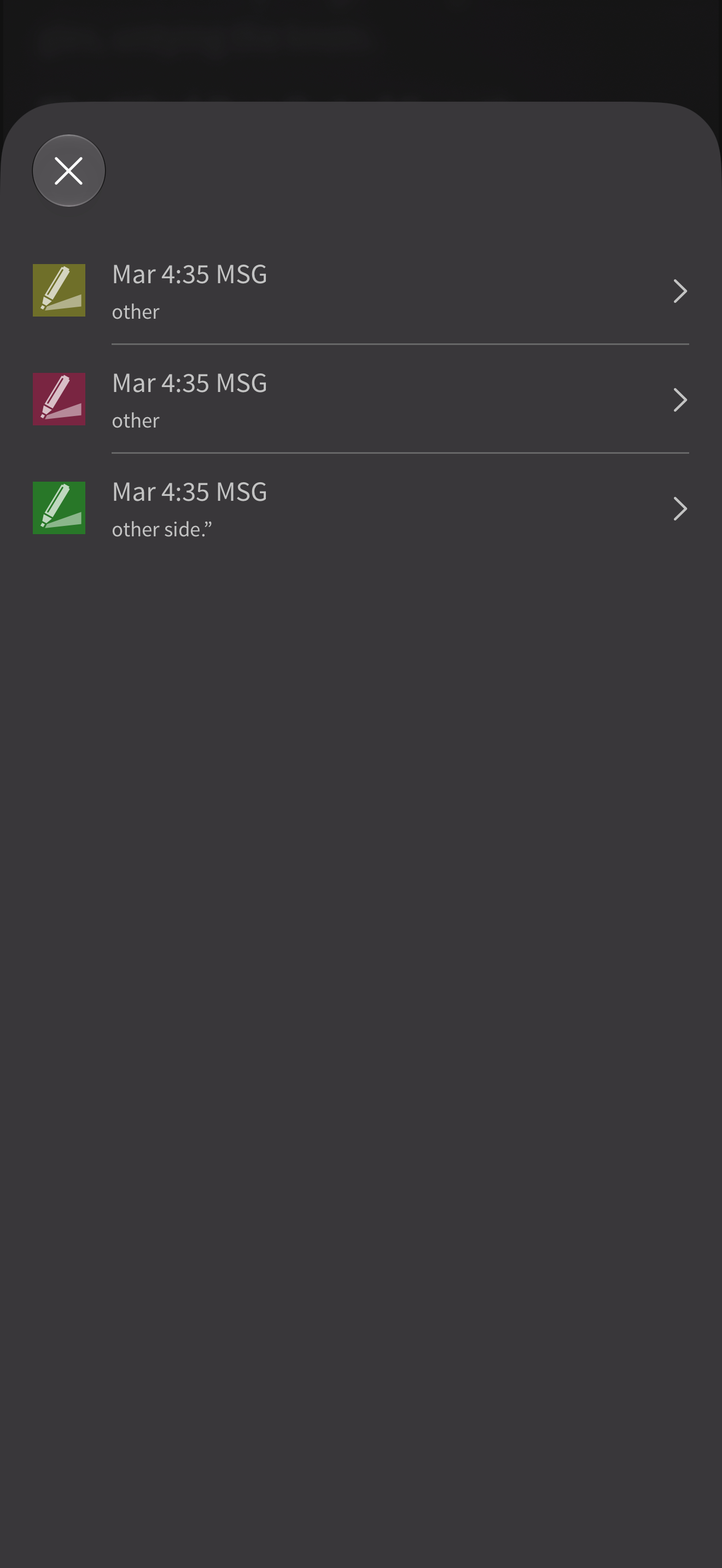
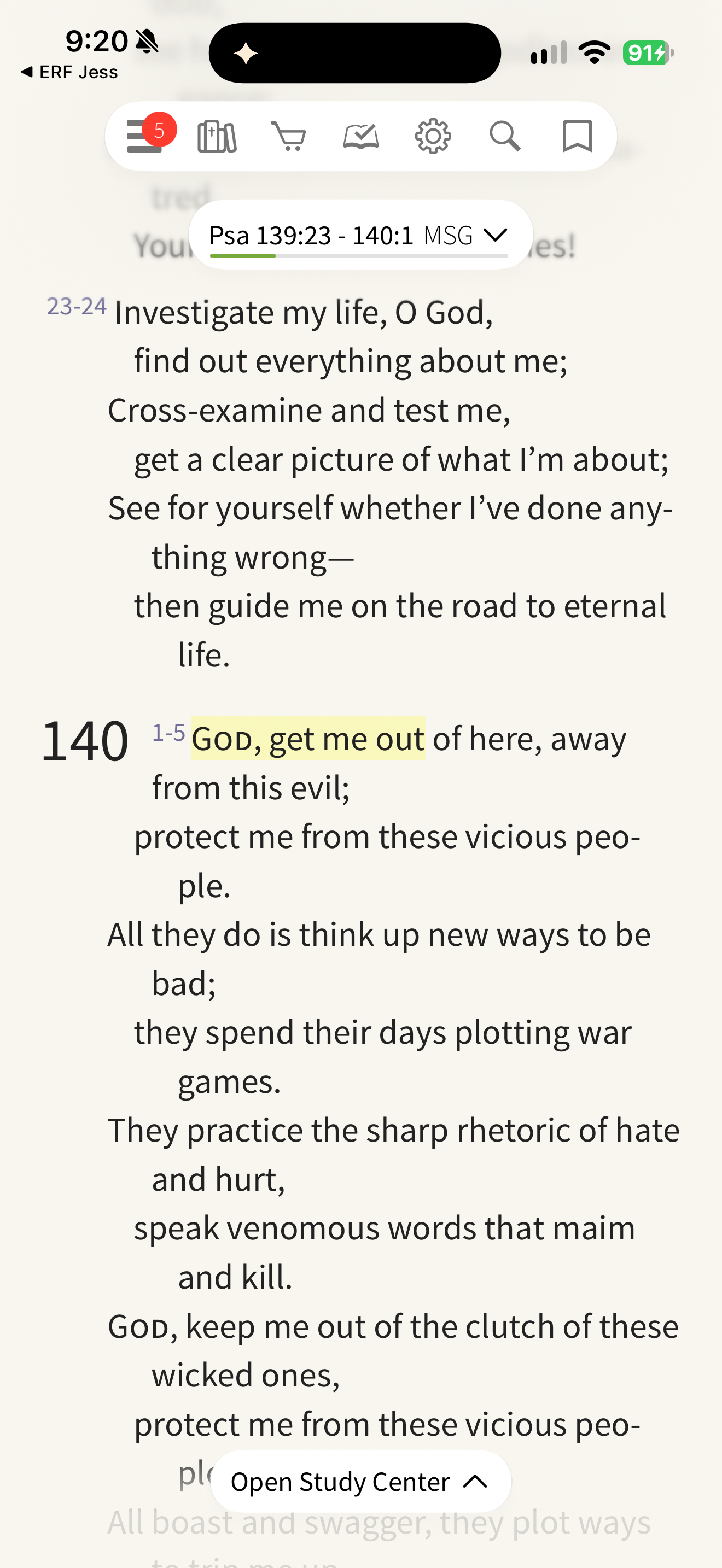
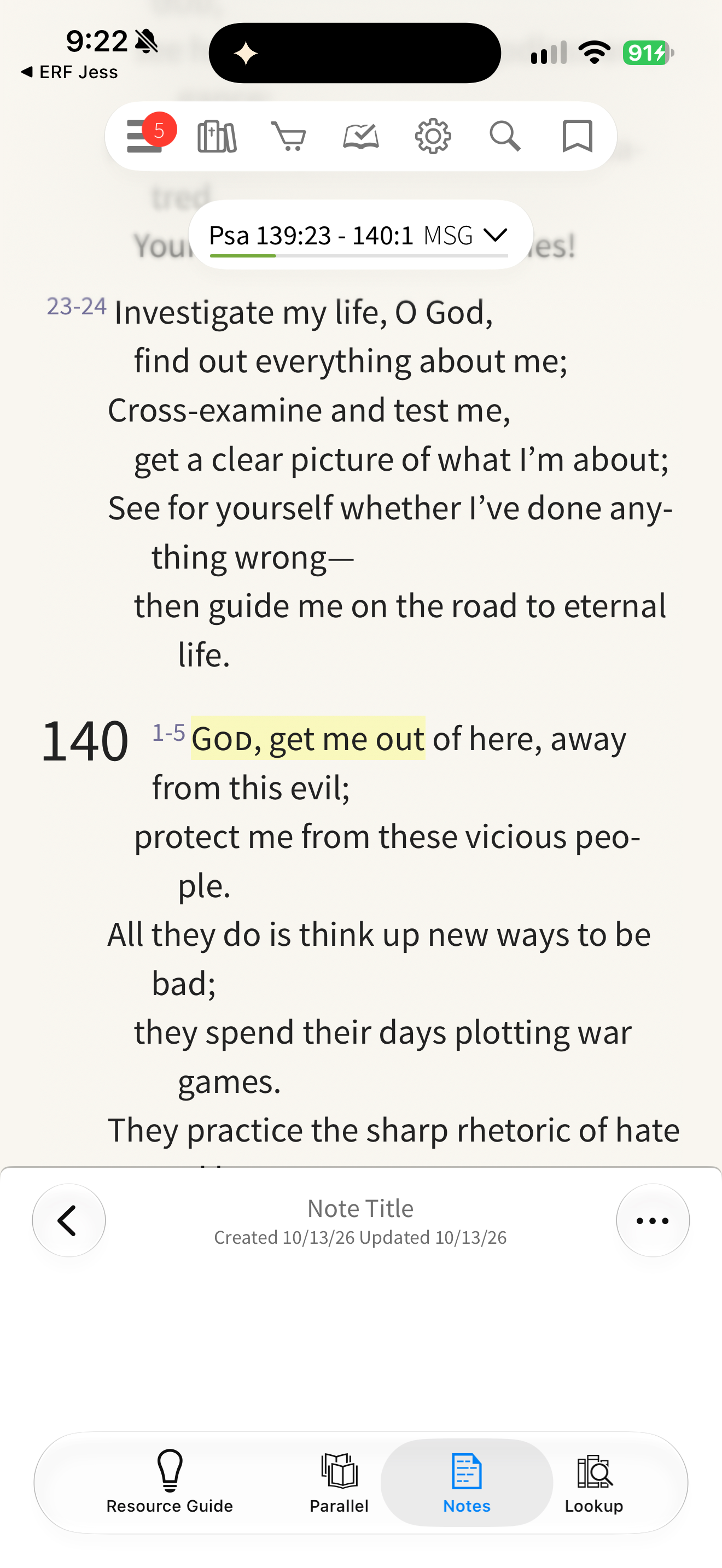
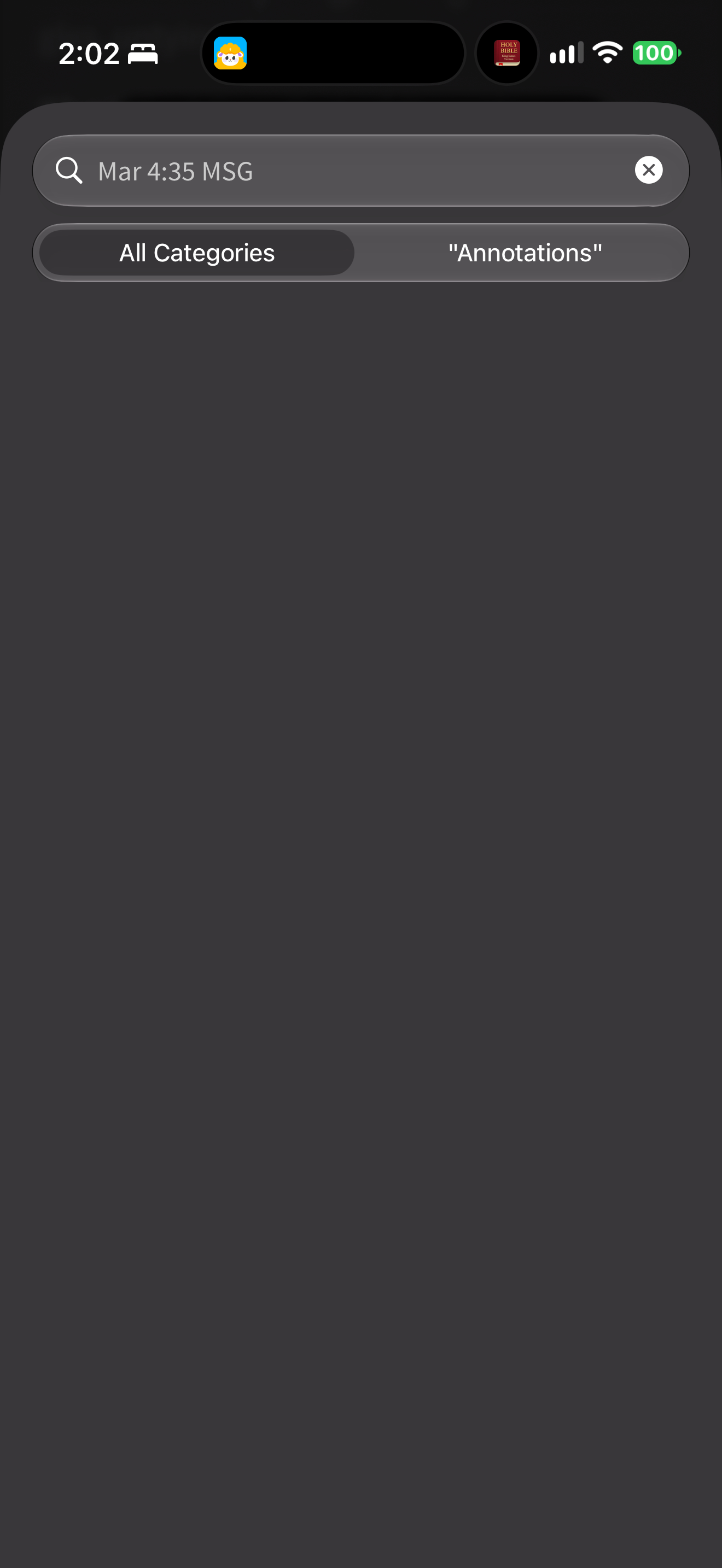
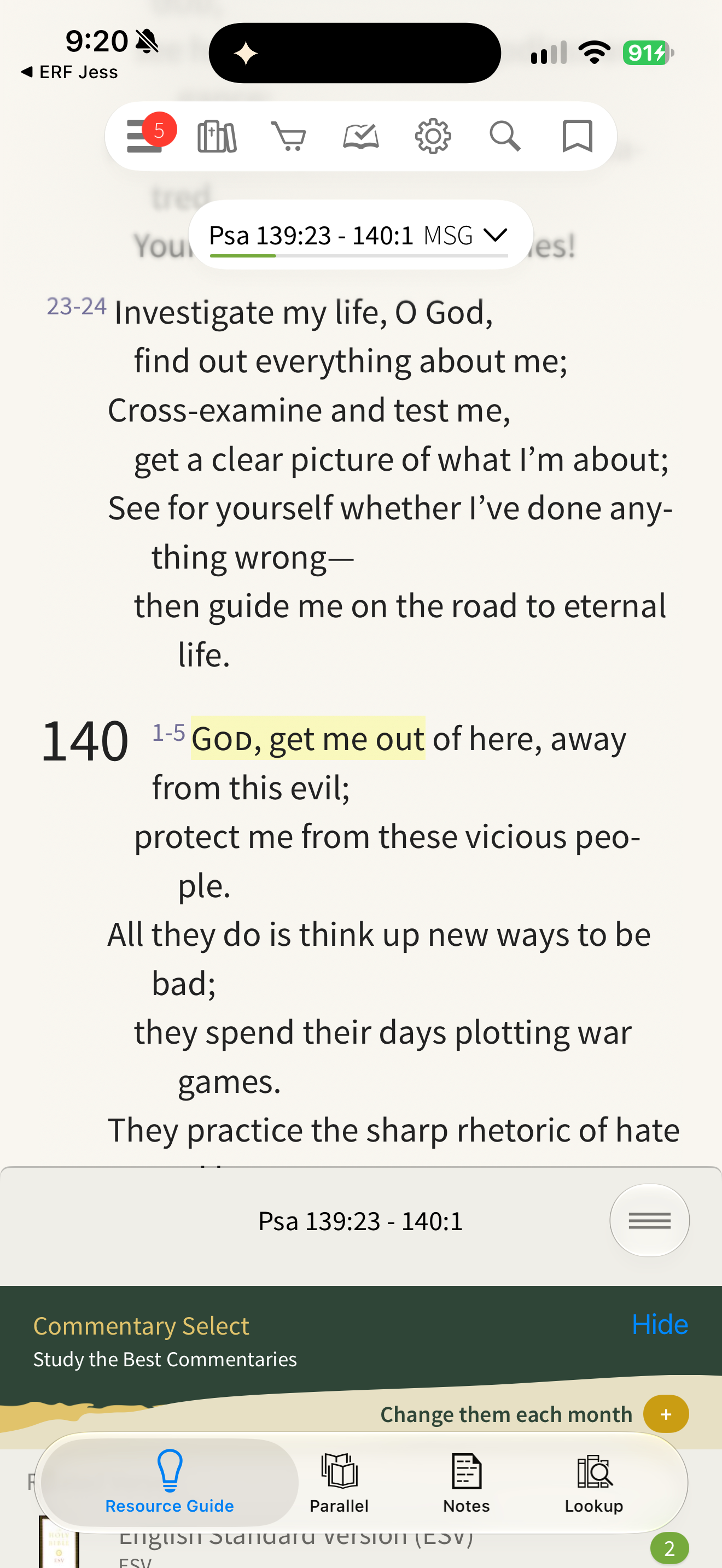
Olive Tree lists three Mark 4:35 highlight records: two anchored to “other” and one to “other side.” Olive Tree places an empty note editor beneath the passage. Olive Tree records a highlighted word with category, style, verse reference and dates. Olive Tree shows a saved-passage record with verse reference, category and dates. Olive Tree shows no saved records beneath a verse-reference search. Olive Tree Bible, Psalm 139:23–140 (MSG), with toolbar and "Open Study Center"; an earlier highlight on 140:1 is covered. Olive Tree Study Center: Psalm 139:23–140:1 (MSG) with an earlier highlight covered; Notes pane with Search, Add Note and Add Category; the account's note categories are covered. Olive Tree (dark): Psalm 139–140 (MSG) above the Notes pane (Sort, Search, Add Note, Add Category); an earlier highlight and the account's note categories are covered. Olive Tree Mark 4:35–5:1 (MSG) clean, above the notes pane. The marks on "other" are research test marks recorded in the capture notes; the account's note categories in the lower pane are covered. "other" selected with the action palette: Highlight, Note, Save, Search, Lookup, Define, Copy, Share. The marks on "other" are research test marks recorded in the capture notes; the account's note categories in the lower pane are covered. "other" underlined as a one-word test mark. The marks on "other" are research test marks recorded in the capture notes; the account's note categories in the lower pane are covered. The same word restyled with a red highlight. The marks on "other" are research test marks recorded in the capture notes; the account's note categories in the lower pane are covered. "other side" with an overlapping green test highlight. The marks on "other" are research test marks recorded in the capture notes; the account's note categories in the lower pane are covered. Note editor for Mar 4:35 MSG with the research test note "Capture test only. Delete after screen capture.", Related Tags and formatting bar; the account's note categories behind are covered. "Save Passage" sheet for Mar 4:35 MSG with Tags and Change Category. The marks on "other" are research test marks recorded in the capture notes; the account's note categories in the lower pane are covered. Highlight, underline and note marks combined on Mark 4:35. The marks on "other" are research test marks recorded in the capture notes; the account's note categories in the lower pane are covered.
Highlights and notesOther apps with highlights and notes (22)20 supporting screens
How much text at once
Olive Tree shows a Psalm passage in The Message with floating navigation and a Study Center entry.
How much text at onceOther apps with how much text at once (31)
Numbers, headings and notes
Olive Tree shows a Psalm passage in The Message with floating navigation and a Study Center entry.
Numbers, headings and notesOther apps with numbers, headings and notes (43)
Study helps
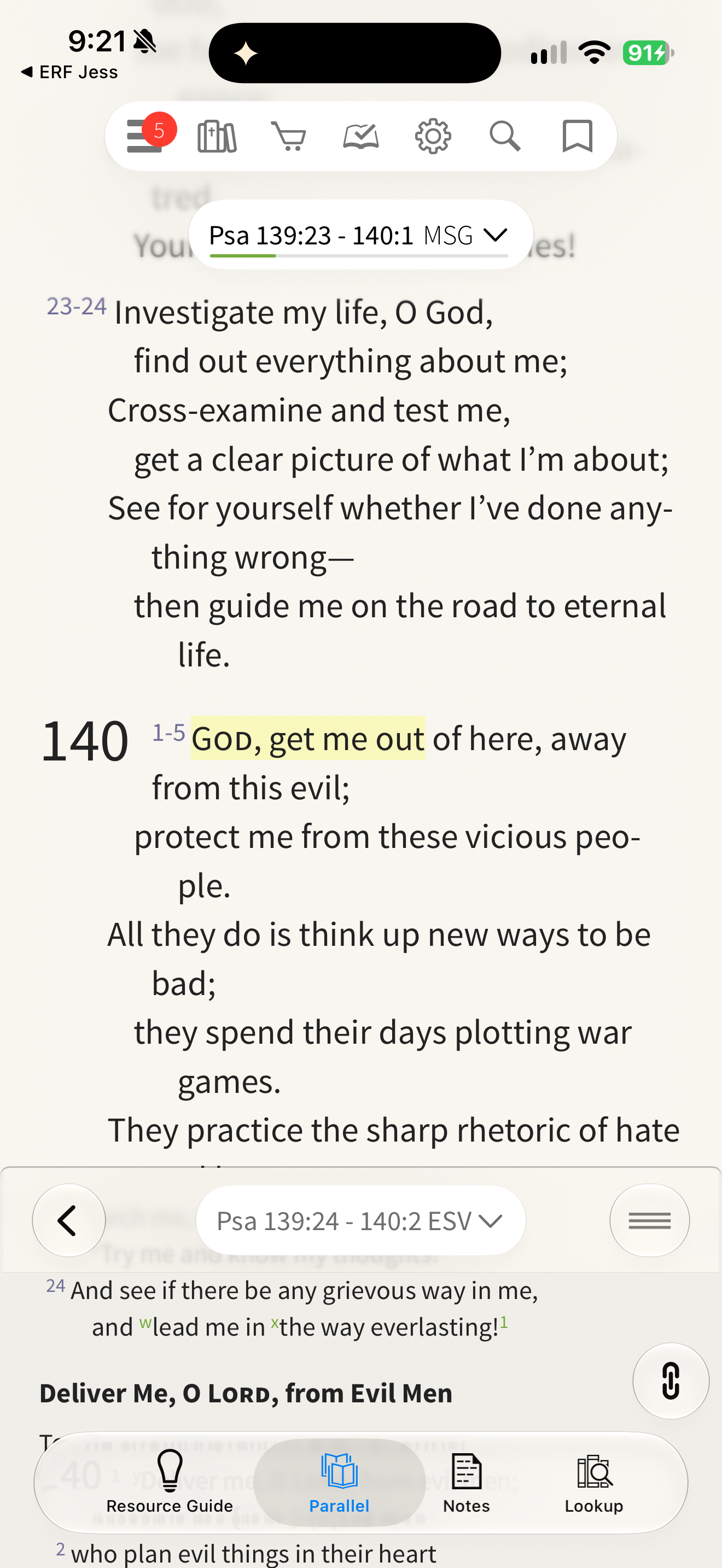
Olive Tree opens its Resource Guide beneath the Scripture reader. Olive Tree shows The Message above an ESV parallel passage. Olive Tree Study Center: Psalm 139:23–140:1 (MSG) with an earlier highlight covered; Notes pane with Search, Add Note and Add Category; the account's note categories are covered.
Study helpsOther apps with study helps (33)3 supporting screens
Translations
Olive Tree shows The Message above an ESV parallel passage.
- Download
- Free download · US store
- Access
- Some free use available
Cost, access & publisher model Sources and details
Practical facts, separate from the design assessment. Checked 25 October 2026. A free download does not establish free access to all content.
- App download
- Free download · US · Store source
- Subscriptions
- Subscription declared · Source
- Store in-app products
- In-app products listed
- Donations
- Not verified
- Advertising
- Not verified
What access does payment cover?
A subscription is not needed to use the app or previously purchased resources. Additional resources can be bought individually; subscriptions provide selected study-resource libraries. Subscription resource access ends after cancellation while separately owned titles remain available.
Scope: App use and paid resources · publisher statement · Source · 25 October 2026
Free samples, a free tier and the complete library are different scopes. Store and publisher evidence is separate from the dated captured-flow review in Design review. Coverage varies by offer and platform.
Store-listed products and prices (10)
US App Store · checked 25 October 2026. Names and prices describe listed products, not a personal checkout quote. Other platforms, web offers and eligibility can differ.
- ESV Study Pack Monthly$5.99
- NIV Study Pack Monthly$5.99
- NIV Bible$0.00
- NKJV Study Pack Monthly$5.99
- The Message Bible$11.99
- New Living Translation - NLT$9.99
- NASB 1995$11.99
- Starter Pack Monthly$2.99
- ESV Study Bible$47.99
- Olive Tree Bible Maps$17.99
Publisher funding and business model
Publisher documents one-time digital resource purchases and auto-renewing in-app subscriptions. Purchased books are described as retained across devices. No HarperCollins-wide revenue inference.
Olive Tree app resources · Current webpage checked 25 October 2026 · Publisher source · checked 25 October 2026
The organization’s complete current funding mix and revenue are not established here. App payments, donations and capital raised describe different things; they do not determine an ethical assessment.
Organization profile and funding sourcesStore facts checked 25 October 2026 (version 8.1.4). Ratings are not downloads or active users. App-specific revenue and active users have not been verified; see the organization profile for separately scoped figures.
Store reviews
Store reviews offer useful questions to investigate. These retrieved samples are self-selected, vary by platform and do not establish the experience of every user.
Illustrative reading
Translations/library usefulness is appreciated; a selected account reports difficulty searching notes and concern about a purchased reference changing.
Based on 2 selected review excerpts, which may be historical; not a full thematic analysis. Review source
Review samples, reading and sources
- Google PlayEnglish / US requested
50 written reviews within the 180 days ending 25 October 2026.
4–5 stars: 433 stars: 31–2 stars: 4
View Google Play listing- Google PlayGerman / DE requested
6 written reviews within the 180 days ending 25 October 2026.
4–5 stars: 53 stars: 11–2 stars: 0
Small sample: fewer than 20 recent reviews.
View Google Play listing- Apple App StorePublic review page · default order
10 selected excerpts returned; these may be older and are not a recent or random sample.
Returned dates: 21 November 2018 – 14 May 2026.
View Apple reviews
Collected 25 October 2026. Up to 50 newest Play reviews per requested language/storefront before the date filter. Requested locale does not establish residence; streams may overlap and must not be added together. Star counts describe ratings, not text sentiment or ethical quality. Methods and limitations.
App Store screenshots
View the store listingPublisher-supplied images from the US App Store, checked 25 October 2026. Promotional artwork may include captions or composites; it shows how the publisher presents the app.
Show all 10 publisher imagesHide publisher gallery
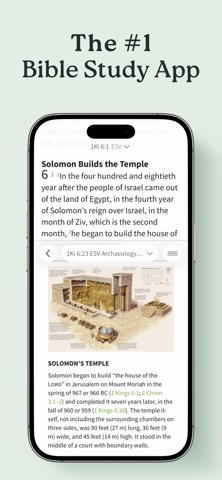
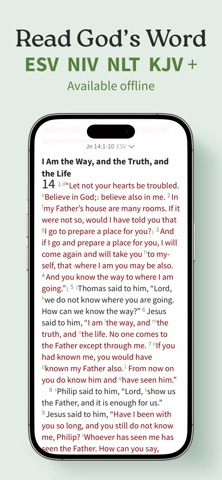
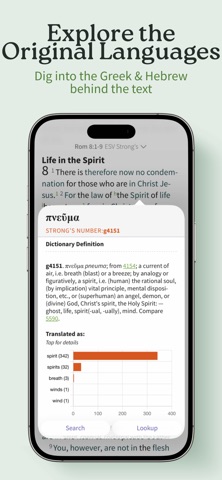
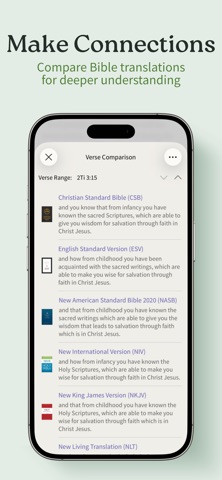
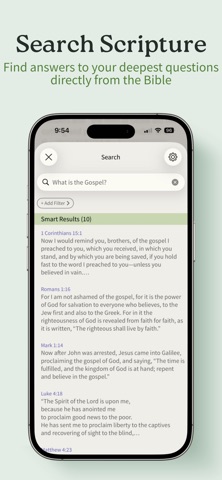
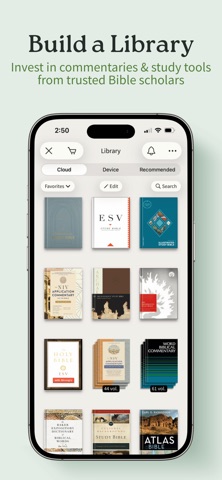
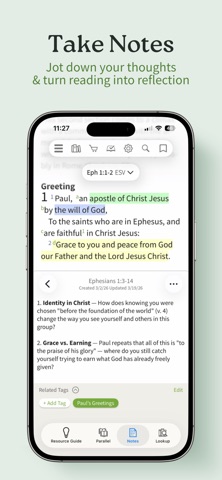
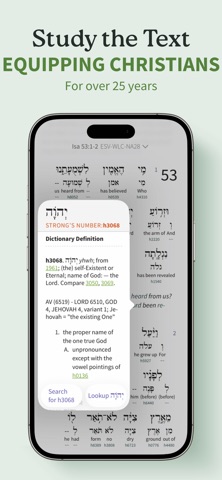
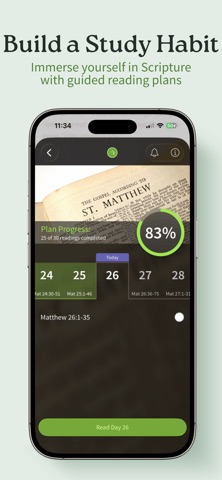
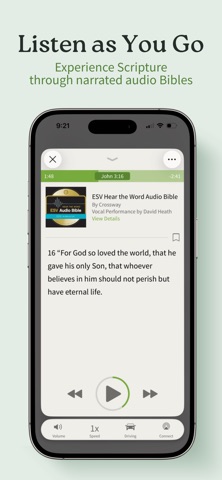
Scroll to browse all 10 images. Select an image to open it at its sourced size.
Not reviewed yet: Money and access, Attention and agency, Truth and spiritual authority, Privacy and dignity, Formation and relationships, Care and inclusion, Craft and repair, Stewardship and accountability.
The ten principle questions For your own design review
These questions guide discernment; they are not ten scores for this app.
- Keep the Word distinct, and teach it truly
- Can a reader always tell Scripture from our words, and our words from a machine’s?
- Never speak for God
- Would we put our own name under this sentence, or are we borrowing God’s?
- Design for the most vulnerable first
- Who is the most vulnerable person likely to use this today, and what will they see?
- Welcome before you ask, and guard what is told in confidence
- If a friend read everything we keep about this person, would the person be glad?
- Feed the flock, not on it
- Does this serve growth in faith, or only the usage numbers?
- Make room for rest, and say when it is enough
- Where does our product stop, and does it ever tell someone they have done enough?
- Send people to God and to one another
- When someone closes what we built, are they closer to God and to other people?
- Plant and water; leave the growth to God
- What would we stop measuring if we believed growth is God’s?
- Make it well, as an offering
- Would we offer this to God as it is, and could the person with the least sight, time or reading ease use it?
- Hold it with joy and trembling, before God and others
- Who outside the team holds us to account, and who prays for the people who use this?
Use this in your own work
Start with the observed choice, then ask how your own implementation serves people. The evidence is a design example, rather than an app-wide recommendation.